Opens every kind of plist
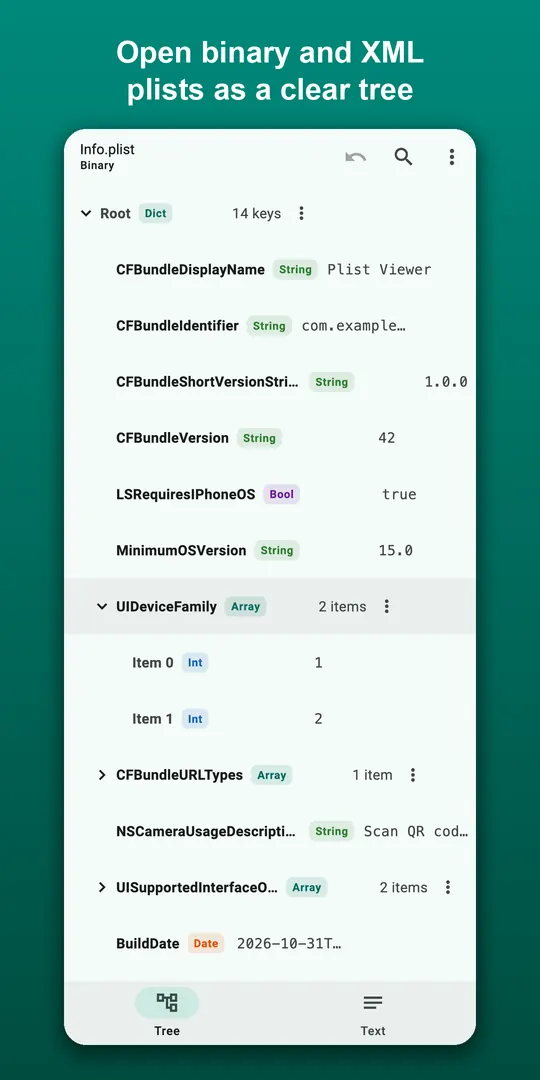
- Binary plists (bplist00) and XML plists, including Info.plist, entitlements and privacy manifests
- Old-style OpenStep plists, .strings files and JSON
- Configuration profiles (.mobileconfig), including signed ones
- NSKeyedArchiver archives, decoded into readable objects
- Base64 of a binary plist pasted from an email or chat
The format is detected from the content, so renamed or extensionless files open too.
Read it clearly
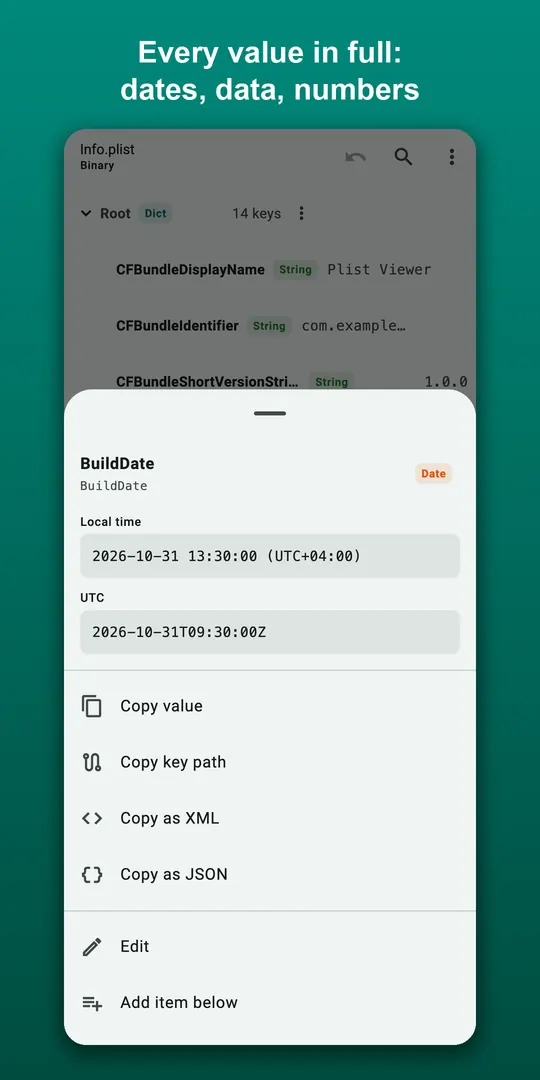
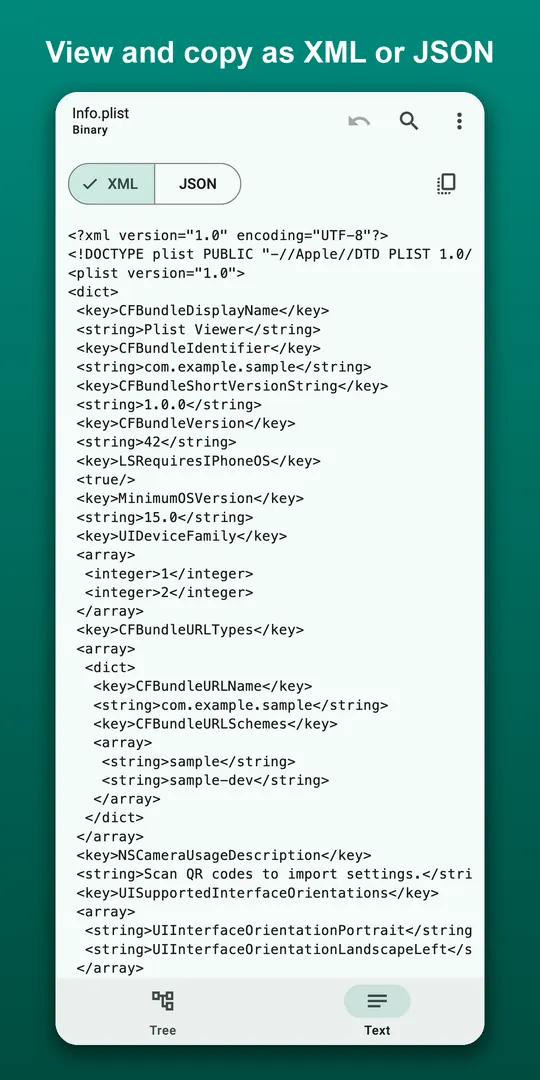
An expandable tree with a type badge on every value; dates in local time and UTC; data as hex and text; short explanations of common Apple keys such as CFBundleIdentifier and NSCameraUsageDescription; search with jump to match; and copy a key path like CFBundleURLTypes[0].CFBundleURLSchemes[0] or any branch as XML or JSON.
Edit, convert and compare — free
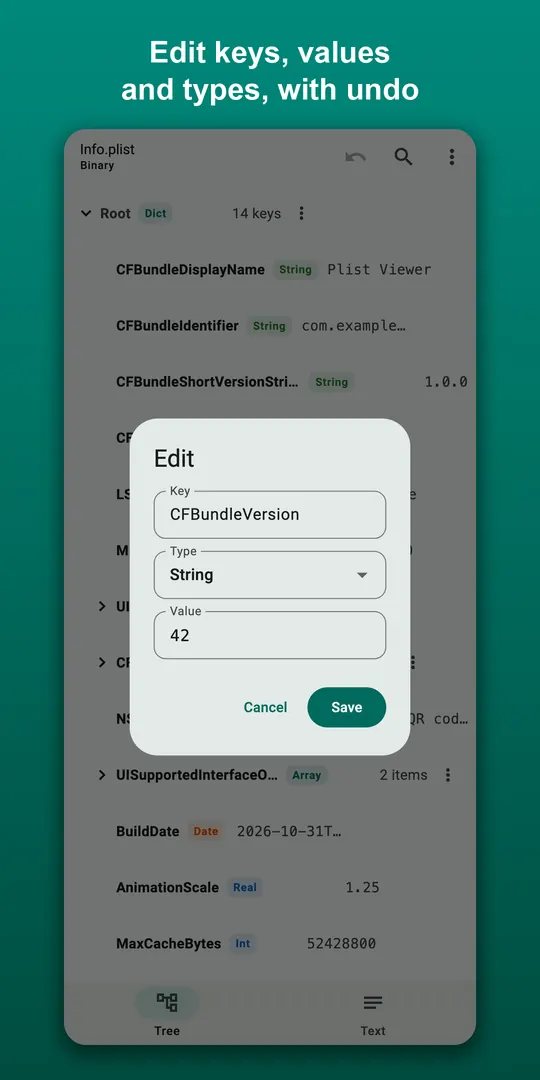
Add, delete, rename, duplicate and reorder keys, change a value's type, undo and redo, then save back to the original or save as binary plist, XML plist or JSON. Compare two plists to see every added, removed and changed key, handy for checking what changed between two app builds.
Questions
- How do I open a binary plist (bplist00)?
- Open the file in Plist Viewer. Binary plists are decoded instantly into a readable tree, and you can view or save them as XML or JSON.
- Can I convert a plist to XML or JSON?
- Yes. Save as binary plist, XML plist or JSON, or copy any branch in either text format.
- Does it open .mobileconfig profiles?
- Yes, including signed configuration profiles, with a summary of the payloads they contain.
Free on Google Play, supported by ads. Read the Plist Viewer privacy policy. Questions or a bug? Write to support@tahatec.com.