
What it does
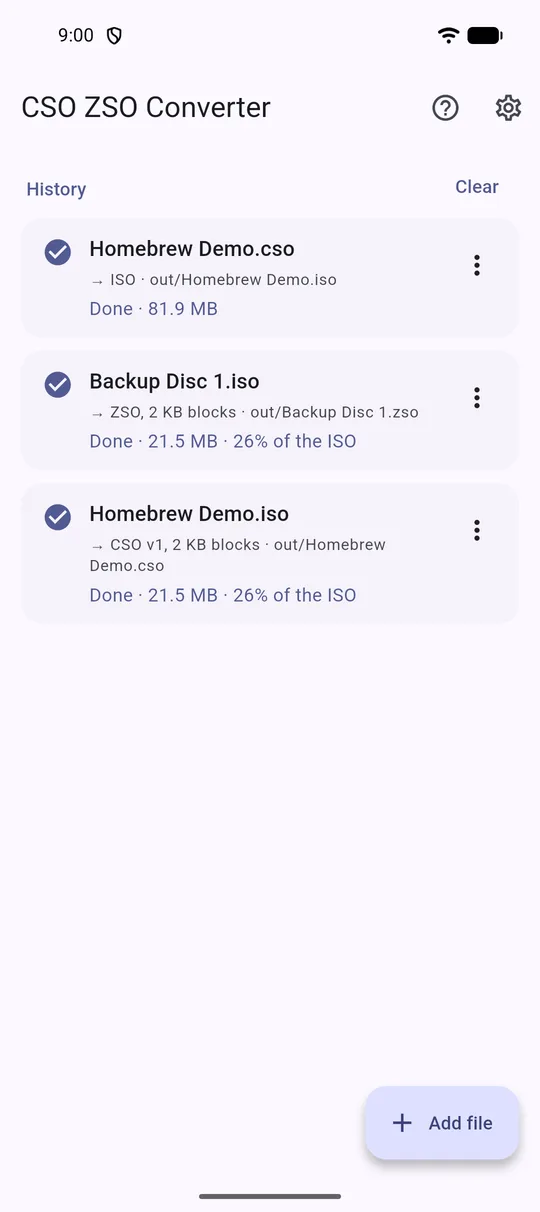
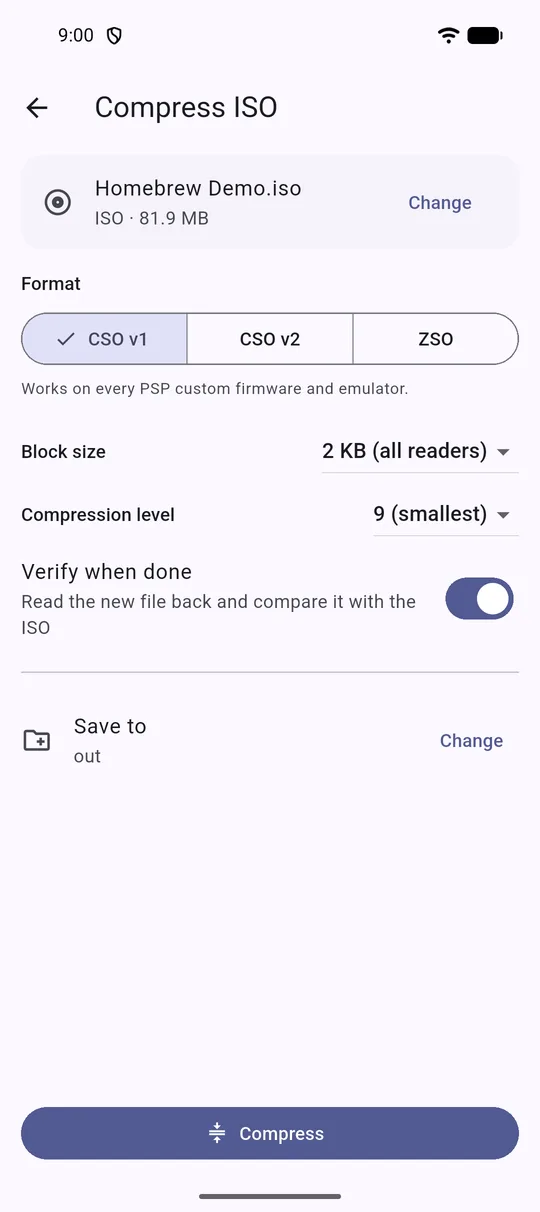
- ISO → CSO v1: the classic compressed ISO that every PSP custom firmware and emulator, including PPSSPP, can read
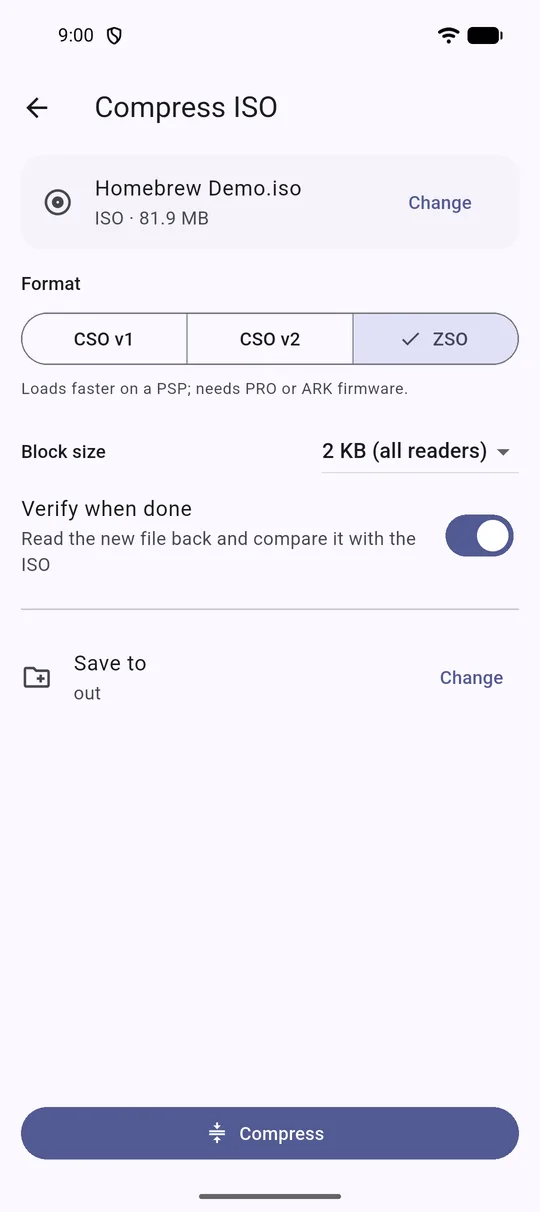
- ISO → ZSO: LZ4-compressed, slightly larger but faster to load on a PSP running PRO or ARK firmware
- ISO → CSO v2: the experimental mixed deflate/LZ4 format, for readers that support it
- CSO / ZSO → ISO: get the original image back, byte for byte
Built to be trusted
- Verify after compressing: the app reads the new file back and compares every byte with your ISO
- Never overwrites a file: a second copy is saved as "game (1).cso"
- A failed or cancelled conversion deletes its half-written file
- Damaged or incomplete CSO/ZSO files are detected and explained, not silently converted
Your choice of settings
- Block sizes from 2 KB (works everywhere) to 64 KB (smaller files for emulators)
- Compression level 1–9
- Defaults you set once in Settings
Works the way you do
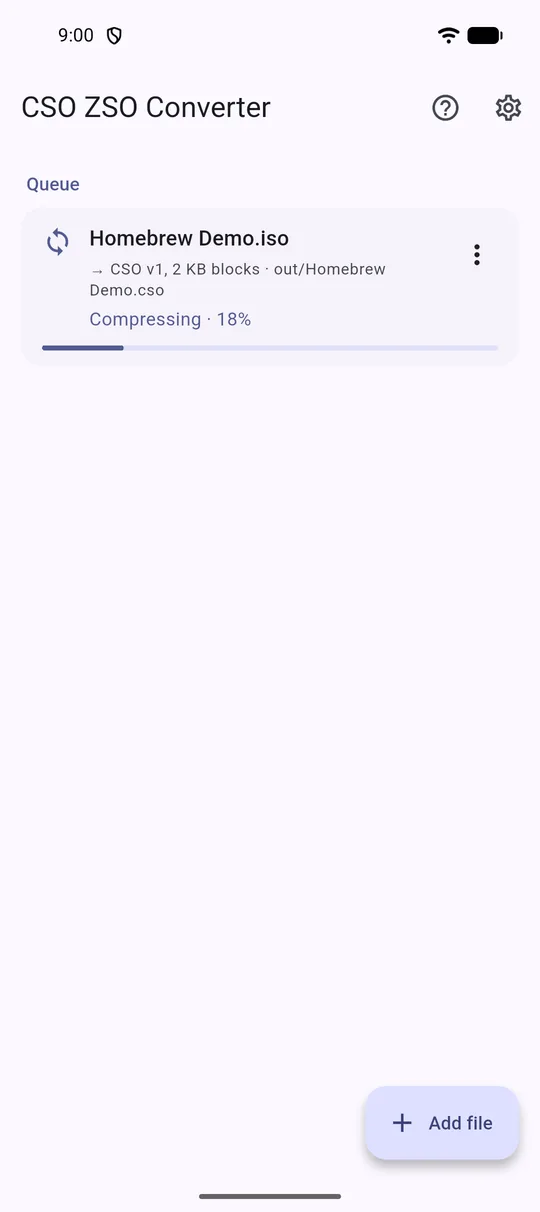
- Queue several files; they convert one after another
- Runs in the background with a progress notification; switch apps or lock the screen
- Read and save on internal storage, an SD card or a USB drive
- Completely offline: nothing you convert leaves your phone
Questions
- What is the difference between CSO and ZSO?
- CSO v1 is the classic compressed ISO that every PSP custom firmware and emulator, including PPSSPP, can read. ZSO uses LZ4: slightly larger, but faster to load on a PSP running PRO or ARK firmware.
- Can I get my ISO back?
- Yes. CSO or ZSO converts back to the original ISO, byte for byte.
- Does it include any games?
- No. The app contains no game data and does not download, provide or unlock any game.
Free on Google Play, supported by ads. Read the CSO ZSO ISO Converter privacy policy. Questions or a bug? Write to support@tahatec.com.