
Reads every common kind of DMG
- Every DMG compression: zlib, bzip2, LZFSE, LZMA and ADC
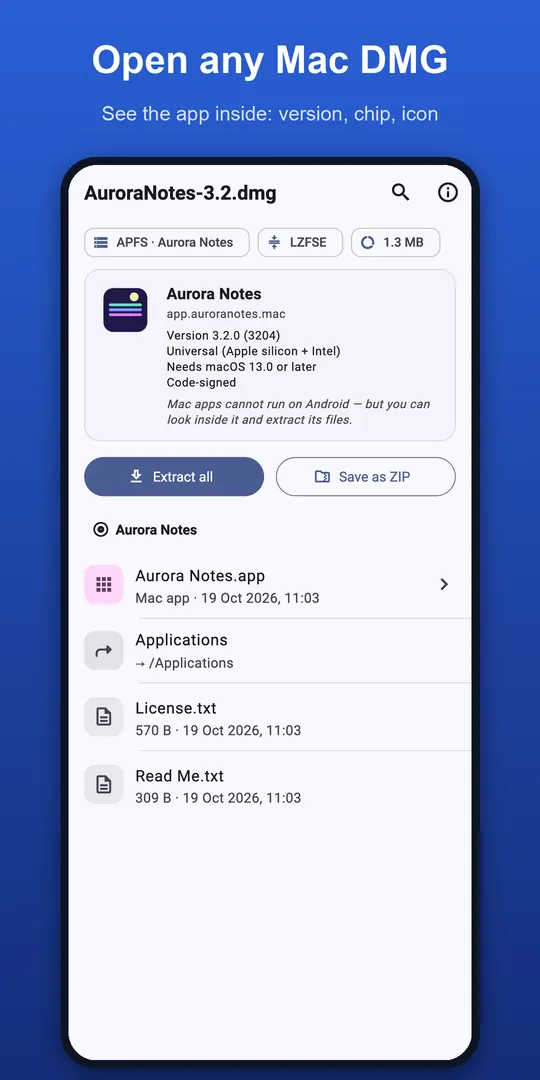
- Both Mac filesystems: APFS and HFS+, including case-sensitive volumes
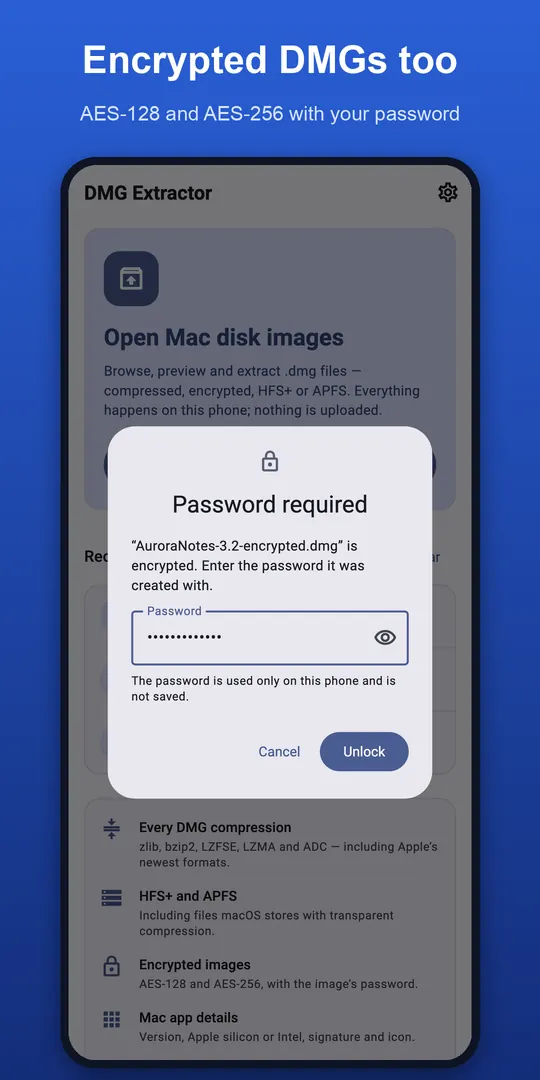
- Encrypted images (AES-128 and AES-256) with the image's password
- Raw .img and .cdr images with a Mac volume inside
- Images read in place, not copied, so multi-gigabyte DMGs need no extra space
See what you downloaded
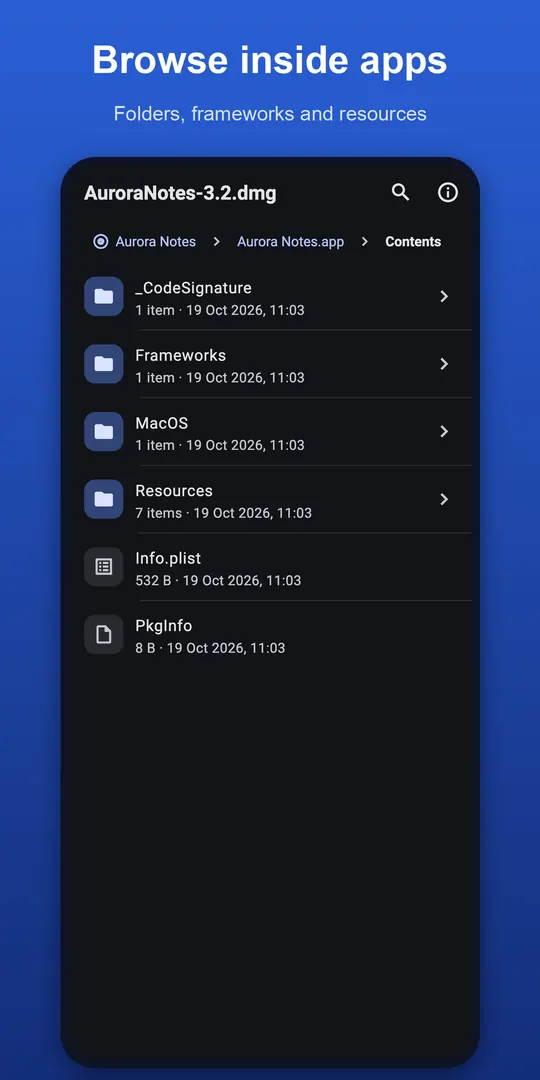
Found a Mac app inside? See its name, version, icon, whether it is signed, the macOS version it needs, and whether it runs on Apple silicon, Intel or both. Browse folders including inside .app bundles, preview text, images and property lists, view any file as hex, search every file name, and verify the image's built-in checksums.
Get your files out
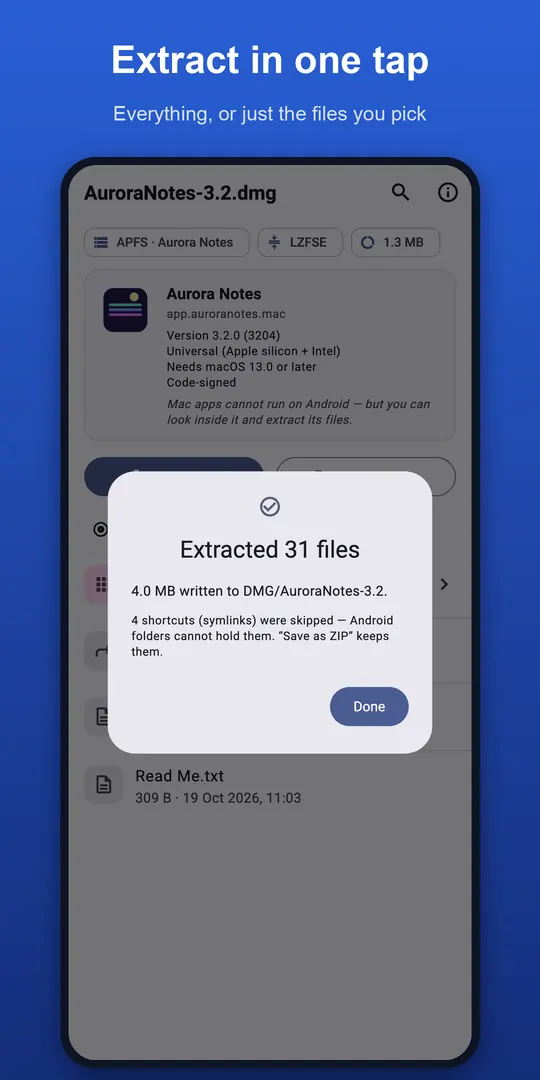
Extract everything or just what you select into any folder, or save as a ZIP that keeps Mac symlinks so it unpacks correctly on a Mac. Save, share or open single files, and open a DMG straight from your browser or email with Open with.
Good to know
Mac apps cannot run on Android: the app lets you look inside them and extract their files, but cannot install or run them. Sparse bundles and images using Apple's native APFS encryption are not supported yet. Images are read entirely on your phone and passwords are never stored.
Questions
- How do I open a DMG file on Android?
- Tap the .dmg in your browser, file manager or email and choose DMG Extractor, or open it from inside the app. You can then browse and extract its contents.
- Can I install a Mac app from a DMG on Android?
- No. Mac apps cannot run on Android. You can look inside them and extract their files.
- Does it open password-protected DMGs?
- Yes, AES-128 and AES-256 encrypted images open with their password. Apple's native APFS encryption is not supported yet.
Free on Google Play, supported by ads. Read the DMG Extractor privacy policy. Questions or a bug? Write to support@tahatec.com.