
What it does
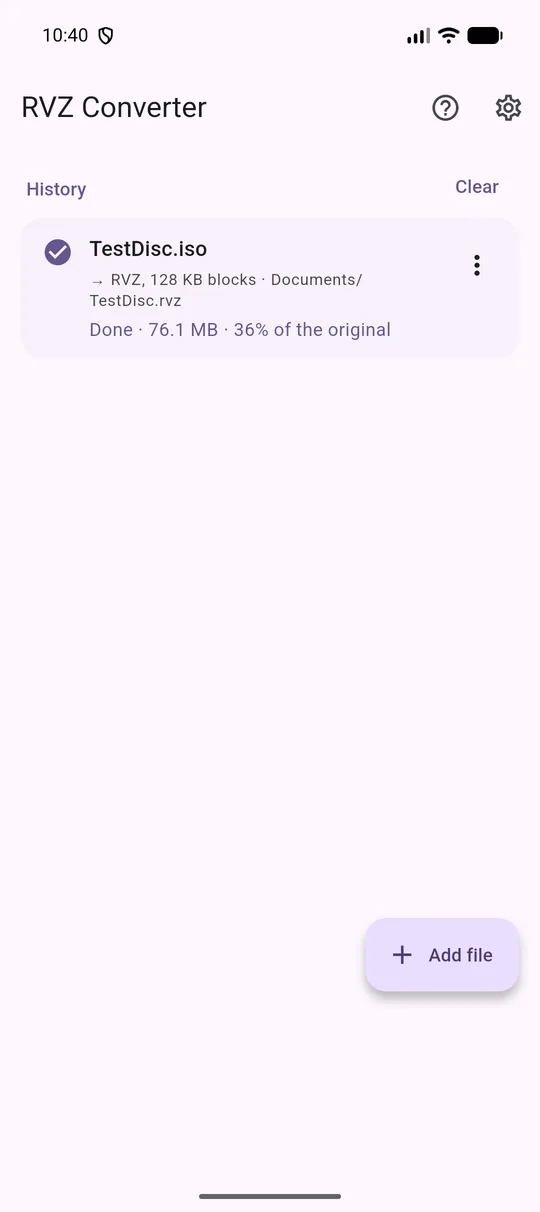
- RVZ → ISO and WIA → ISO, for GameCube and Wii discs: the original image back, byte for byte
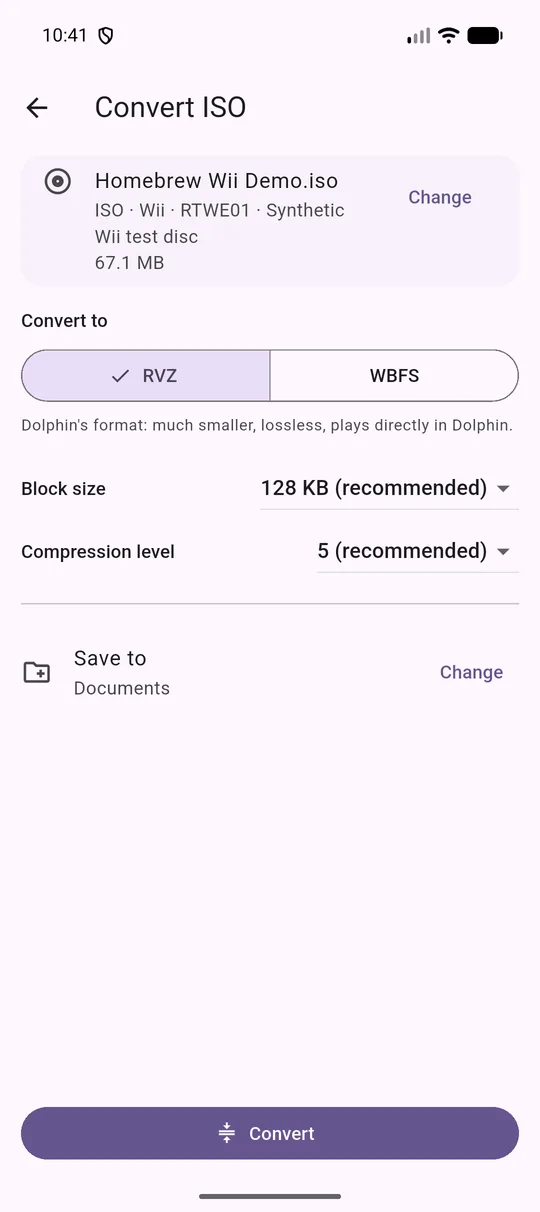
- ISO → RVZ: Dolphin's compressed format, much smaller and lossless, plays directly in Dolphin
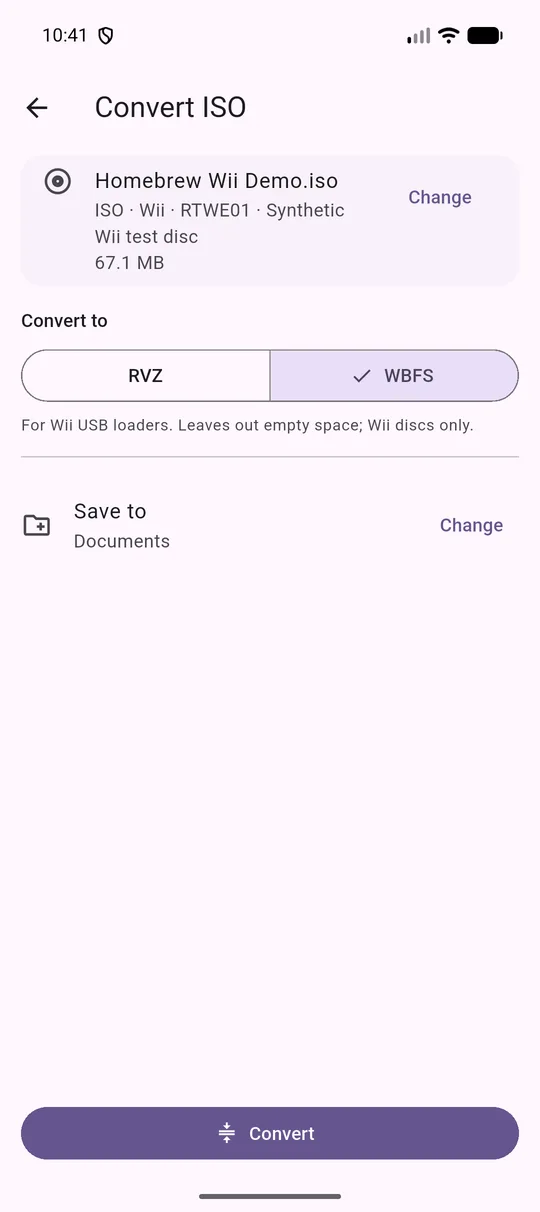
- Wii ISO → WBFS: for USB loaders; empty space is left out
- WBFS → ISO or RVZ
- Reads every RVZ and WIA compression method: Zstandard, LZMA, LZMA2, bzip2, Purge and uncompressed
Built to be trusted
- Tested byte for byte against Dolphin's own converter, in both directions
- Disc padding is recreated exactly from its seed, so nothing is lost
- Never overwrites a file: a second copy is saved as "game (1).rvz"
- A failed or cancelled conversion deletes its half-written file
- Damaged or incomplete files are detected and explained, not silently converted
Your choice of settings
- Block sizes from 32 KB to 2 MB (128 KB recommended, as in Dolphin)
- Zstandard levels 1–22
- Defaults you set once in Settings
Works the way you do
- Queue several files; they convert one after another
- Runs in the background with a progress notification; switch apps or lock the screen
- Uses every core of your phone for compression
- Read and save on internal storage, an SD card or a USB drive
- Completely offline: nothing you convert leaves your phone
Questions
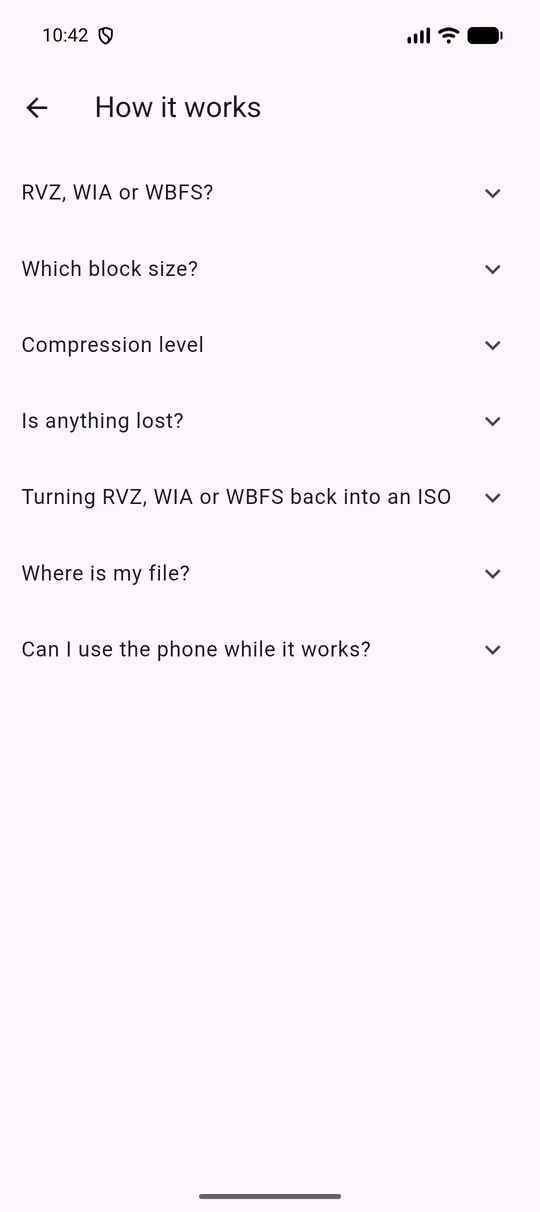
- Can I turn an RVZ back into an ISO?
- Yes, for GameCube and Wii discs: the original image back, byte for byte.
- Will the RVZ files play in Dolphin?
- Yes. ISO to RVZ produces Dolphin’s compressed format, which plays directly in Dolphin.
- Does it include any games?
- No. The app contains no game data and does not download, provide or unlock any game.
Free on Google Play, supported by ads. Read the RVZ Converter privacy policy. Questions or a bug? Write to support@tahatec.com.