
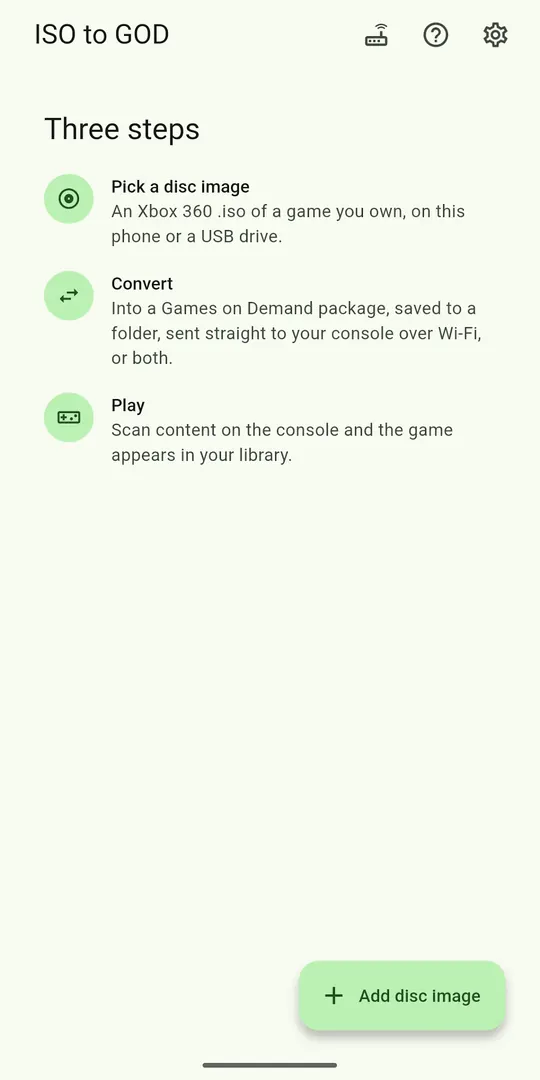
What it does
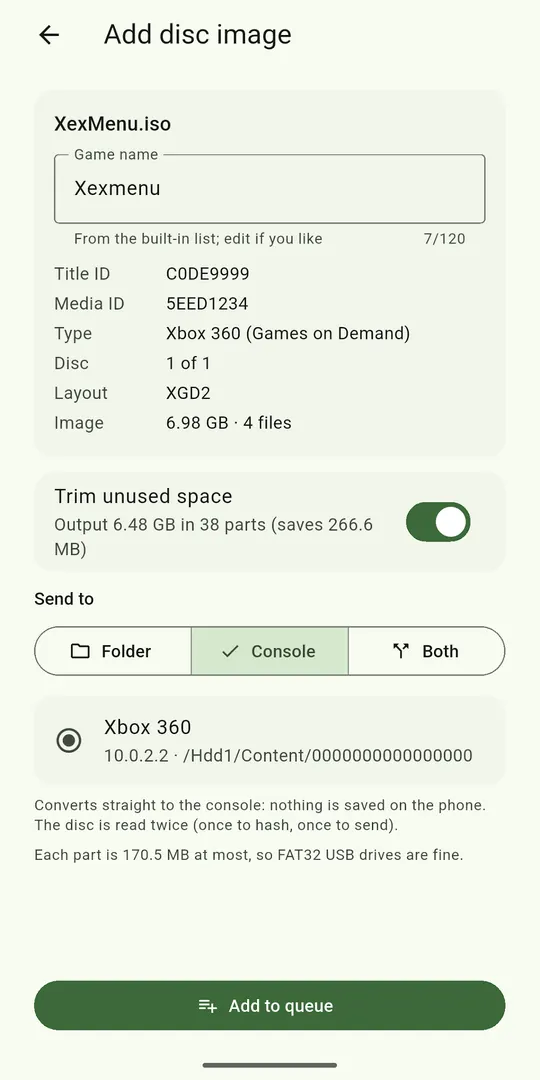
- Shows the game's name, Title ID, Media ID, disc layout (XGD1, XGD2, XGD3) and disc number before you convert
- Checks the image for problems first, such as an incomplete copy
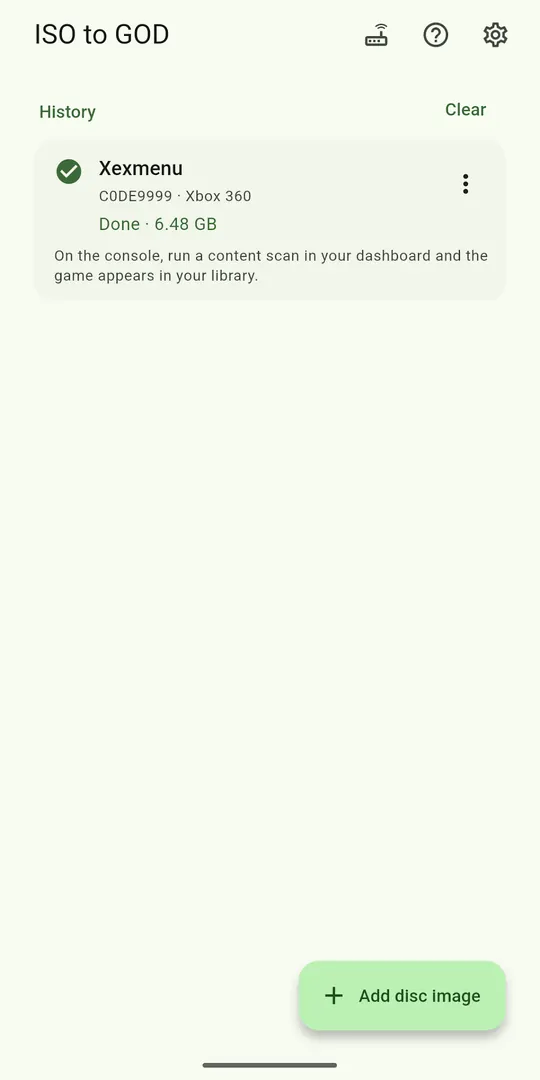
- Converts to the Games on Demand layout: a Title ID folder, a header file and data parts
- Trims unused space, and keeps every part under 4 GB so FAT32 USB drives work
Three ways to send
Save the package to your phone, an SD card or a USB drive; upload it to your console over Wi-Fi (FTP) with nothing stored on the phone; or save it, verify it, then upload the verified copy.
Built for big files
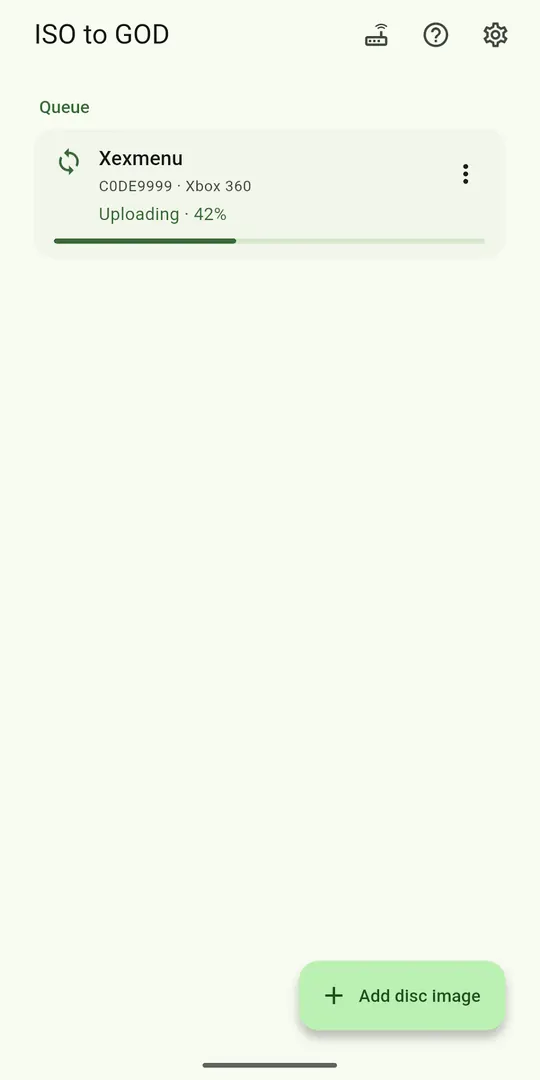
Multi-gigabyte images are read in place without copying. Conversion keeps running with the screen off, with progress in the notification; interrupted uploads resume where they stopped; every block is verified after converting; and several discs can be queued.
Important
Use it only with backups of games you own; the app does not provide, download or unlock any game. ISO to GOD is independent and not affiliated with Microsoft. The conversion format work builds on the open-source iso2god-rs project (MIT licence).
Questions
- What is GOD format on Xbox 360?
- Games on Demand: the installed-game layout the Xbox 360 dashboard uses, made of a Title ID folder, a header file and data parts. Homebrew dashboards such as Aurora can run disc backups converted to it.
- Will GOD packages work on a normal Xbox 360?
- No. A standard, unmodified console does not accept them. They are for consoles running a homebrew dashboard.
- Can I send the game to my console without a USB drive?
- Yes. The app can upload the package to the console over Wi-Fi (FTP), and resumes if the upload is interrupted.
Free on Google Play, supported by ads. Read the ISO to GOD Converter privacy policy. Questions or a bug? Write to support@tahatec.com.