What it opens
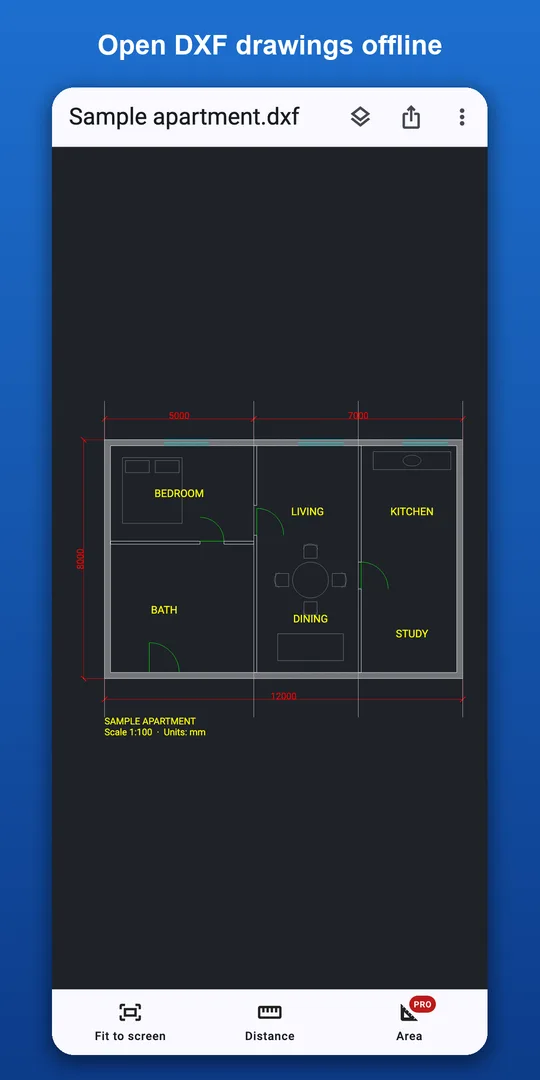
- DXF from AutoCAD R12 to 2018, text (ASCII) and binary
- Lines, polylines with arcs and widths, circles, arcs, ellipses and splines
- Text and multi-line text, including colours and stacked fractions
- Dimensions, leaders and multileaders, hatches (solid and patterns)
- Blocks, nested blocks, arrays and attributes
- Layers, colours and linetypes, wipeouts, image frames
- 3D solids and custom objects, shown with the picture AutoCAD saved for them
View and measure
- Pinch to zoom, drag to pan, double-tap to zoom in, fit to screen
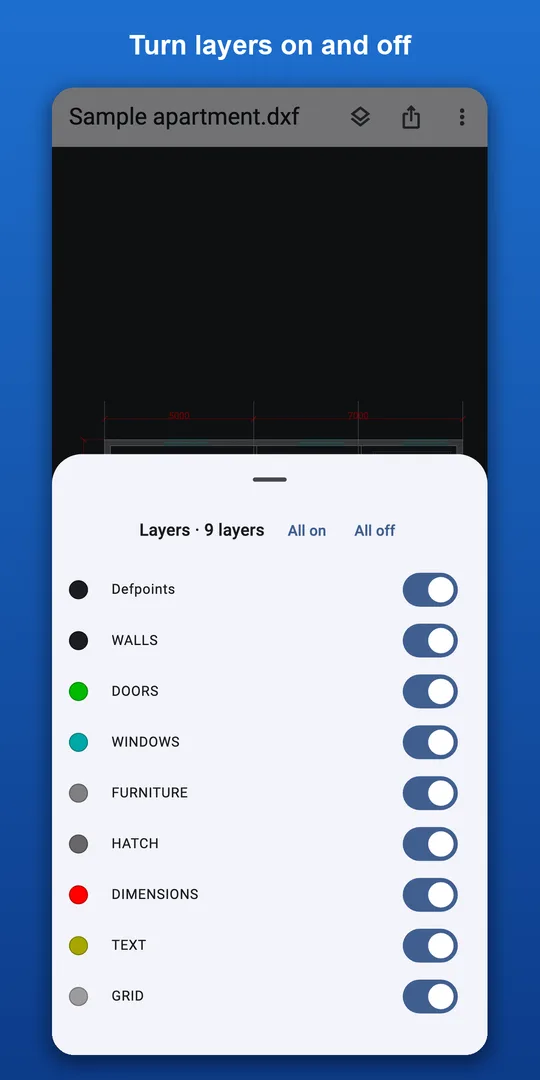
- Layers panel: turn any layer on or off
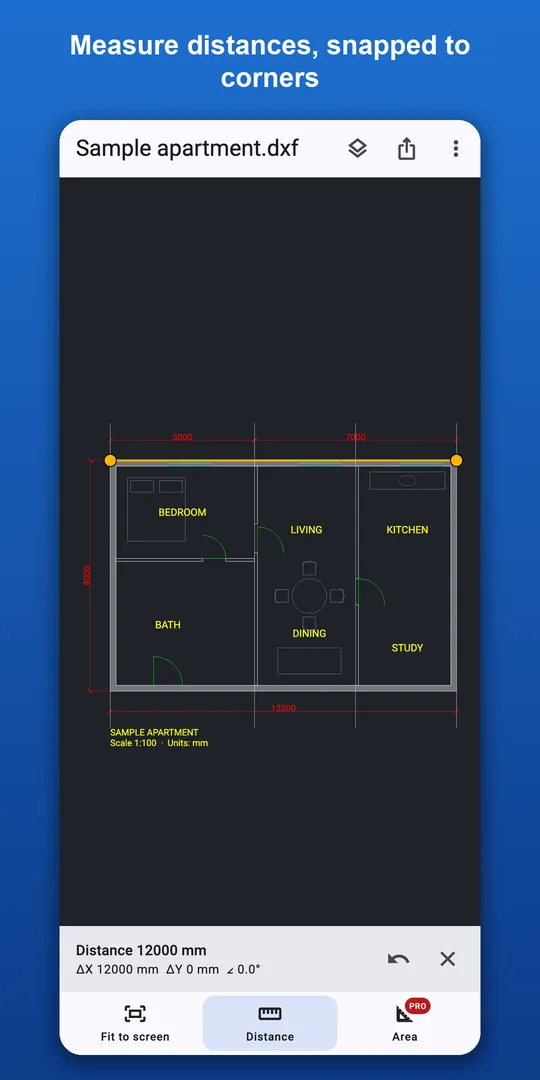
- Measure distances in the drawing's own units; taps snap to line ends and corners
- Dark CAD-style background or white paper
- Drawing info: AutoCAD version, units, size, objects and layers
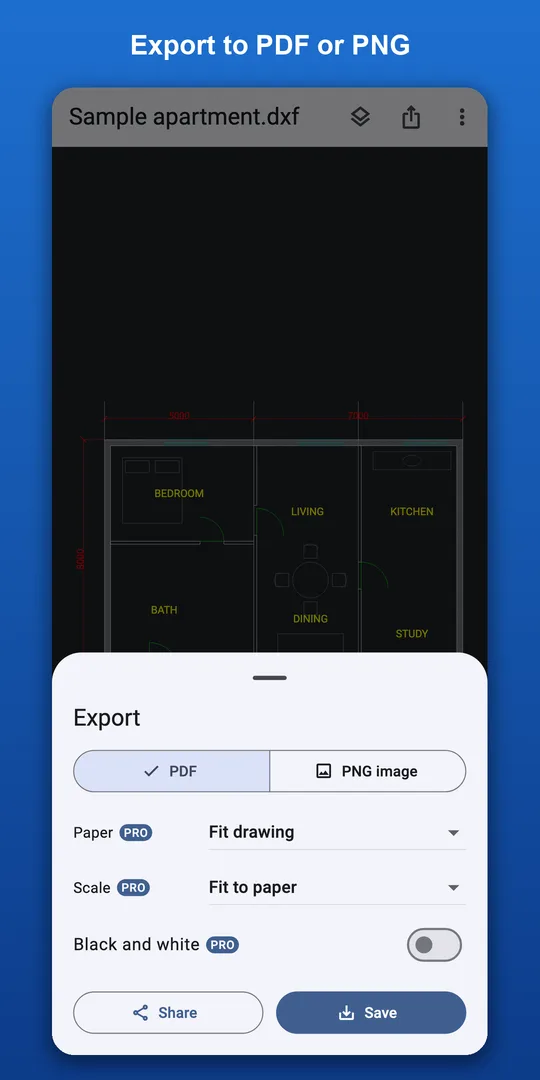
Export
- Vector PDF that stays sharp at any zoom, fitted to the page
- PNG image of the whole drawing
- Save to your phone or share to any app
Pro (one-time purchase)
- No ads
- Area and perimeter measuring
- Paper sizes A4 to A0, Letter and Tabloid, at a scale like 1:50 or 1:100
- High-resolution PNG up to 8192 pixels
- Several DXF files into one PDF
- Black-and-white PDFs and exports with only the layers you have on
Private by design
Your drawings never leave your phone. No account, no upload, no storage permission: files reach the app only when you pick or share them.
DWG files are not supported yet; DWG support is planned for a later update. Until then, save the drawing as DXF in your CAD program.
Questions
- Does it open DWG files?
- Not yet; DWG support is planned for a later update. Until then, save the drawing as DXF in your CAD program.
- Can I export a drawing to PDF?
- Yes, as a vector PDF that stays sharp at any zoom, or as a PNG image.
- Are my drawings uploaded?
- No. Drawings never leave your phone.
Free on Google Play, supported by ads. Read the DXF Viewer privacy policy. Questions or a bug? Write to support@tahatec.com.