
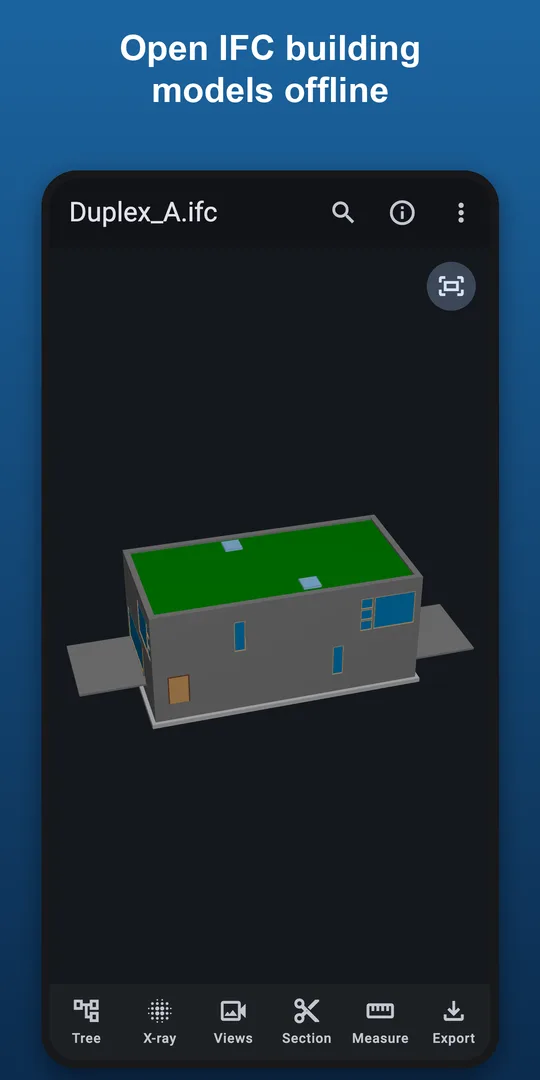
Open your model
- IFC2x3, IFC4 and IFC4x3 files (.ifc) and zipped IFC (.ifczip)
- Walls, slabs, doors, windows, openings, beams, columns, pipes and more, in the file's own colours
- Open from your file manager, email or chat app with Open with
Find your way around
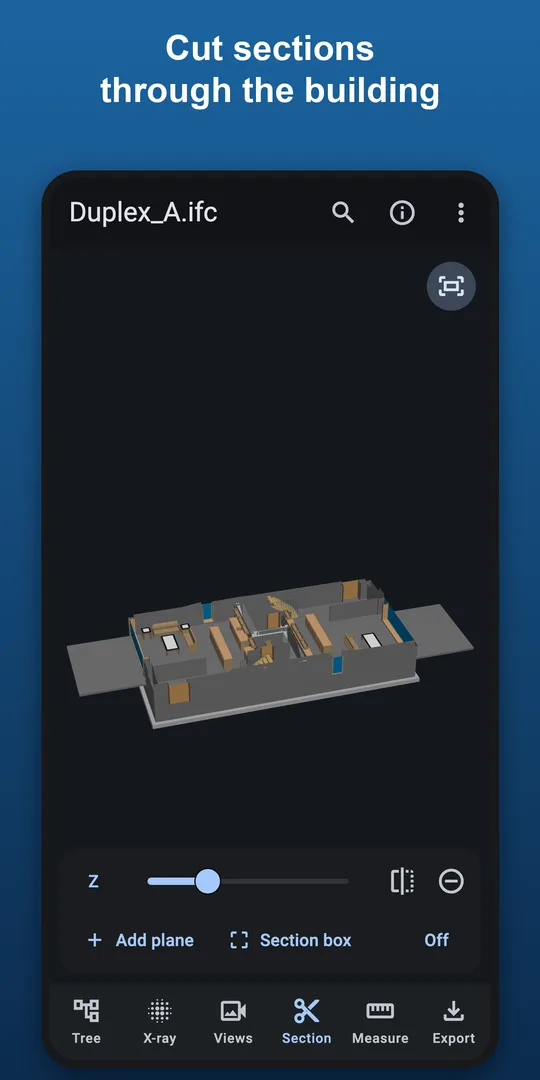
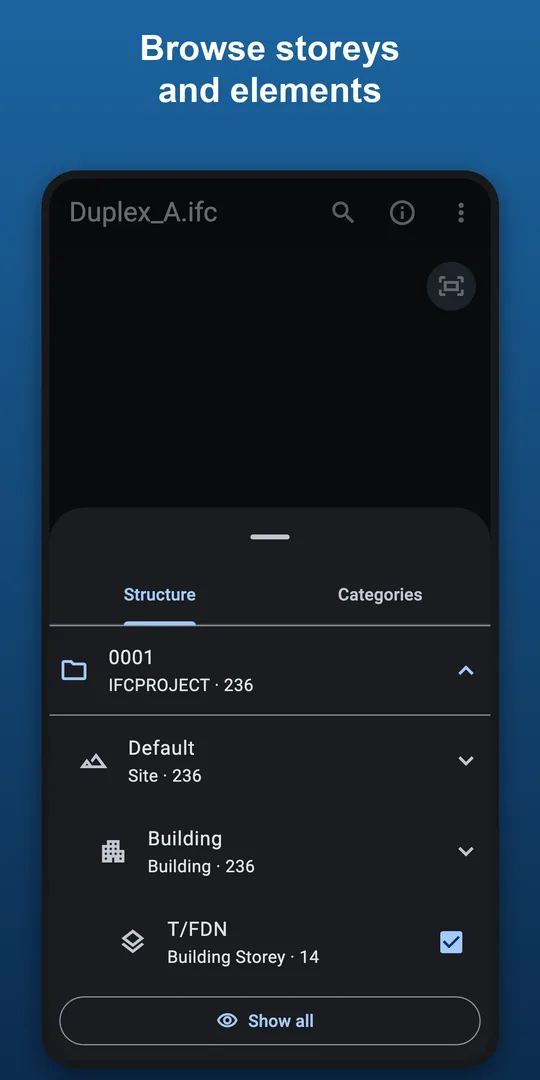
A building tree from project to site, building, storeys and elements. Show or hide storeys and categories, hide or isolate any element, search by name, class or GlobalId, switch to X-ray, and cut the building with a section plane.
Read the data
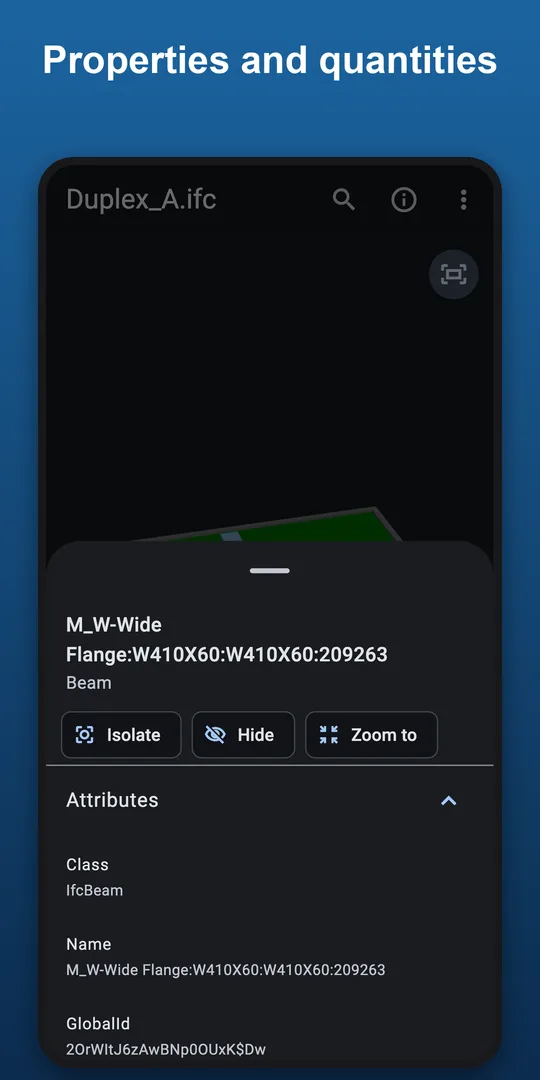
Tap any element for its attributes, property sets, quantities, type properties and materials, and long-press a value to copy it. Model info shows the schema, authoring application, export date, units and element counts by category.
Checked against IfcOpenShell
The app reads IFC with its own engine. It was tested element by element against IfcOpenShell, the reference open-source IFC toolkit, on 65 public sample models. A few rare geometry types are drawn as their bounding box, and Model info counts them.
Optional Pro unlock
A one-time purchase, with no subscription, adds measuring in metres with snapping to corners, export of properties and quantities to CSV, saving the current view as a PDF, up to six section planes or a section box, and no ads. Everything above stays free.
Questions
- Which IFC versions does it open?
- IFC2x3, IFC4 and IFC4x3, as .ifc files or zipped .ifczip. ifcXML is not supported yet.
- Are my models uploaded anywhere?
- No. Models are read and drawn entirely on your phone; there is no account and no upload.
- Can it open large models?
- Yes. Models over 50 MB open; very large models need a phone with enough memory.
Free on Google Play, supported by ads. Read the IFC Viewer privacy policy. Questions or a bug? Write to support@tahatec.com.