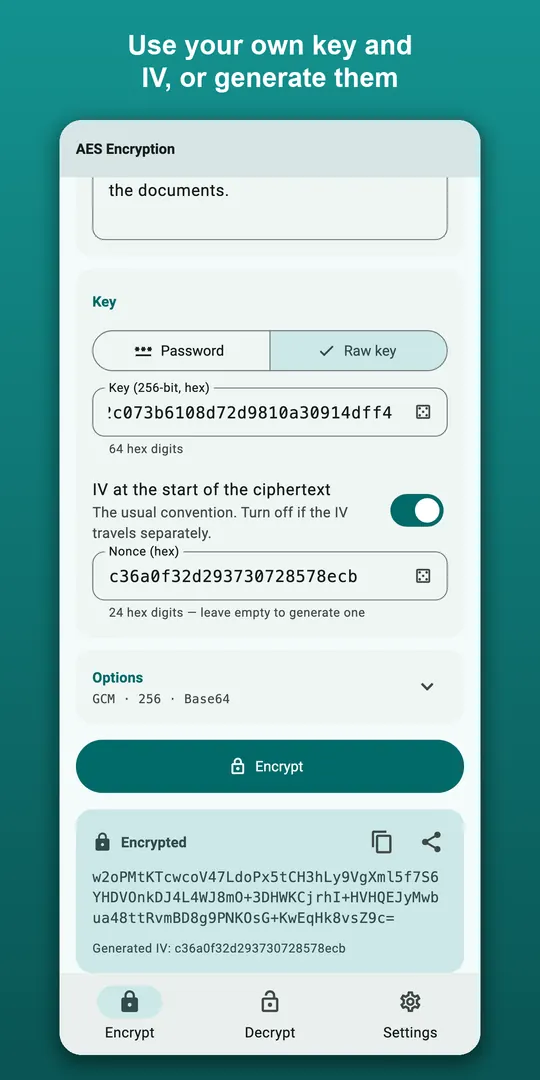
What you can do
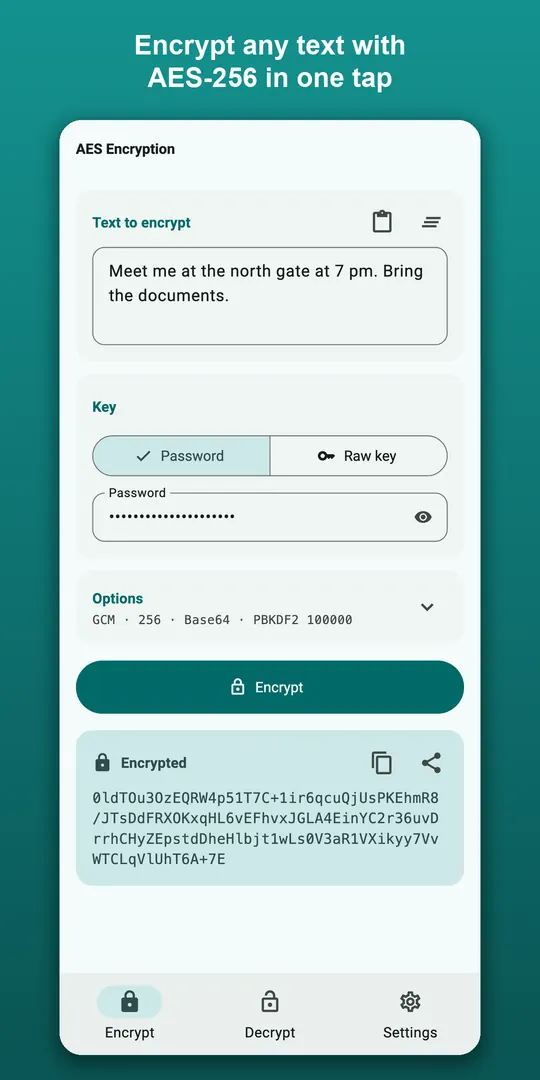
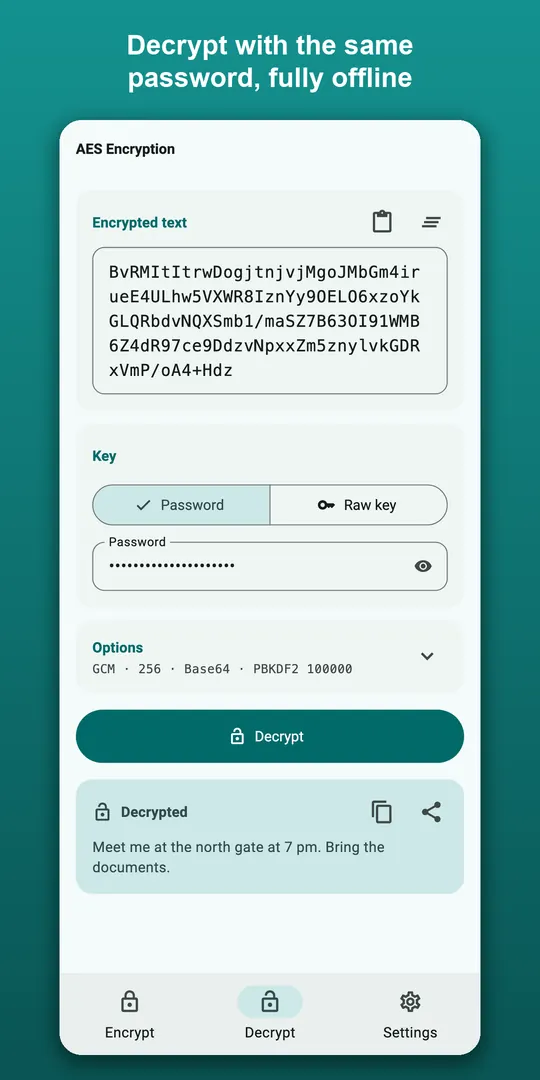
- Encrypt and decrypt text with a password or a raw key
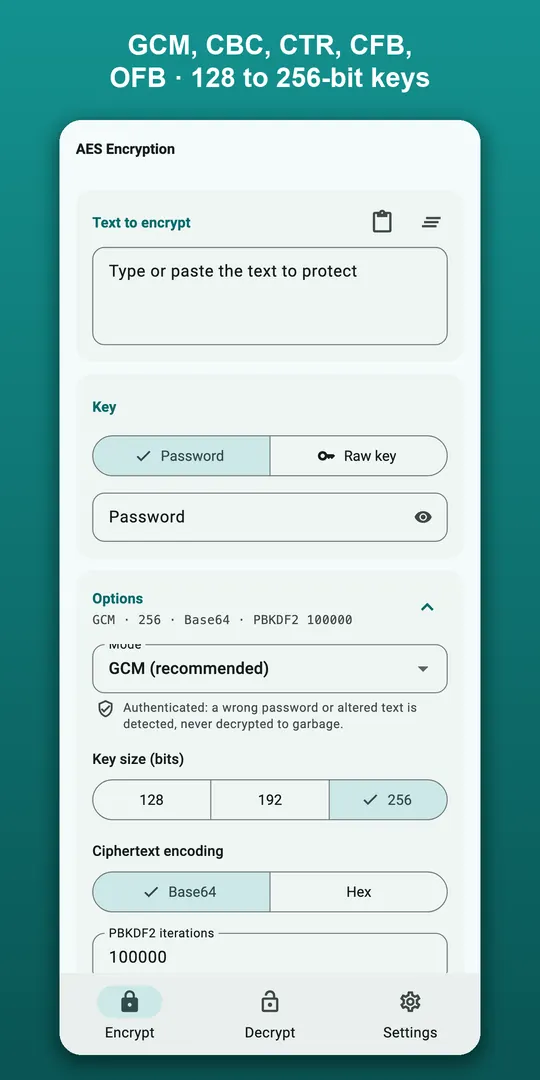
- Six AES modes: GCM (recommended), CBC, CTR, CFB, OFB and ECB
- 128, 192 and 256-bit keys
- Base64 or hex output, detected automatically when you paste
- Generate random keys and IVs, and copy or share in one tap
Authenticated by default
GCM mode detects a wrong password or altered text and refuses to decrypt it instead of producing garbage, and the app says what went wrong: wrong password, wrong mode or damaged data.
Compatible with OpenSSL
Password-encrypted text in CBC, CTR, CFB, OFB and ECB uses OpenSSL's own format, so it opens with openssl enc -d -aes-256-cbc -pbkdf2 -iter 100000 -a, and text from OpenSSL opens in the app. Keys come from PBKDF2-HMAC-SHA256 with an adjustable iteration count; raw-key mode works with Web Crypto, Java, .NET and most libraries.
Private and offline
Your text, passwords and keys are never sent anywhere and never saved, and the app works with no connection. Encryption is only as strong as your password, and nobody can recover a lost one.
Questions
- Which AES mode should I use?
- GCM. It encrypts and also detects tampering or a wrong password. Use another mode only when you need to match an existing system.
- Can I decrypt this with OpenSSL?
- Yes, for password-encrypted text in CBC, CTR, CFB, OFB and ECB, using openssl enc with -pbkdf2 and the same iteration count.
- Can you recover my text if I forget the password?
- No. Nothing is stored or sent anywhere, so without the password the text cannot be decrypted by anyone.
Free on Google Play, supported by ads. Read the AES Encryption privacy policy. Questions or a bug? Write to support@tahatec.com.