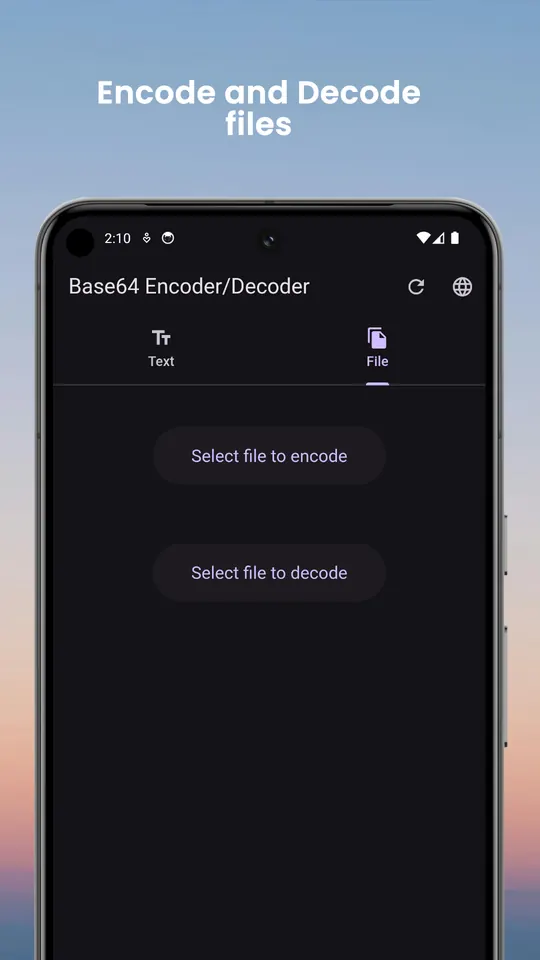
Text and files, both directions
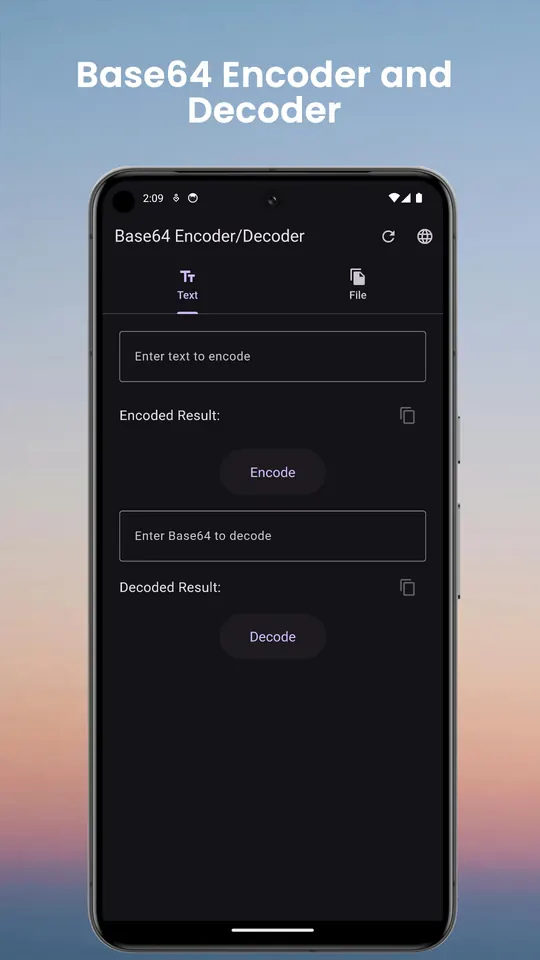
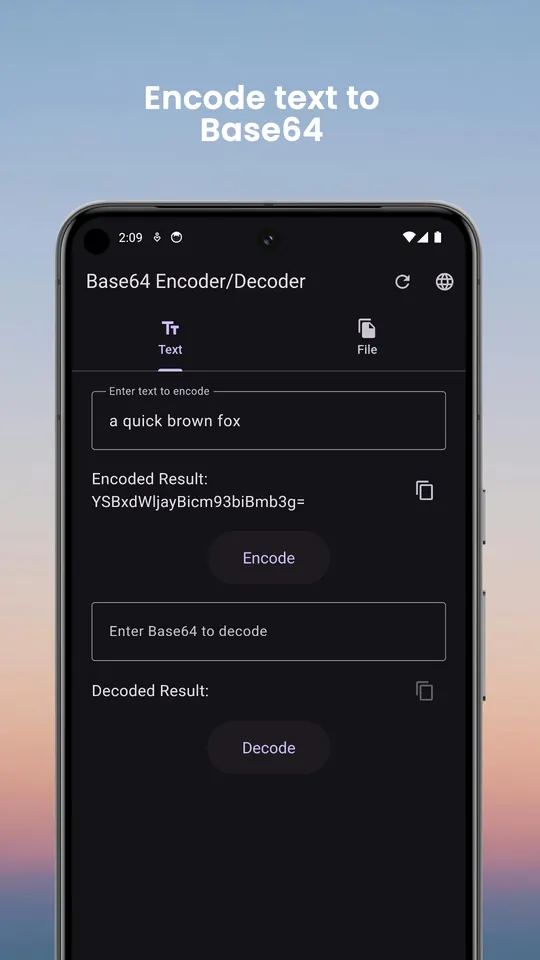
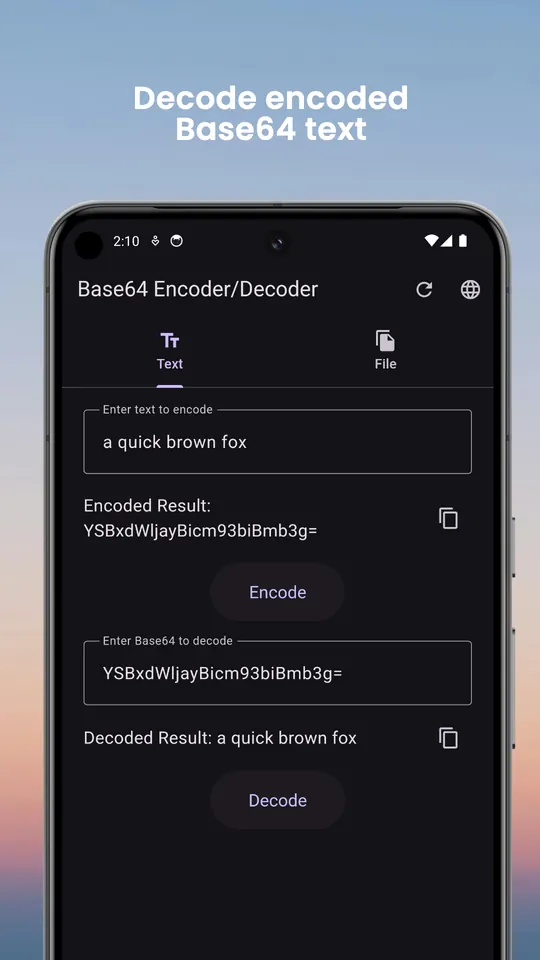
Type or paste text and encode or decode it instantly. Pick any file from your device to encode it, or decode a Base64 file back into the original bytes and save it where you choose.
Output the way you need it
- Copy an encoded file as a ready-to-paste
data:URI for HTML, CSS or JSON - Wrap output at 76 characters, the line length MIME email uses
- Remove the trailing
=padding when a system expects unpadded Base64
History with undo
Your recent conversions are kept on the device. Restore one into the editor, delete a single entry with undo, or clear the lot.
Built to be used daily
Copy and share results in one tap, follow your phone's light or dark theme, and switch between 15 languages inside the app, including Arabic and Urdu with right-to-left layout.
Questions
- Is Base64 encryption?
- No. Base64 is an encoding: anyone can decode it without a key. It makes binary data safe to send as text, but it does not hide or protect anything. Use real encryption for secrets.
- Why does my decoded text look like gibberish?
- The original data was probably binary, such as an image or a compressed file, rather than text. Decode it as a file instead and open the saved result with the right app.
- What is a data URI?
- A way to embed a file directly in a web page or stylesheet, written as
data:image/png;base64,…. The app builds it for you when you encode a file.
Free on Google Play, supported by ads. Read the Base64 Encoder Decoder privacy policy. Questions or a bug? Write to support@tahatec.com.