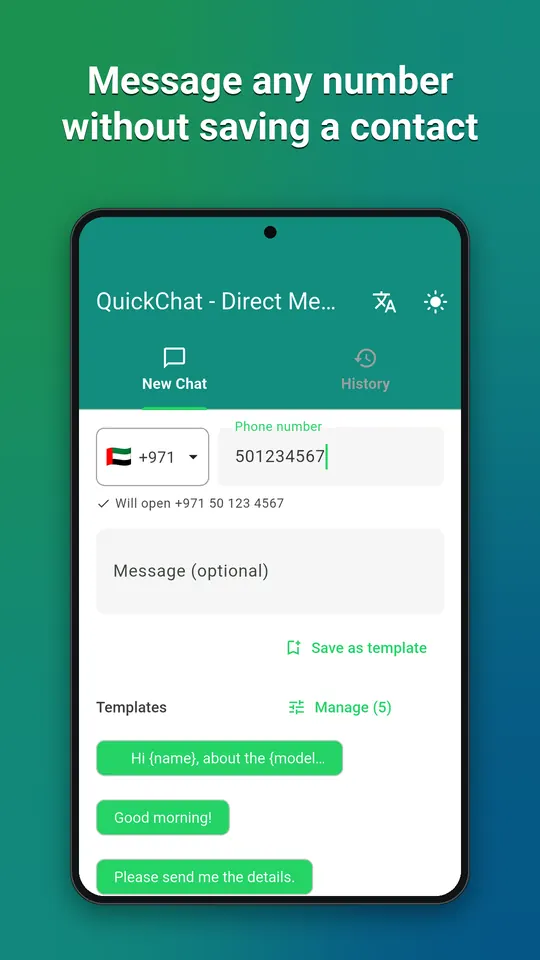
Direct message unsaved numbers
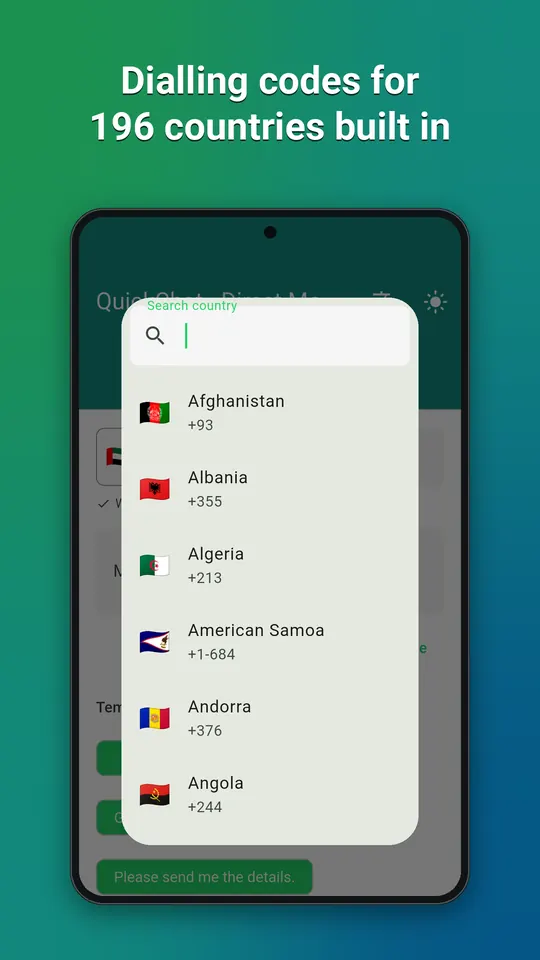
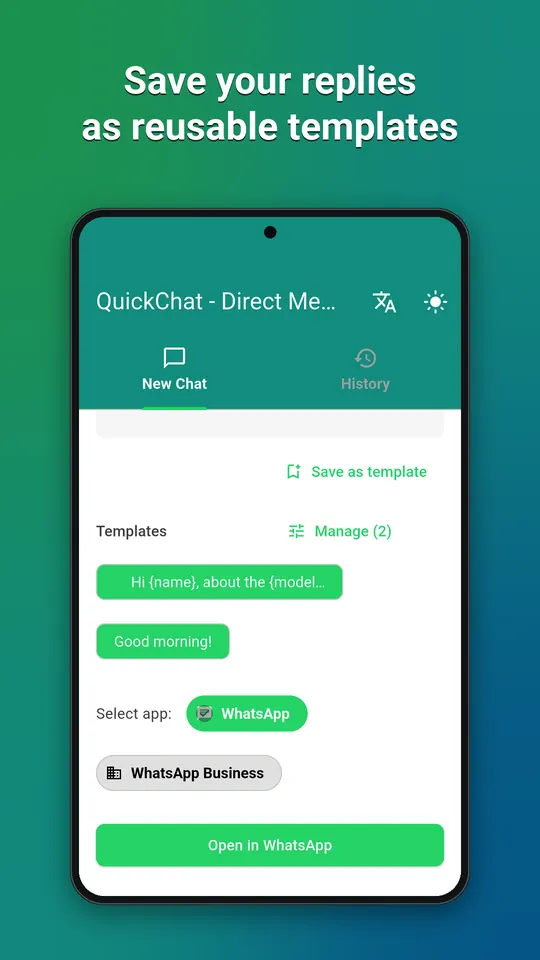
Searchable dialling codes for 196 countries, and the number is checked before you send so you never open an empty chat by mistake. Choose whether it opens in the regular app or the Business one.
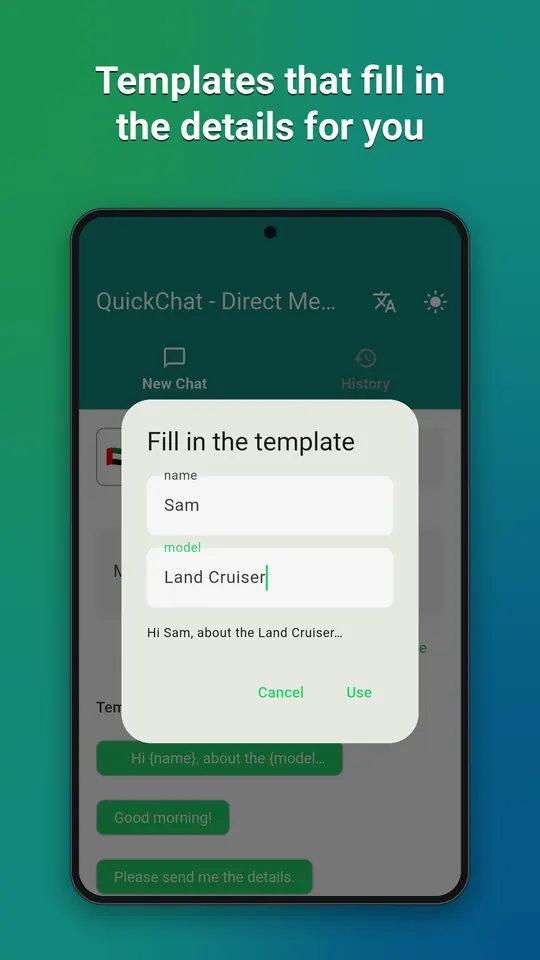
Templates that fill in the details
Save replies you send over and over. Add {name} or {model} placeholders and the app asks for them each time: one template, fifty conversations.
History and sharing
Every message you sent, searchable by number or text, one tap to send again. Select a number in any app, such as a listing, an email or a web page, and share it straight into QuickChat without retyping.
Private by design
Your numbers and messages stay on your device. QuickChat does not upload your contacts, messages or history, and there is no account to create. English, Arabic, German, Spanish, French, Italian, Dutch and Portuguese, with light and dark themes.
Questions
- Do I need to save the number first?
- No. That is the point of the app: it opens the chat directly and adds nothing to your contacts.
- Does it work with WhatsApp Business?
- Yes. Choose regular or Business and the chat opens in that app.
- Is QuickChat made by WhatsApp or Meta?
- No. QuickChat is an independent app and is not affiliated with, endorsed by or connected to Meta Platforms, Inc.
Free on Google Play, supported by ads. Read the QuickChat privacy policy. Questions or a bug? Write to support@tahatec.com.