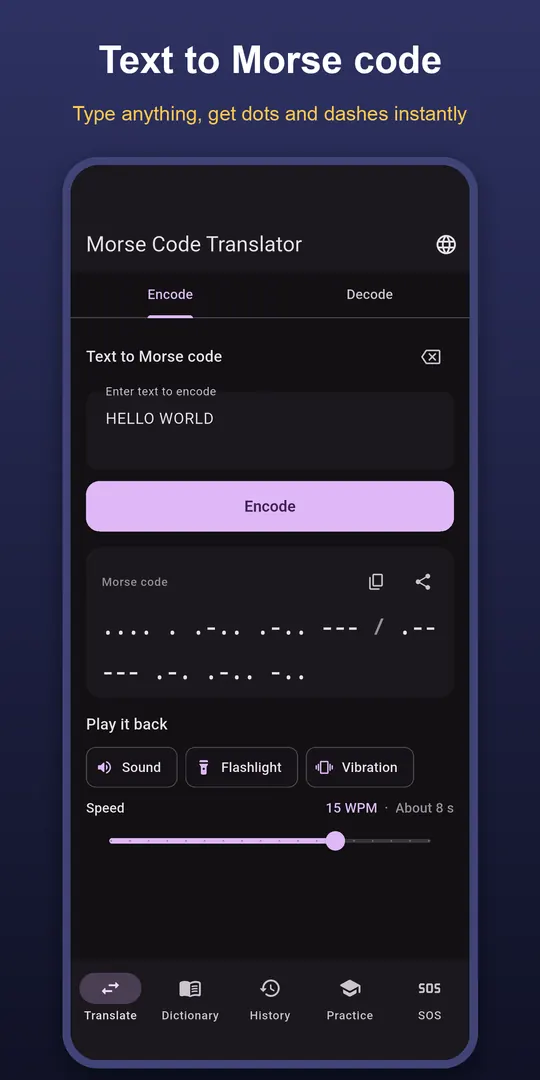
Translate both ways
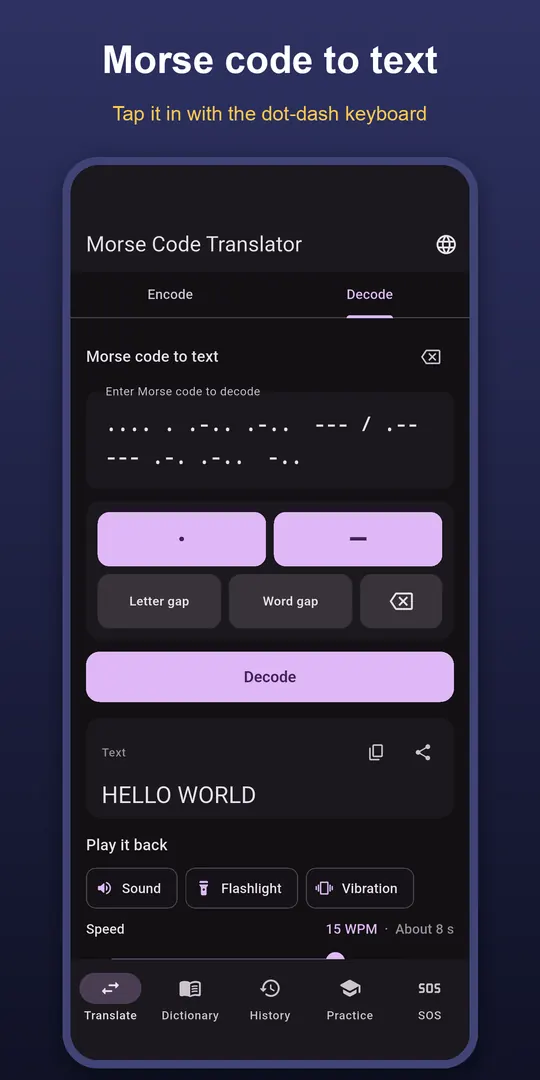
Letters A–Z, digits and common punctuation, from text to Morse and back. Type Morse on a dot-and-dash keyboard with letter-gap and word-gap keys. Characters with no Morse code are flagged, not silently dropped.
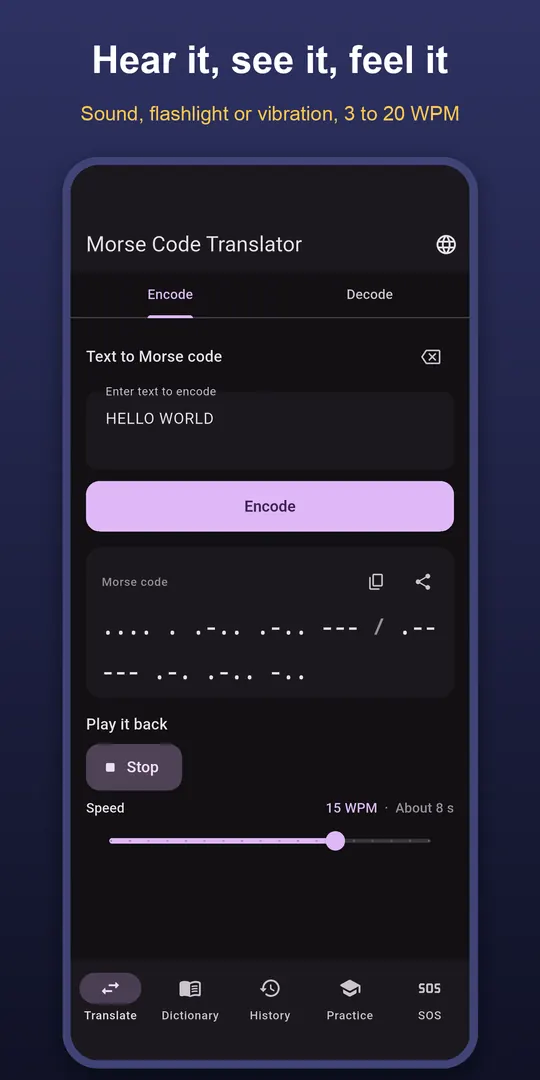
Play it back
Sound, flashlight and vibration, on their own or together, from 3 to 20 words per minute, with the playback length shown. The flashlight is capped at a slower speed so every flash stays readable.
Learn the code
- Practice rounds from text to Morse and Morse to text
- Four levels: Easy, Medium, Hard and Expert
- A Hear it button to train your ear
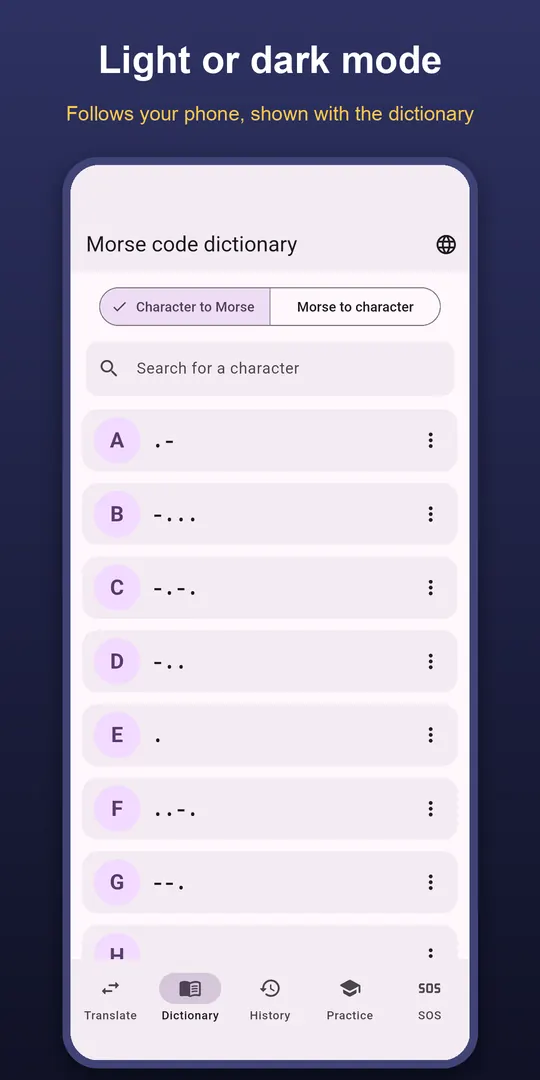
- A searchable Morse dictionary where every entry plays
SOS signal
Repeat the international SOS signal with the flashlight, sound or both until you stop it, with short tips for being seen and heard. It is a signalling aid, not a substitute for calling emergency services.
Questions
- What is SOS in Morse code?
- Three dots, three dashes, three dots (··· ––– ···), sent as one continuous signal without letter gaps.
- Does the flashlight need camera permission?
- No. The app controls the torch without the camera permission.
- Does it work offline?
- Yes. Translation, playback, practice and SOS all work without a connection, with no account or sign-in.
Free on Google Play, supported by ads. Read the Morse Code Translator privacy policy. Questions or a bug? Write to support@tahatec.com.