
Expand short links and follow redirects
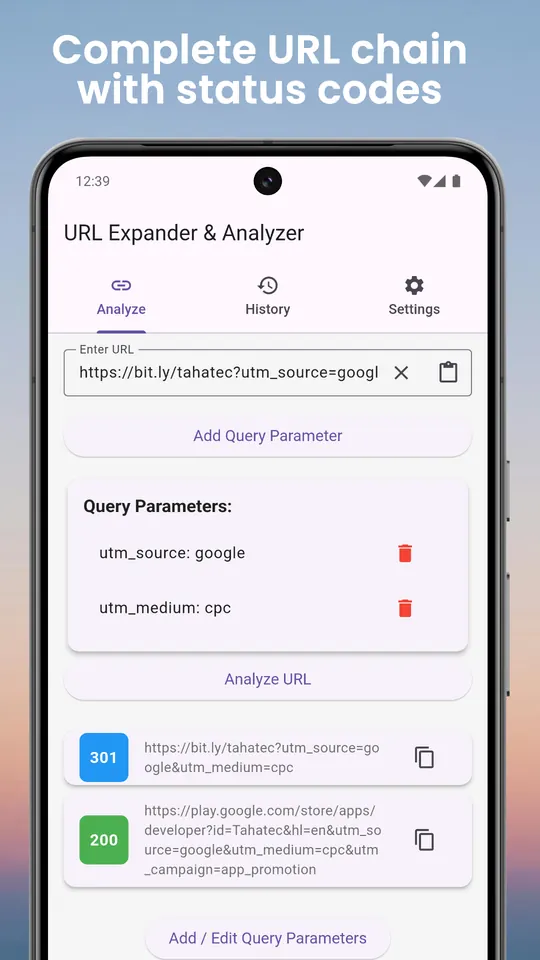
See the full destination of a shortened link and every hop on the way, with HTTP status codes. Outlook SafeLinks are unwrapped to the real URL, and pages that forward with meta-refresh or JavaScript are flagged instead of followed silently.
Spot lookalike domains
Domains that use punycode (xn--) or non-Latin characters that mimic familiar sites get a clear warning, a common trick in phishing links.
Strip tracking parameters
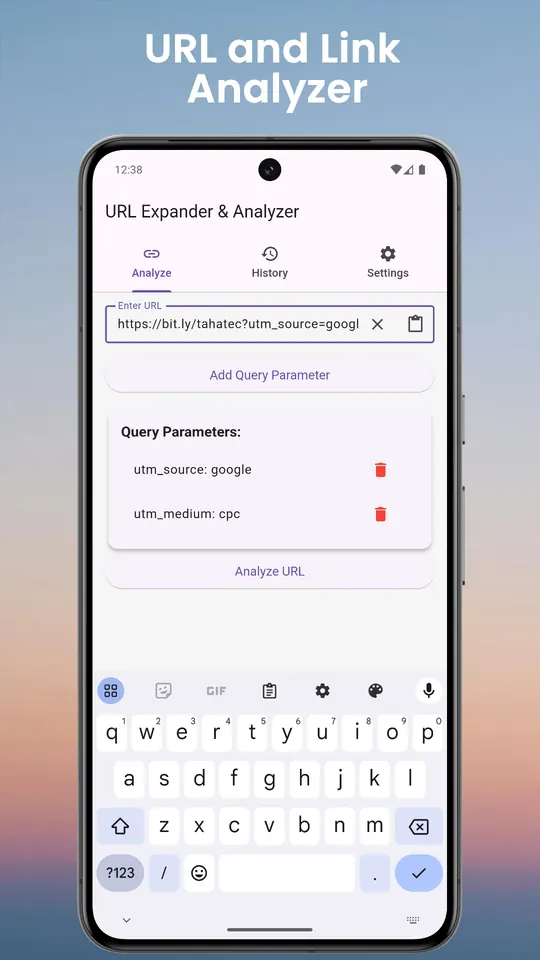
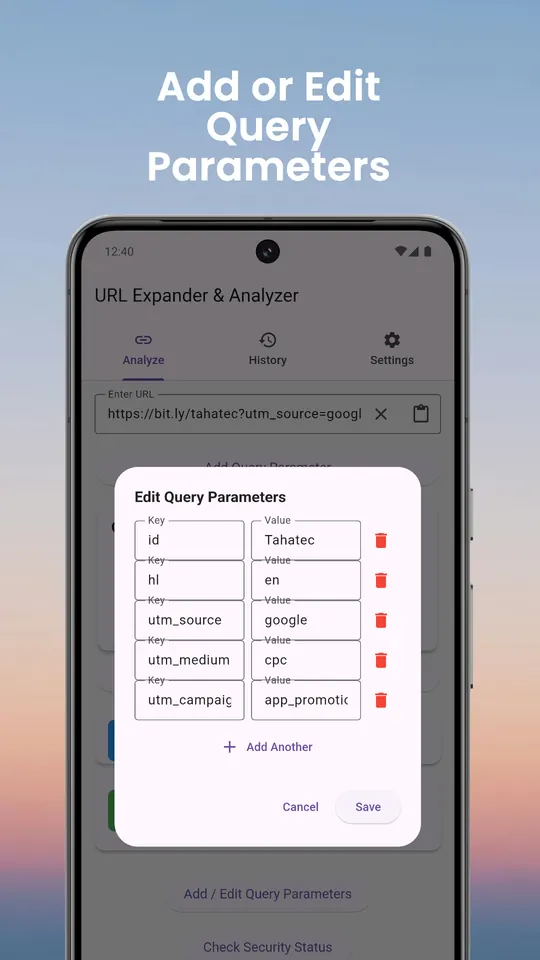
The app detects tracking parameters such as utm_ tags and click IDs, removes them in one tap (with undo), and lets you add, edit or delete any query parameter by hand.
Scan, share and save
- Scan a QR code and analyse the link inside before opening it
- Share a link into the app from any browser or messaging app
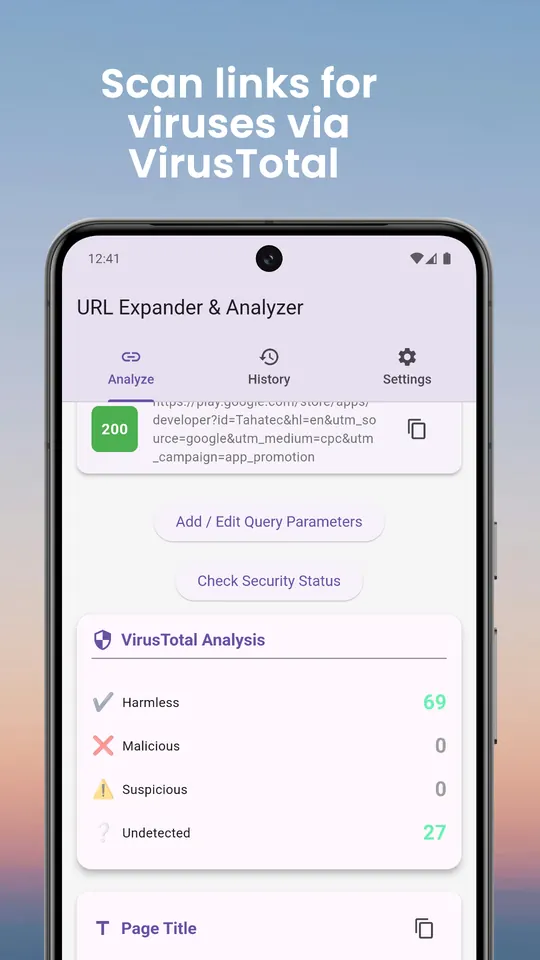
- Optional VirusTotal check using your own free API key
- History of every link you analysed, plus a shareable report
Questions
- How do I check where a short link goes without clicking it?
- Paste or share it into Link Analyzer. The app follows the redirects for you and shows the final destination and every step before you decide to open it.
- Does the app need a VirusTotal account?
- Only for the optional security check. Everything else, including redirects, metadata, tracking removal and lookalike warnings, works without one.
- What is a homograph or punycode domain?
- A domain that uses characters from other alphabets that look like Latin letters, so a fake site can appear to be a real one. The app warns you when a link uses them.
Free on Google Play, supported by ads. Read the Link Analyzer privacy policy. Questions or a bug? Write to support@tahatec.com.