Twelve algorithms, one tap
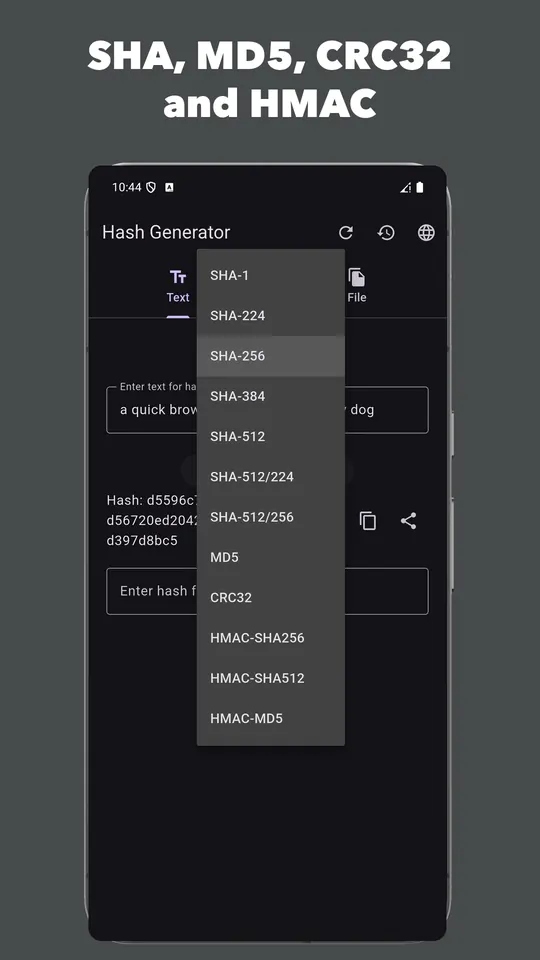
- SHA-1, SHA-224, SHA-256, SHA-384, SHA-512, SHA-512/224 and SHA-512/256
- MD5 and CRC32 for matching legacy checksums
- Keyed HMAC-SHA256, HMAC-SHA512 and HMAC-MD5 with your own secret
Hash very large files
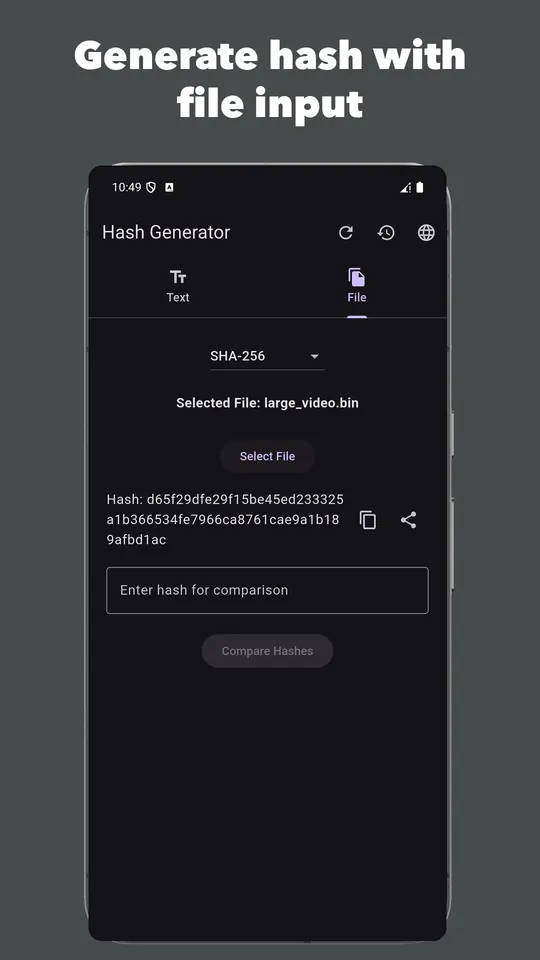
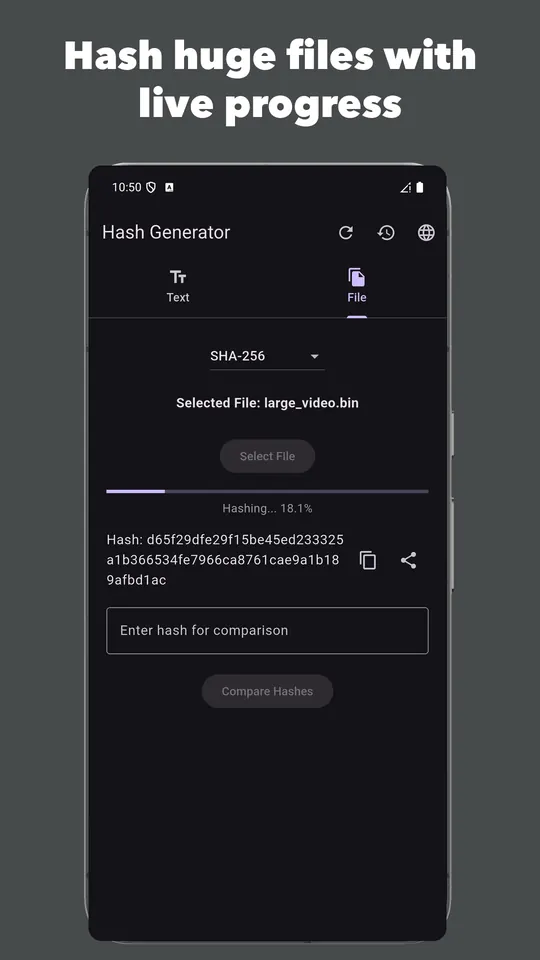
Files are read as a stream rather than loaded into memory, so ISO images, videos and APKs of several gigabytes hash without running out of memory. A progress bar shows how far it has got.
Verify a download in seconds
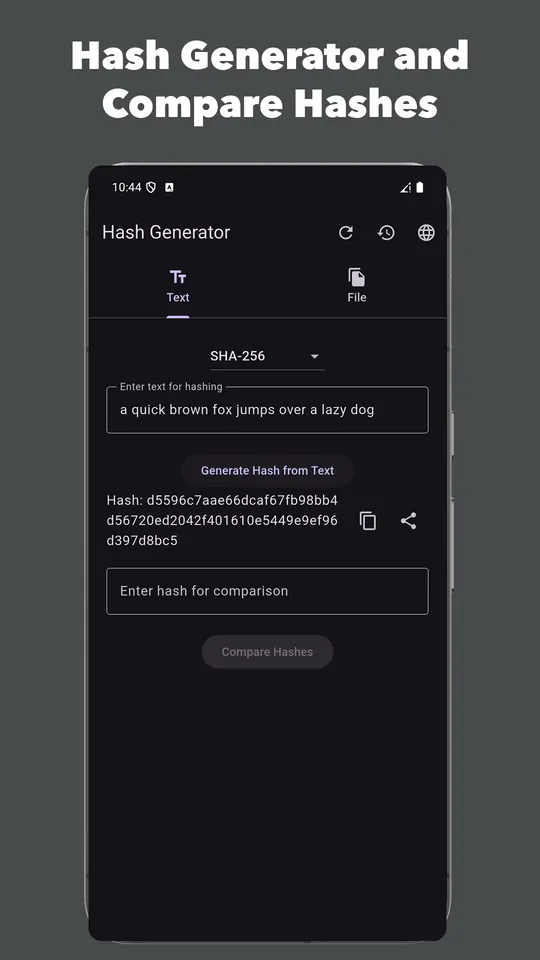
Publishers often print a SHA-256 or MD5 checksum next to a download link. Hash the file you received, paste the published value into the compare box, and the app tells you whether they match. The comparison ignores letter case, so values copied from sha256sum on Linux or certutil on Windows match either way.
A single changed byte produces a completely different hash, which is what makes this a reliable integrity check.
History, copy and share
Every hash is saved with its algorithm, input and time. Tap to copy, swipe to delete (with undo), or share a result straight into another app. The Text and File tabs keep separate results, so one never overwrites the other.
Optional Pro unlock
A one-time purchase, with no subscription and no account, adds batch hashing of many files into a SHA256SUMS-style file that sha256sum -c and shasum -c accept, verification against an existing checksum file (SHA256SUMS, .md5 or .sfv), every algorithm's digest from a single pass, and no ads. Everything above stays free.
Questions
- Which algorithm should I use to verify a download?
- SHA-256. It is what most publishers list, and it is not practical to forge. MD5 and SHA-1 are still useful for matching old checksums, but both are broken against deliberate tampering, and CRC32 only detects accidental corruption.
- Are my files uploaded anywhere?
- No. All hashing happens on your phone. The files you pick and the text you type are never sent to a server.
- Why does my hash not match the one on the website?
- Make sure you picked the same algorithm the publisher used and that the download finished. If both are right and the hashes still differ, the file you have is not the file they published, so do not install it.
Free on Google Play, supported by ads. Read the Hash Generator privacy policy. Questions or a bug? Write to support@tahatec.com.