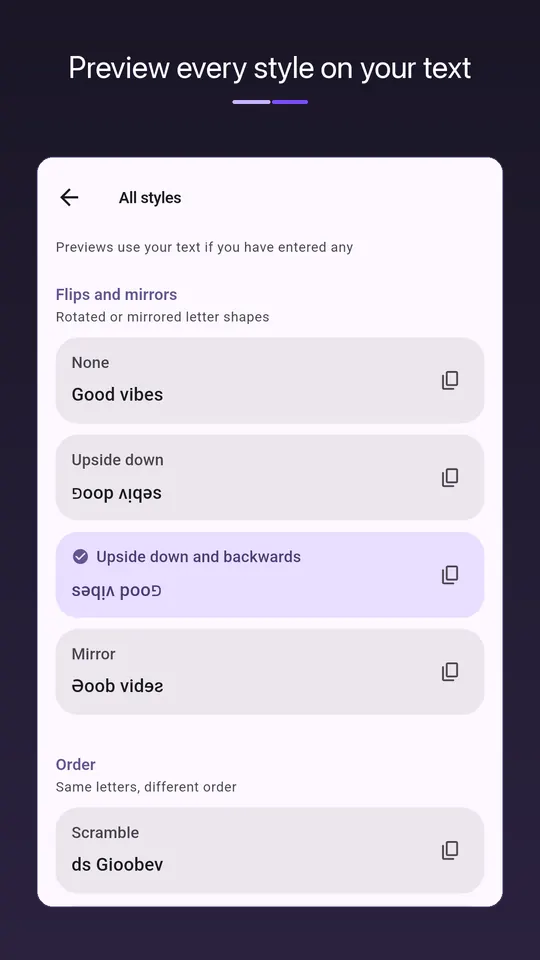
Thirteen styles
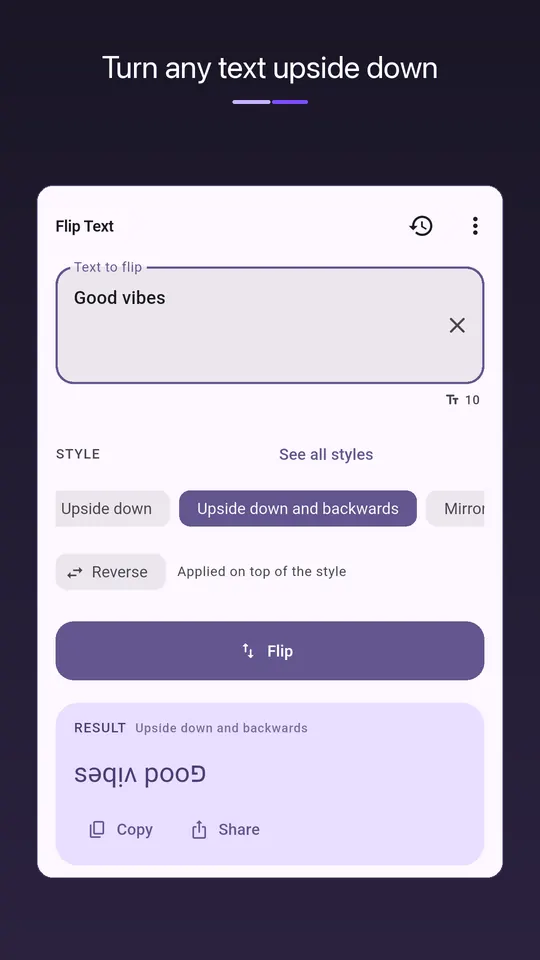
- Upside down: uʍop ǝpᴉsdn, and upside down and backwards
- Mirror: ɿoɿɿim
- Small capitals: sᴍᴀʟʟ ᴄᴀᴘs
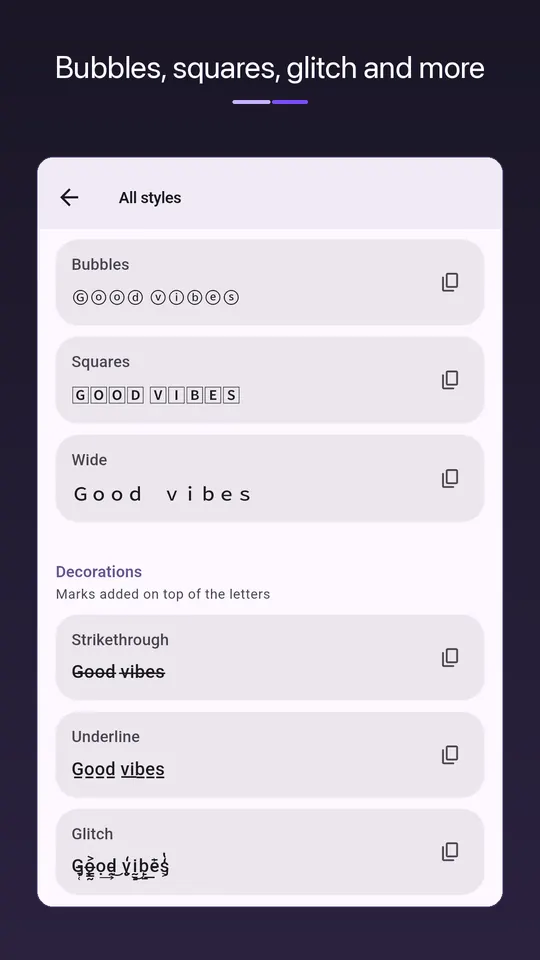
- Bubbles ⓑⓤⓑⓑⓛⓔⓢ, squares and wide text
- Strikethrough, underline and glitch
- Swap case, scramble and reverse word order
A Reverse toggle works on top of any style, so every style has two versions. Every style is previewed on your own text before you pick one.
Why it works anywhere
These are not fonts. Each character is swapped for a real Unicode character that looks flipped, mirrored or decorated, which is why the result survives being pasted into other apps.
Most styles exist only for the Latin alphabet, so Arabic, Hindi or Chinese text usually comes back unchanged; reverse, scramble, word order and glitch work with any script. Some older phones and fonts draw an empty box for characters they lack.
History and privacy
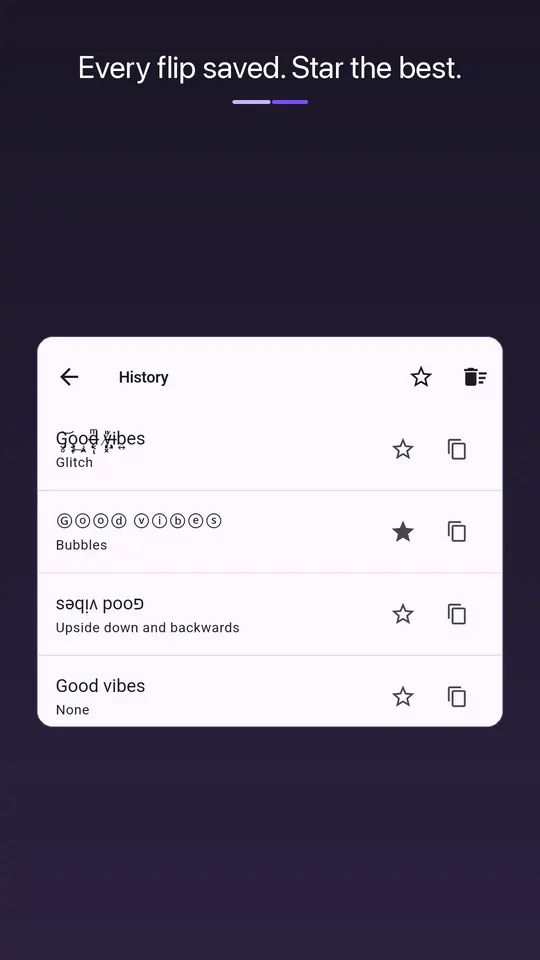
Star favourites in your history, copy or share in one tap, follow your system's light or dark theme. What you type never leaves your device, and history is left out of Android backups.
Questions
- How do I write text upside down?
- Type it in the app, choose Upside down (or Upside down and backwards for the classic flipped look), and tap Copy. Paste it wherever you like.
- Why does my styled text show as boxes?
- The app or device you pasted into lacks a font with that character. The text itself is fine; it will display wherever the character is supported.
- Is this a keyboard?
- No. You style text in the app, copy it and paste it into the other app. It does not change text inside other apps.
Free on Google Play, supported by ads. Read the Flip Text privacy policy. Questions or a bug? Write to support@tahatec.com.