Decode anything token-shaped
Paste a token, or share one from a log, a curl command, an Authorization header or a JSON response; the token is pulled out of the text around it. Signed (JWS) and encrypted (JWE) tokens are both recognised, and a damaged token still shows whatever could be read.
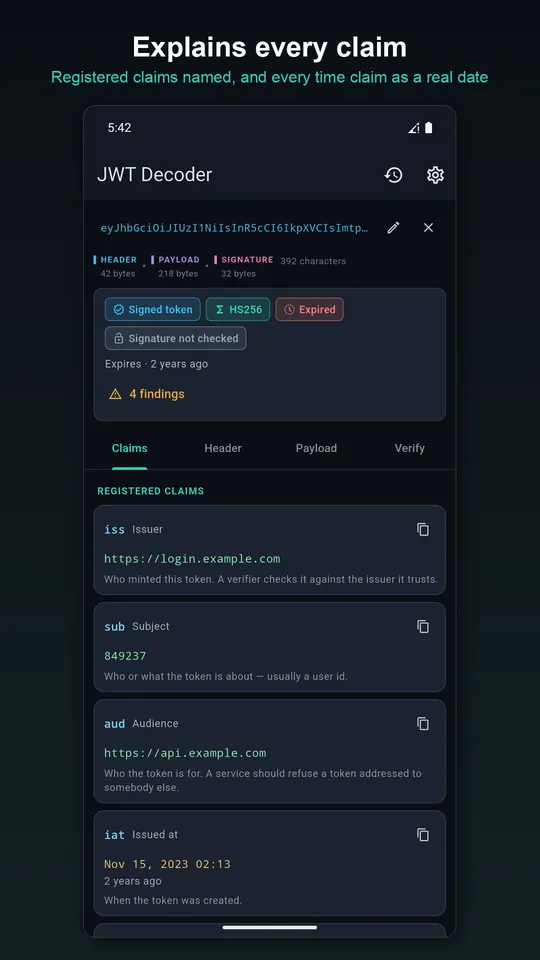
Read the claims, not the Base64
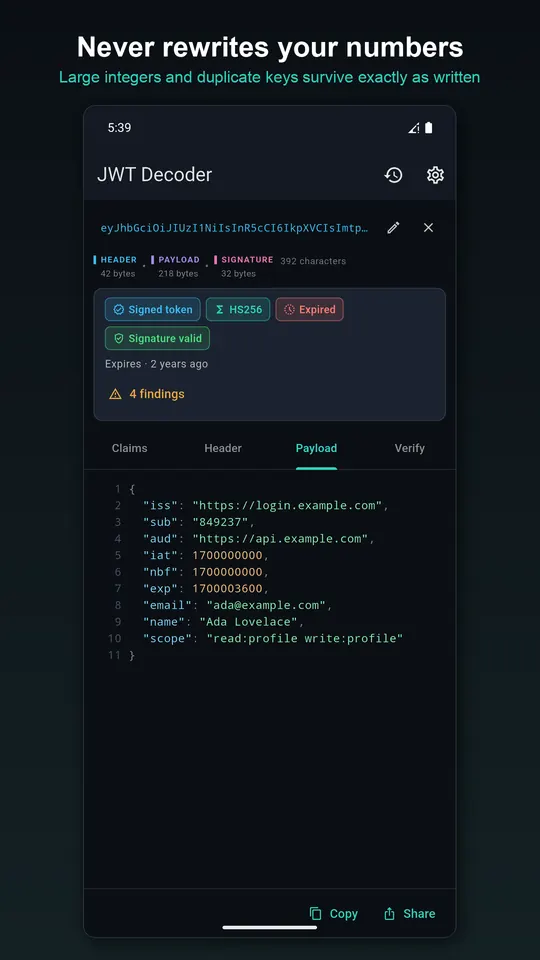
Every registered claim is named and explained, and time claims show a real date plus how far off, such as “expired 4 hours ago”. Around ninety claim names are recognised, including OpenID Connect and the vendor claims from Microsoft Entra, Firebase, AWS Cognito, Auth0 and Keycloak.
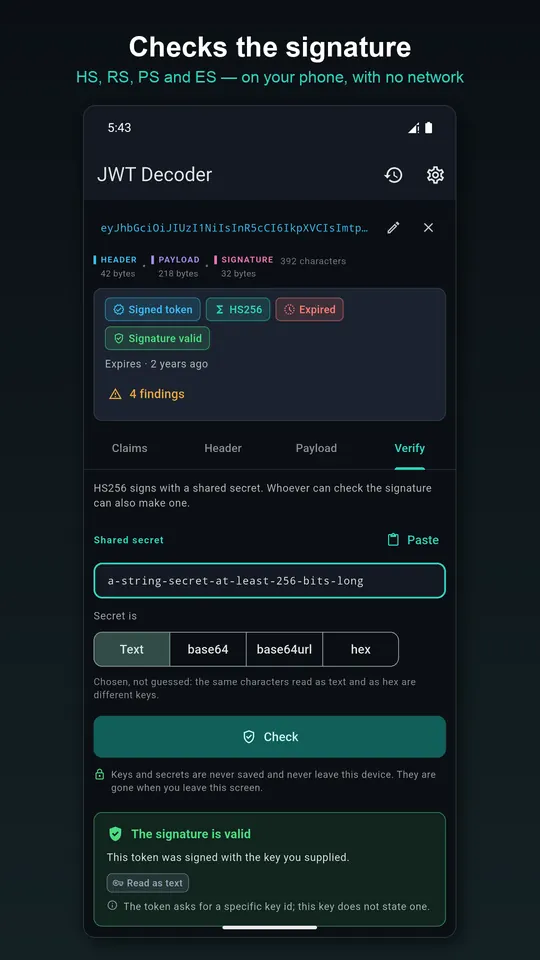
Check the signature
- HS256, HS384 and HS512 against a shared secret given as text, base64, base64url or hex
- RS256/384/512, PS256/384/512, ES256/384/512 and ES256K against a public key
- Keys as PEM, an X.509 certificate, a JWK or a whole jwks.json, where the token's key id picks the entry
The verdict is never just yes or no: “does not match”, “wrong kind of key”, “wrong curve” and “cannot be checked here” are different answers.
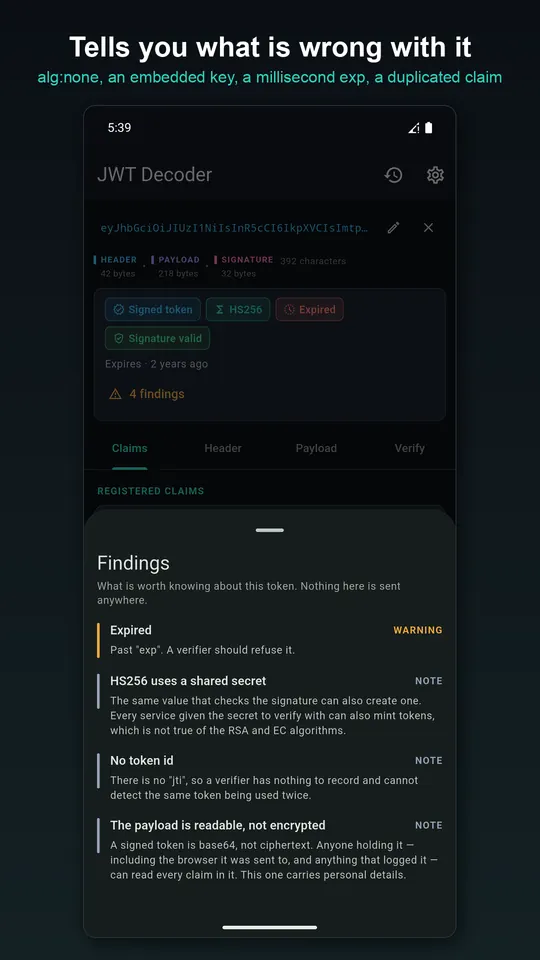
Thirty-five findings
Including alg: none, a key embedded in the header, nbf after exp, expiry written in milliseconds, duplicate claims, no audience, and the one many people need to hear: the payload is signed, not encrypted, so anyone holding the token can read it. Keys and secrets are never written to storage.
Questions
- Is it safe to decode a JWT online?
- A JWT is a live credential, so pasting it into a website hands it to that site. This app decodes and verifies tokens on your phone and never transmits them.
- Is the JWT payload encrypted?
- No, not for ordinary signed tokens (JWS). The payload is only Base64URL-encoded, so anyone with the token can read it. Only JWE tokens are encrypted.
- Can I verify a token against a JWKS URL's contents?
- Yes. Paste the jwks.json content and the app picks the right key using the token's kid header.
Free on Google Play, supported by ads. Read the JWT Decoder privacy policy. Questions or a bug? Write to support@tahatec.com.