What it measures
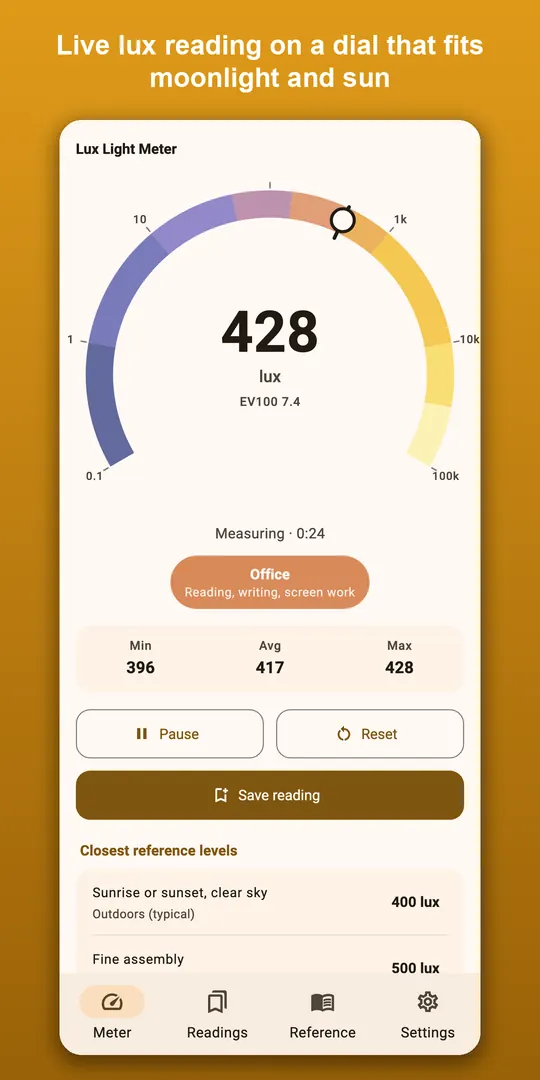
- Live reading on a log-scale dial that fits moonlight and direct sun on one scale
- EV100 (exposure value at ISO 100) for photographers
- Min, average and max for the current measurement, with a timer
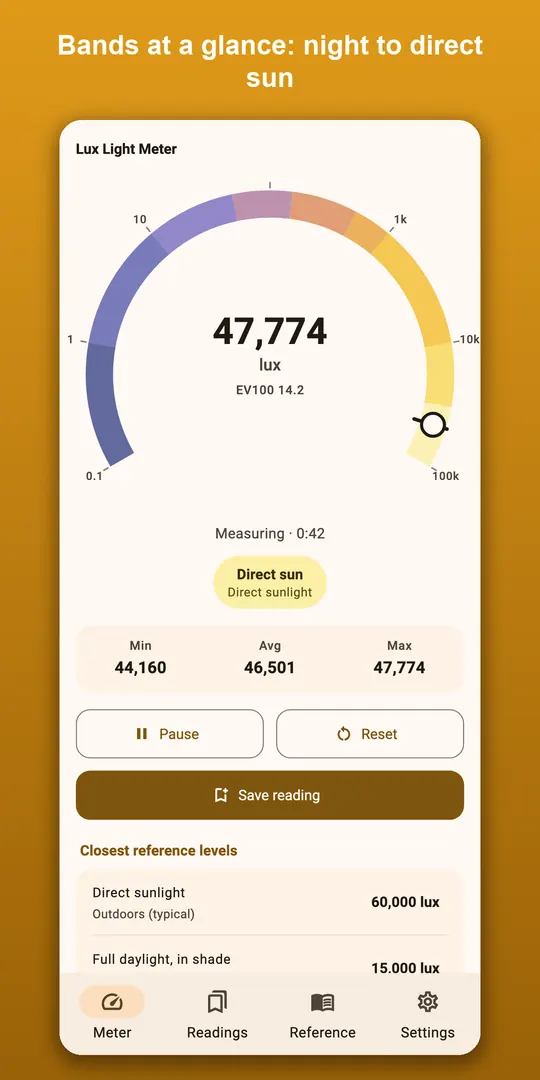
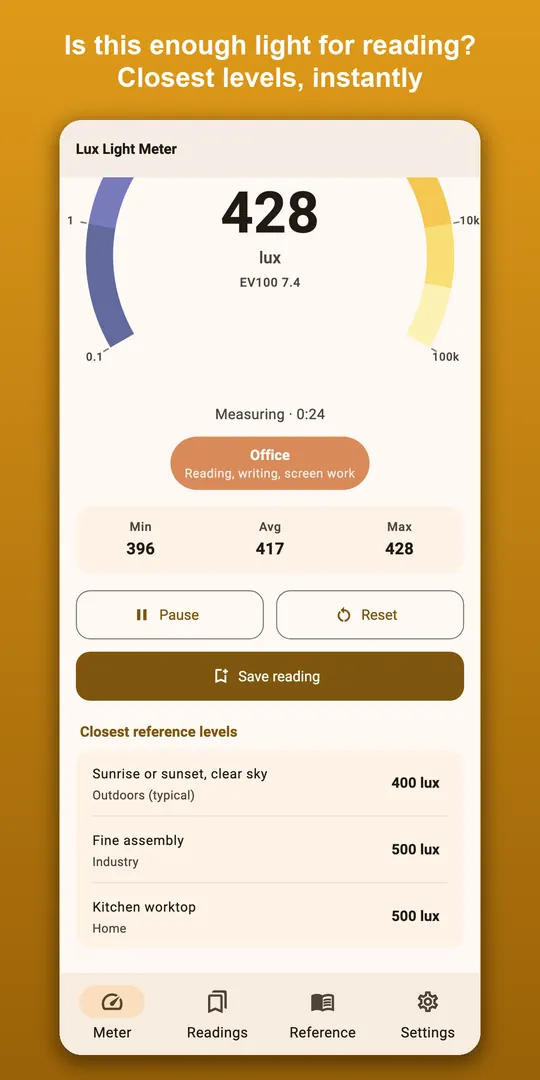
- Light-level bands from night to direct sun, and the three closest reference levels
Reference table
Recommended maintained illuminance for homes, offices, classrooms, shops, healthcare and industry, following the task tables of EN 12464-1 as they are commonly quoted, plus typical outdoor levels. The row nearest your live reading is highlighted. Editions of the standard differ in places; a lighting design works from the standard itself.
Save, compare and calibrate
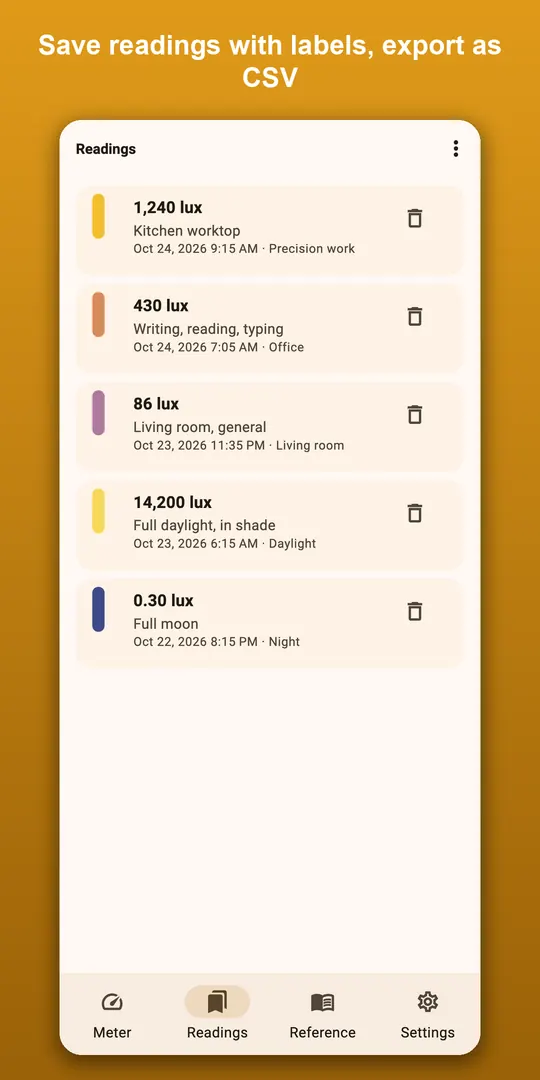
Save readings with a label, export them as CSV or share as text. Phone light sensors can differ from a reference meter by a factor of two or more, so you can point both at the same light, enter the reference reading, and the app derives a correction factor for your phone.
Honest about its limits
The app shows your sensor's range and resolution, warns when the sensor is saturated, and explains itself on devices without a light sensor. It is not a certified measuring instrument.
Questions
- How many lux do I need for reading or office work?
- Commonly quoted EN 12464-1 values are around 500 lux for office desk work such as writing, typing and reading. The app's reference table lists values for many tasks and highlights the nearest one to your reading.
- How accurate is a phone light meter?
- Phone sensors are made for adjusting screen brightness and can be off by a factor of two or more. Calibrating against a reference meter in the app corrects for your particular phone.
- Where is the light sensor on my phone?
- Usually near the top of the screen, beside the front camera. Point that edge at the light you want to measure.
Free on Google Play, supported by ads. Read the Lux Light Meter privacy policy. Questions or a bug? Write to support@tahatec.com.