Why other compasses can be wrong
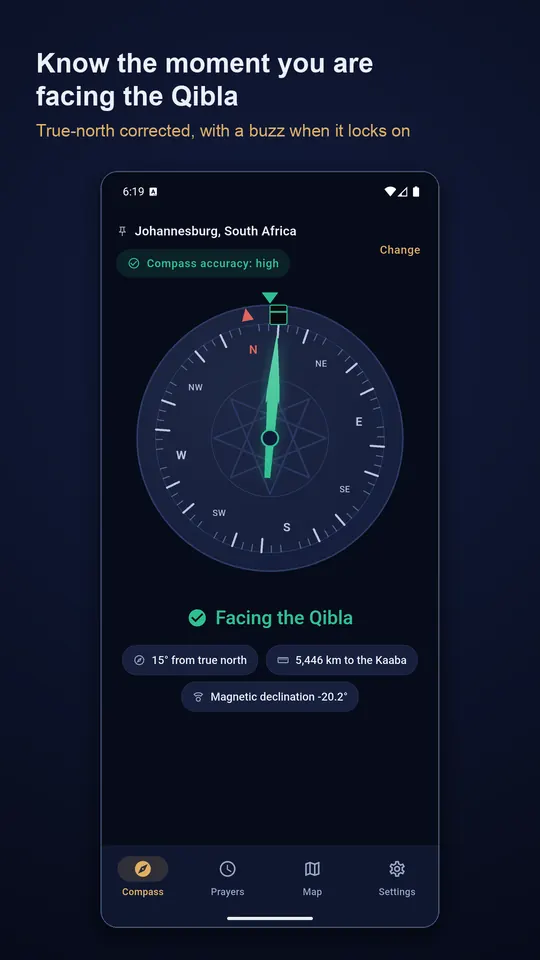
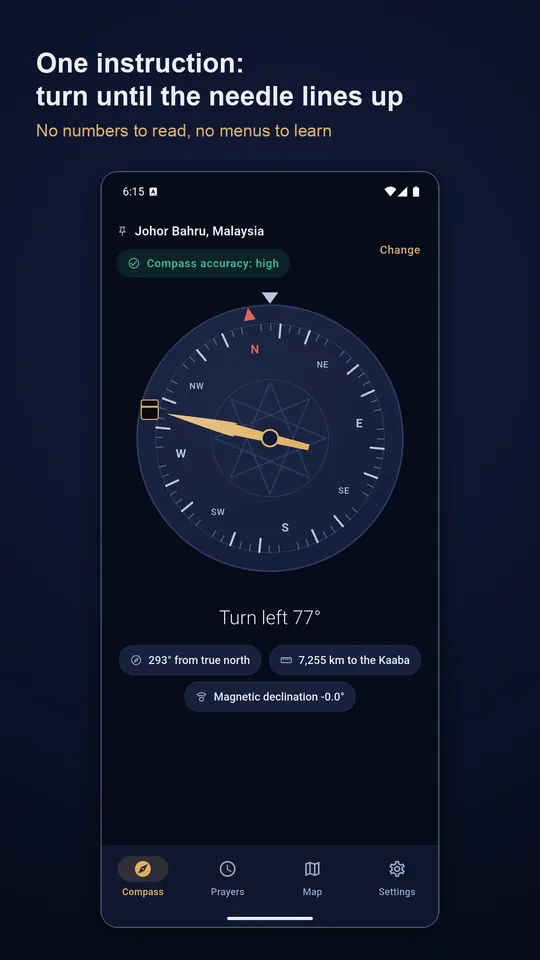
The gap between magnetic and true north, the magnetic declination, is under 2° in the Gulf but more than 15° in parts of North America and northern Europe. The app corrects for it using the World Magnetic Model built into your phone, with no download.
A drifted magnetometer, or one next to a laptop or a magnetic case, holds steady while pointing tens of degrees wrong. So accuracy is always on screen, the needle dims when the reading is suspect, and a five-second calibration guide is one tap away.
Simple to use
Turn until the needle reaches the mark at the top; the phone buzzes when it lines up. You also get the exact bearing from true north, the great-circle distance to the Kaaba and the declination being applied.
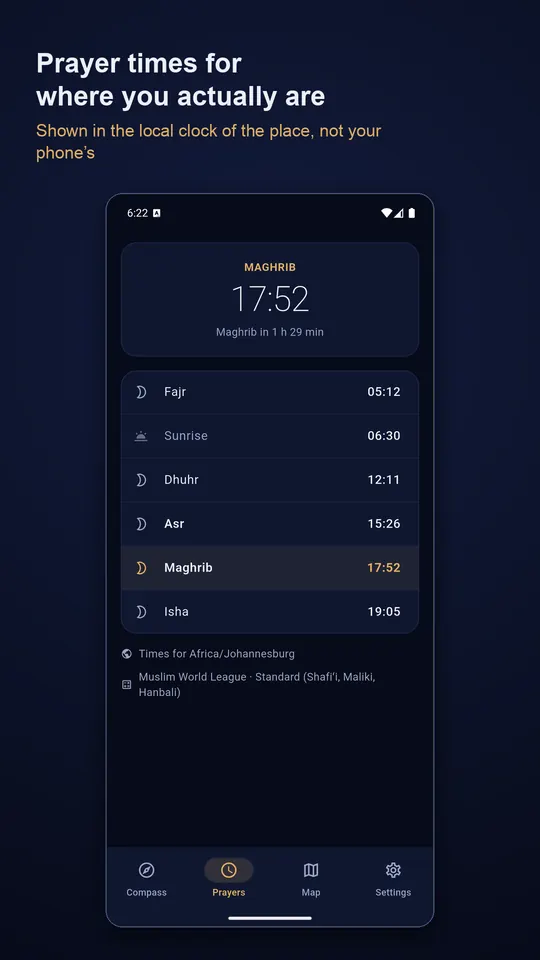
Prayer times that match your mosque
- 23 calculation methods, including Umm al-Qura, Diyanet, ISNA, Karachi, KEMENAG and MWL
- Standard and Hanafi Asr, and a high-latitude rule
- Per-prayer offsets of up to an hour
- Countdown to the next prayer and reminders for the prayers you choose
Works with no connection
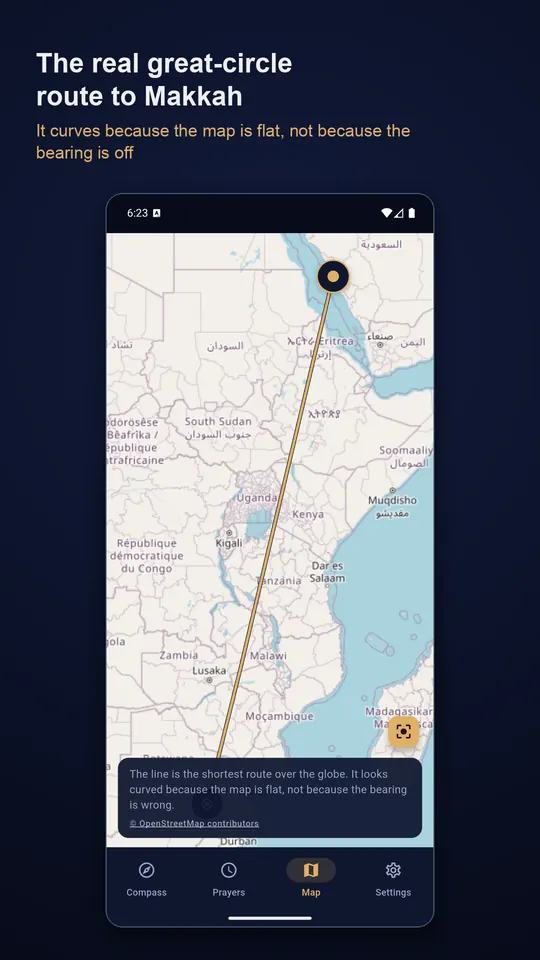
The compass, bearing, distance, prayer times and reminders are computed on your device, and 282 cities are built in for setting a location by hand. Only the map, which draws the real great-circle route to Makkah, needs a connection. Your location is not sent to us.
Questions
- Why does my Qibla compass point the wrong way?
- Usually a magnetic interference or an uncalibrated sensor: a magnetic case, a car mount, a laptop or metal nearby. Remove the case, move away from metal and follow the calibration guide. The app's accuracy indicator shows when the reading can be trusted.
- Does the app need the internet?
- No, apart from the optional map screen. The direction and prayer times are calculated on your phone.
- How precise does the direction need to be?
- The app locks on within five degrees, a limit of how accurately a phone can be aimed. Scholarly positions on acceptable deviation are considerably more forgiving.
Free on Google Play, supported by ads. Read the Qibla Compass privacy policy. Questions or a bug? Write to support@tahatec.com.