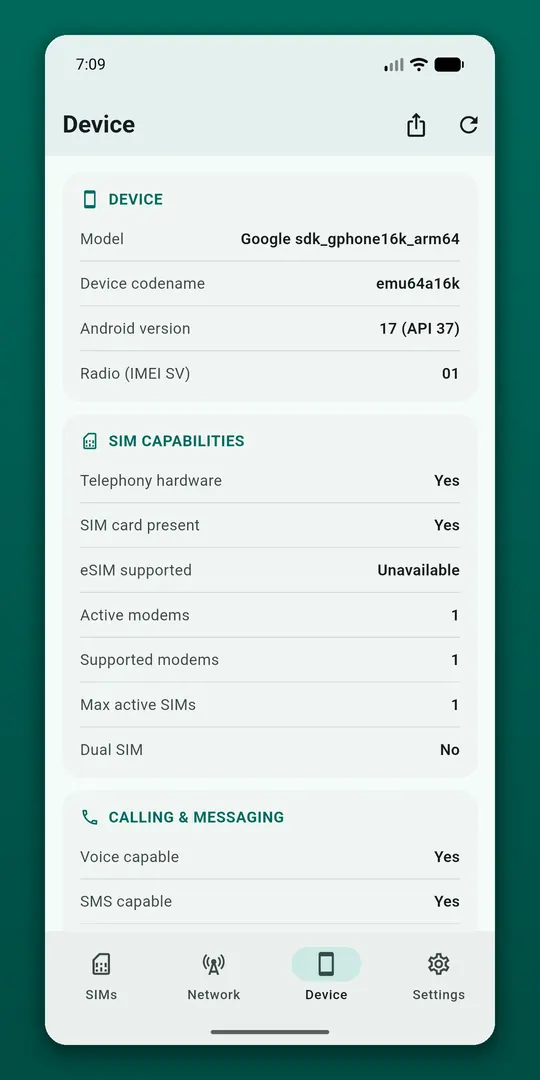
Every SIM and eSIM
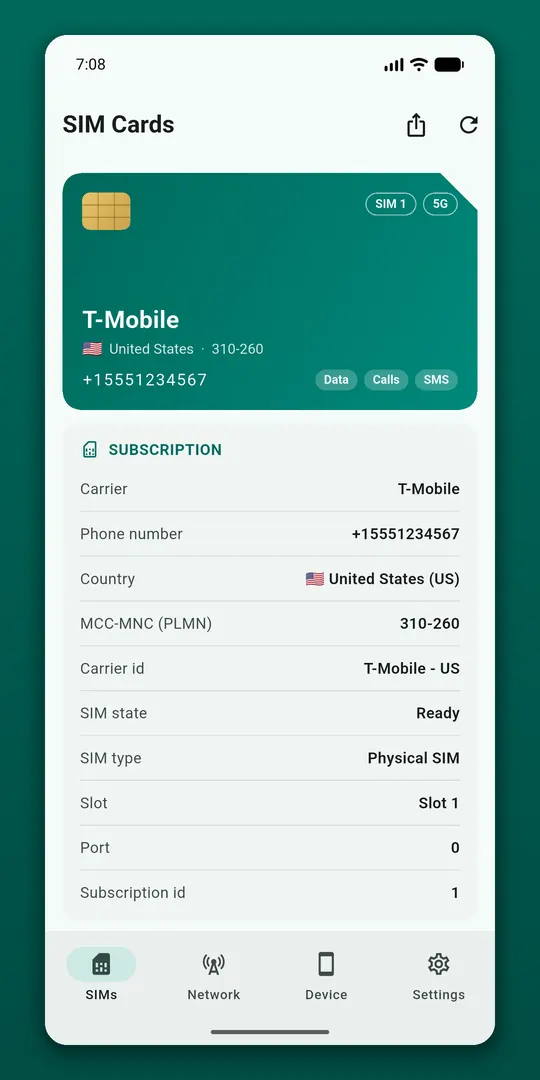
Carrier, phone number (when the carrier stores it on the SIM), country, MCC-MNC, carrier ID, SIM state and slot, and which SIM handles data, calls and SMS.
Live signal
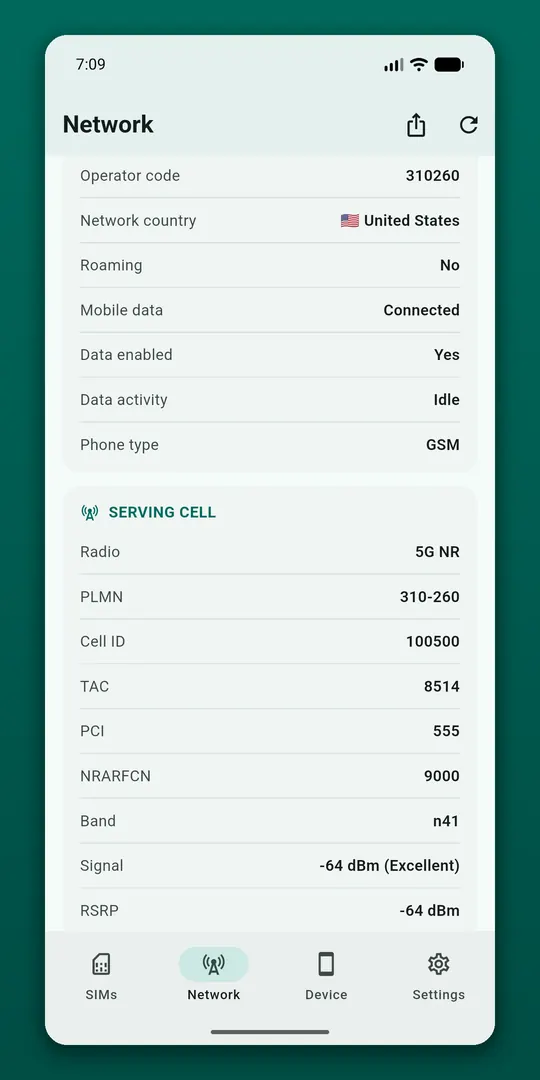
Signal strength in dBm and ASU, refreshed every three seconds, with a live chart so you can walk around and find the strong spots. Network type and generation (2G, 3G, 4G LTE, 5G NR), roaming and mobile data state.
Cell towers and data usage, both optional
- Serving cell: Cell ID, TAC/LAC, PCI, channel (EARFCN/NRARFCN), band and bandwidth
- RSRP, RSRQ, SINR, timing advance and neighbouring cells
- Mobile and Wi-Fi data used today and this month
The tower section uses the location permission only if you switch it on, and data usage needs Android's Usage Access setting only if you opt in.
Tools and widget
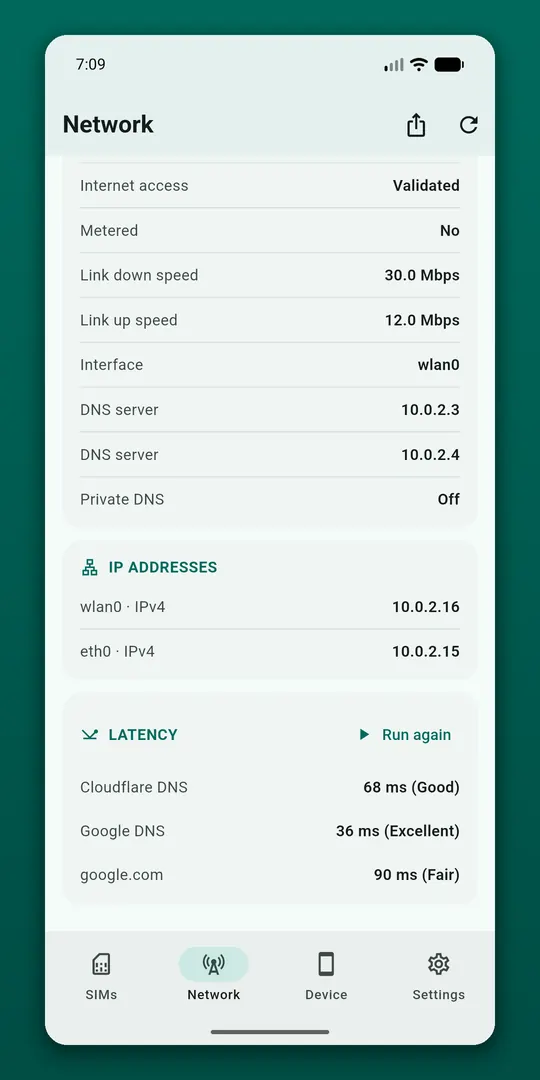
Connection details including link speed, DNS and IP addresses, a one-tap latency test, shortcuts to the right system settings, a home screen widget per SIM, and a full report you can copy or share as text or JSON. Nothing is uploaded.
Questions
- What is a good signal strength in dBm?
- On 4G and 5G, an RSRP above about -90 dBm is strong and below about -110 dBm is weak. The numbers are negative, so closer to zero is better. The live chart helps you find where reception is best.
- Why is my phone number not shown?
- Many carriers do not store the number on the SIM, and Android can only show what the SIM provides.
- Can it show data usage per SIM?
- No. Android does not allow apps to read data usage per individual SIM, so the app shows mobile and Wi-Fi totals.
Free on Google Play, supported by ads. Read the SIM Card Info privacy policy. Questions or a bug? Write to support@tahatec.com.