Manifest, permissions and components
- The full
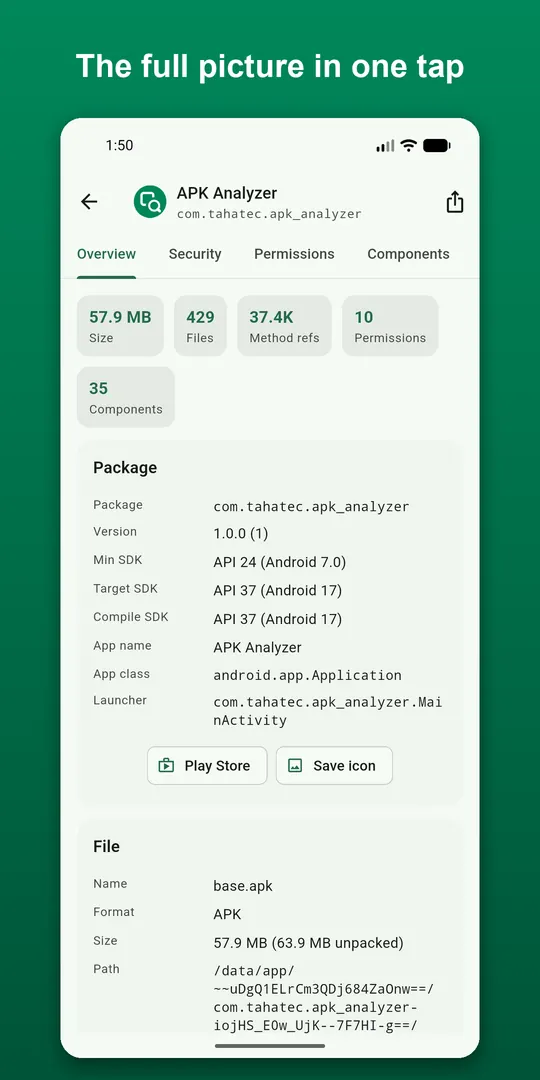
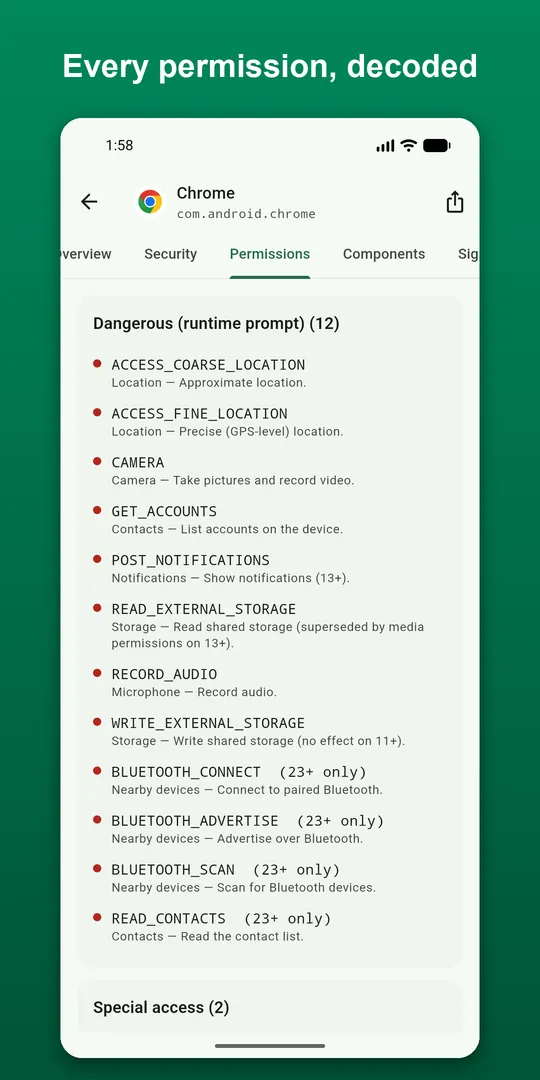
AndroidManifest.xmlas readable XML, plus versions, SDK levels and flags - Permissions grouped by protection level (dangerous, special, signature, normal) with plain-English descriptions
- Every activity, service, receiver and provider, with exported status, permission guards, intent filters and deep links
Security audit and signing
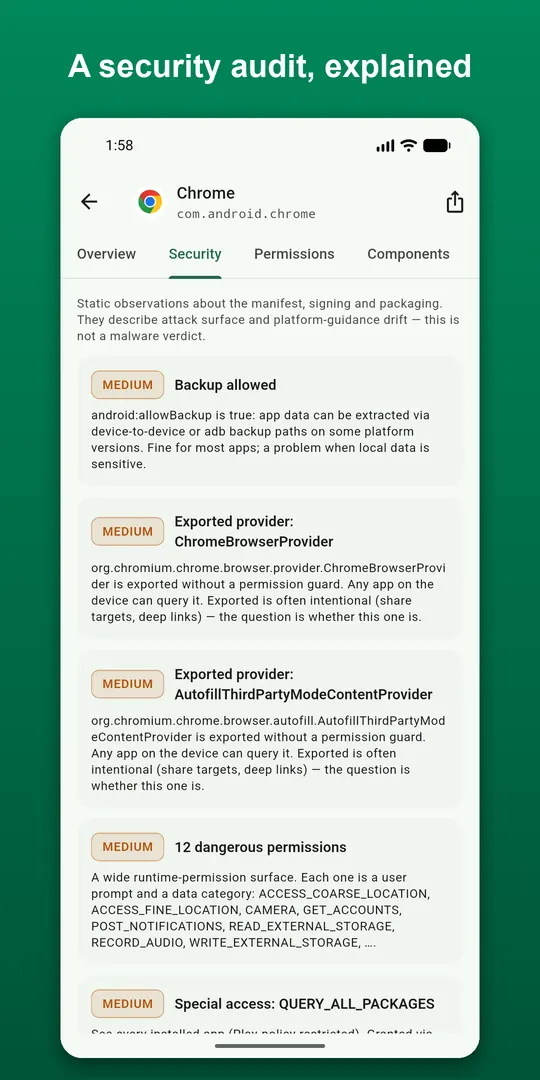
Flags debuggable builds, cleartext HTTP, backup settings, unguarded exported components, v1-only signatures and debug certificates, each explained. See the signature schemes (v1, v2, v3, v3.1) and full certificate details with SHA-256, SHA-1 and MD5 fingerprints, and export the certificate as PEM.
16 KB page-size readiness
Google Play requires apps targeting Android 15 or later to support 16 KB memory pages. The app runs both checks that matter, zip data offsets and ELF LOAD-segment alignment, for every library, and lists each library's ABI, SONAME, dependencies and whether it is stripped.
Size, DEX and files
- Size breakdown by category, the largest files, and download versus unpacked size
- DEX statistics per file and method counts by package, so you can see where the 65K budget goes
- A file browser for the archive: view text and images, extract single files
- Resources: counts by type, translated locales, density buckets and a searchable string viewer
Compare two apps, or scan your whole phone
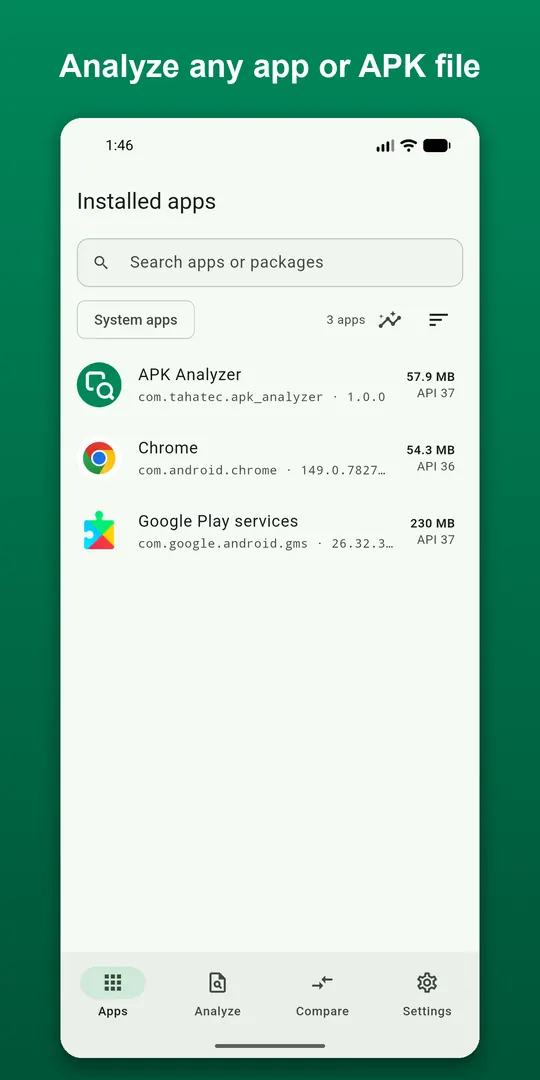
Put two APKs side by side, or a downloaded file against the installed version: version and permission changes, size deltas, file-level differences, and whether both are signed by the same key. Device insights scan every installed app for target SDK, installer, 16 KB readiness, v1-only signatures, cleartext HTTP and debuggable builds.
Questions
- How do I check if my app is 16 KB page-size compatible?
- Open the APK or AAB in the app and look at the 16 KB section. It checks both the zip alignment of each native library and the ELF segment alignment inside it, and tells you which libraries fail.
- Is my APK uploaded anywhere?
- No. Parsing happens on your phone. The optional VirusTotal lookup opens only the file's checksum in your browser, never the file itself.
- Can it tell whether two APKs come from the same developer?
- Yes. The compare view shows whether both are signed by the same certificate. If they are not, one of them is not what it claims to be.
Free on Google Play, supported by ads. Read the APK Analyzer privacy policy. Questions or a bug? Write to support@tahatec.com.