
Opens the mail files Android can't
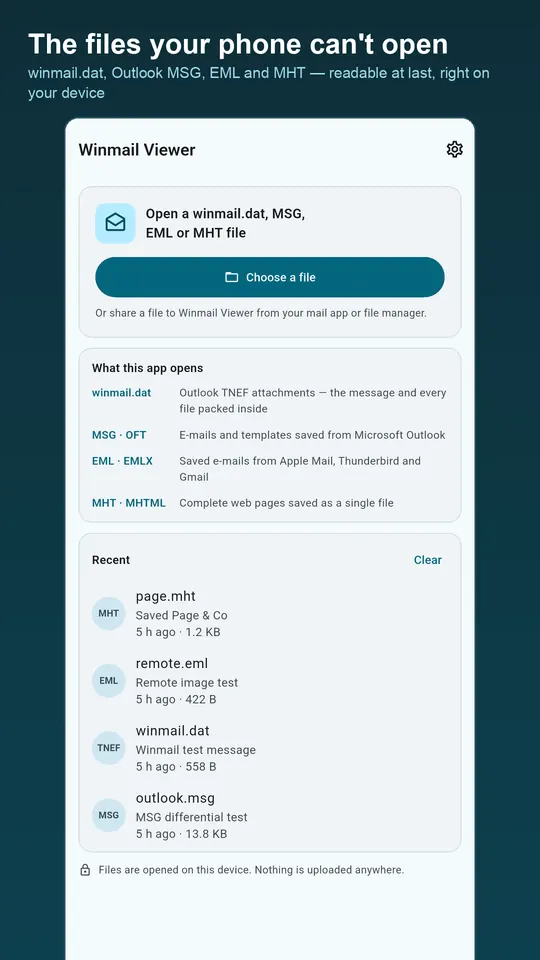
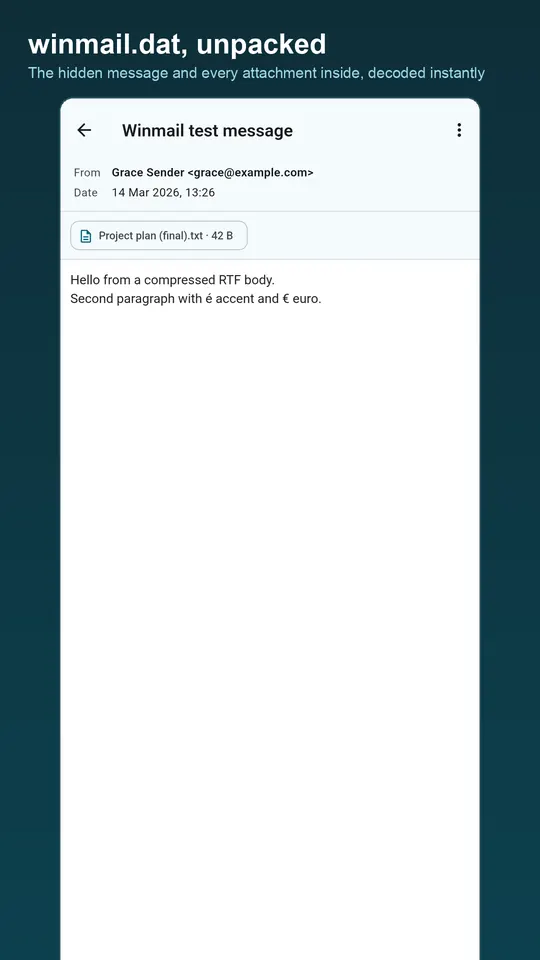
- winmail.dat and ATT0001.dat: TNEF attachments from Outlook and Exchange
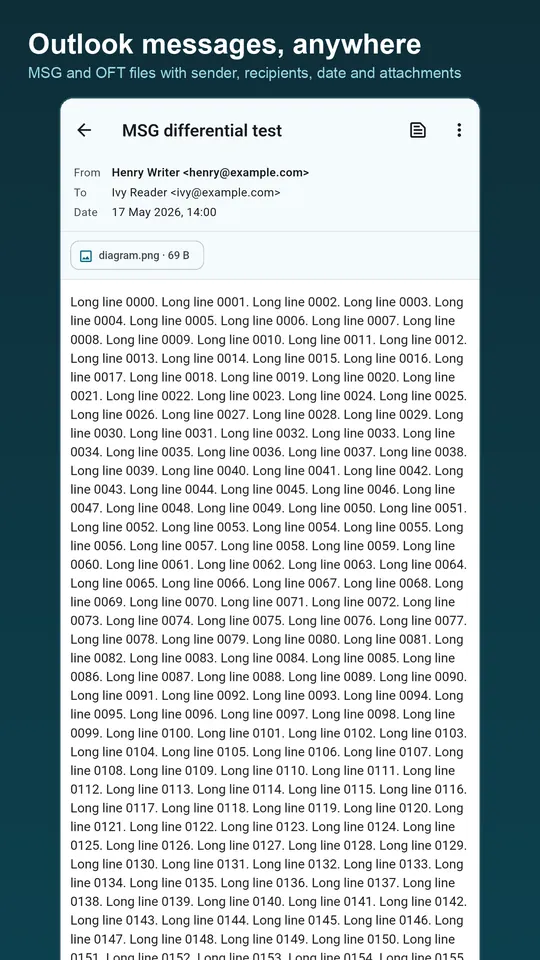
- MSG and OFT: emails and templates saved from Outlook on Windows
- EML and EMLX: messages saved from Apple Mail, Thunderbird, Gmail and most mail apps
- MHT and MHTML: web pages saved as a single file
Everything a message contains
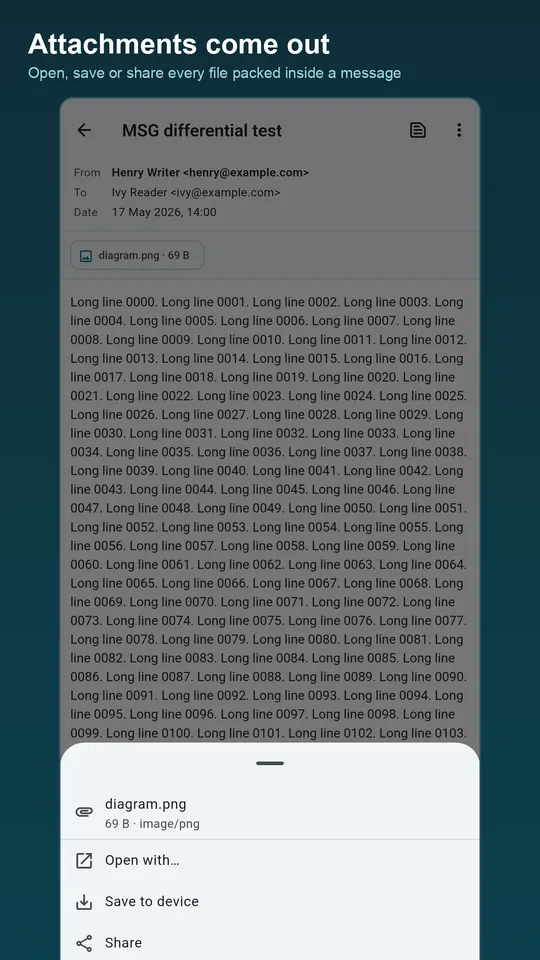
Sender, recipients, date and subject; the body with its formatting, whether HTML, plain text or Outlook's RTF; every attachment to open, save or share; and the full headers when you need them. International mail displays correctly whatever its encoding.
Private by design
Every file is parsed on your device by the app's own reader; no server sees your mail. Remote images in HTML messages are blocked by default because they are usually tracking pixels, and load only if you choose.
Questions
- What is a winmail.dat file?
- A TNEF file created by Microsoft Outlook or Exchange when it sends formatted mail. Mail apps that do not understand TNEF show it as a mysterious attachment instead of the real message and files.
- How do I open winmail.dat on Android?
- Tap the attachment in your mail app and choose Winmail Viewer, or share the file to it from a file manager. The message and its attachments appear straight away.
- Are my emails uploaded?
- No. Everything is read on your phone, and nothing is sent anywhere.
Free on Google Play, supported by ads. Read the Winmail Viewer privacy policy. Questions or a bug? Write to support@tahatec.com.