Open your documents
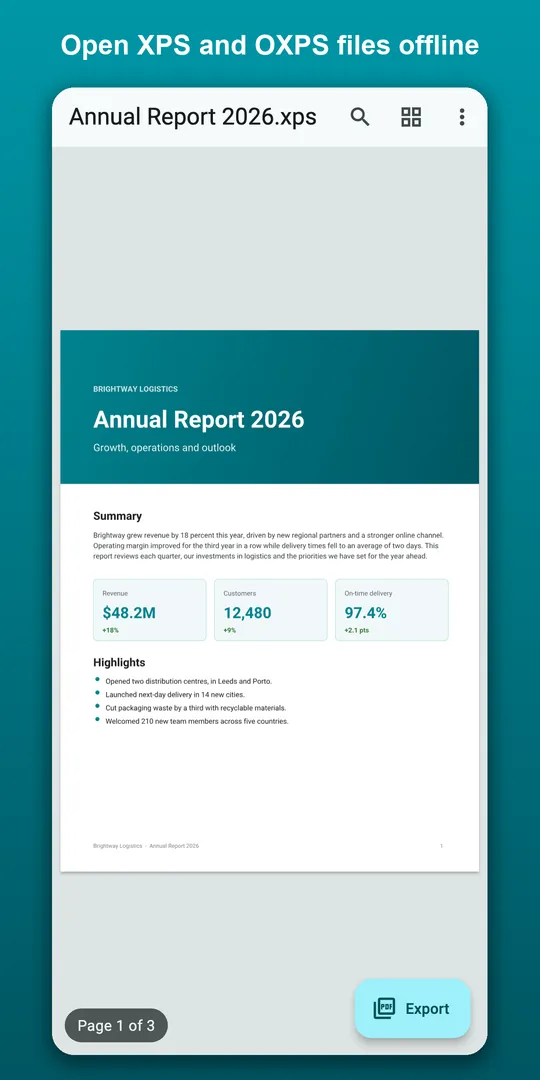
- XPS files from Microsoft XPS Document Writer and Office, and OpenXPS (.oxps) from Windows 8 and later
- Embedded and obfuscated fonts (.odttf), right-to-left text
- JPEG, PNG, TIFF and HD Photo (JPEG XR) images, gradients, transparency and opacity masks
- Open with from your file manager, email or chat app, even while another document is open
View
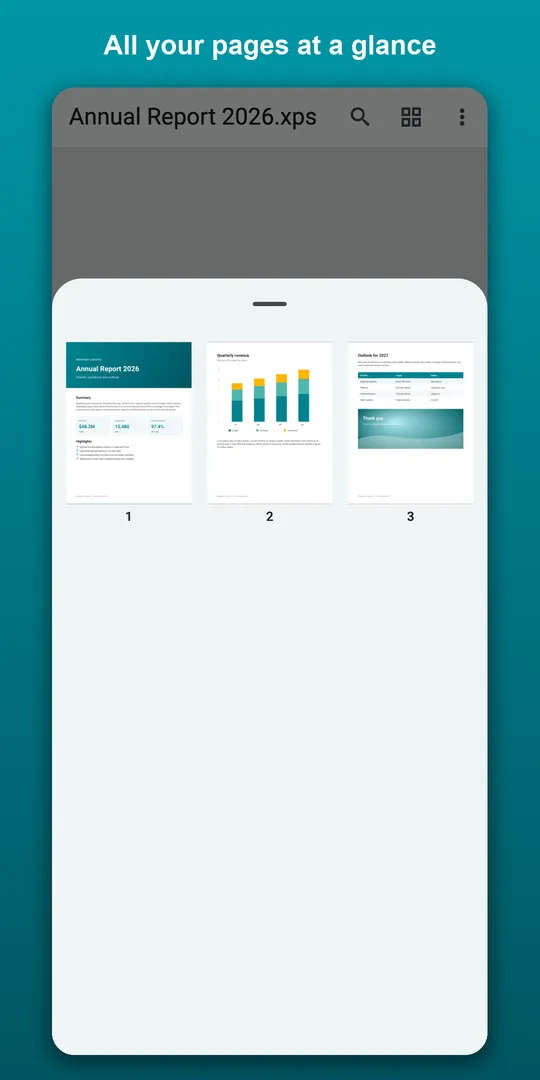
Swipe between pages, pinch or double-tap to zoom, page thumbnails and Go to page, document info, and share the XPS file to any app.
XPS to PDF
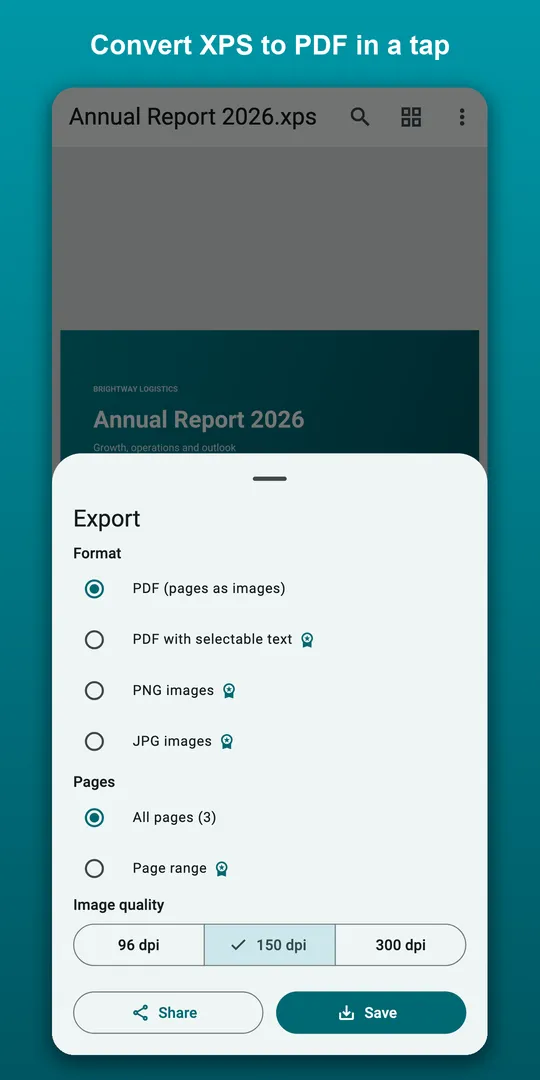
Convert every page to a PDF for free, at 96 to 300 dpi, and save it to your phone or share it.
Checked against MuPDF
The app reads XPS with its own engine. Every page was compared with MuPDF's rendering on a test set of public XPS and OXPS files, and every PDF was checked with qpdf.
Optional Pro unlock
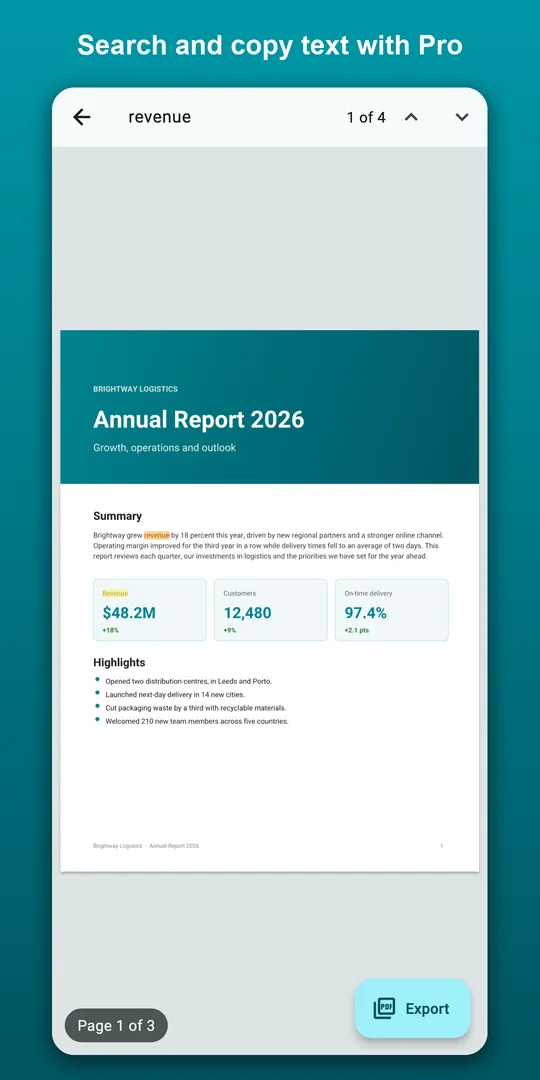
A one-time purchase, or a short unlock by watching an ad, adds PDFs with selectable, searchable text and the document's own fonts, batch convert, page ranges, PNG and JPG export, search and copy text, and no ads. Viewing and image PDF export stay free.
Questions
- Can I open an XPS file without Windows?
- Yes. XPS Viewer opens .xps and .oxps files directly on Android, offline.
- Are my documents uploaded anywhere?
- No. Documents are read and converted entirely on your phone, with no account and no storage permission.
- Is XPS Viewer made by Microsoft?
- No. It is an independent app and is not affiliated with Microsoft.
Free on Google Play, supported by ads. Read the XPS Viewer privacy policy. Questions or a bug? Write to support@tahatec.com.