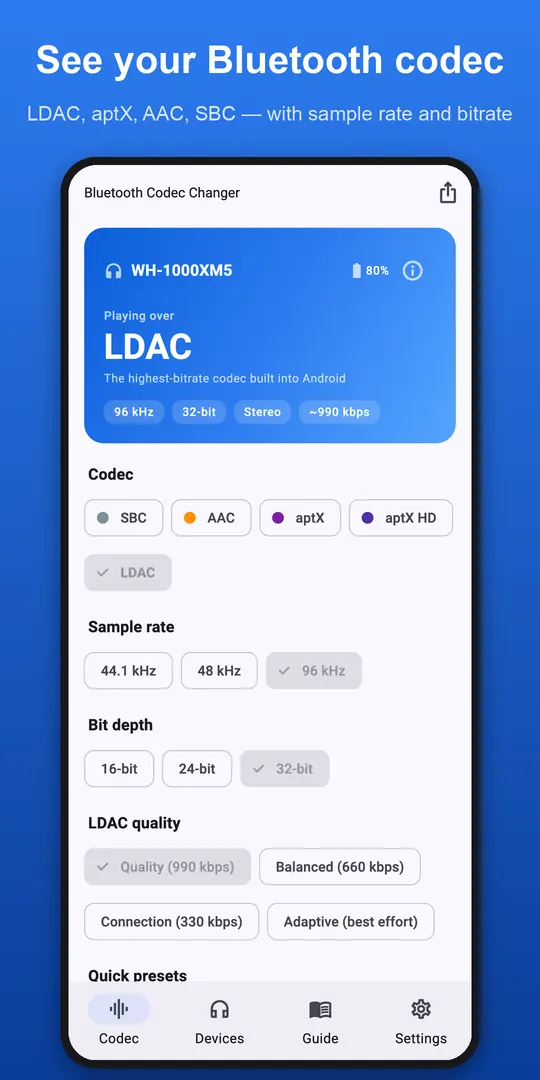
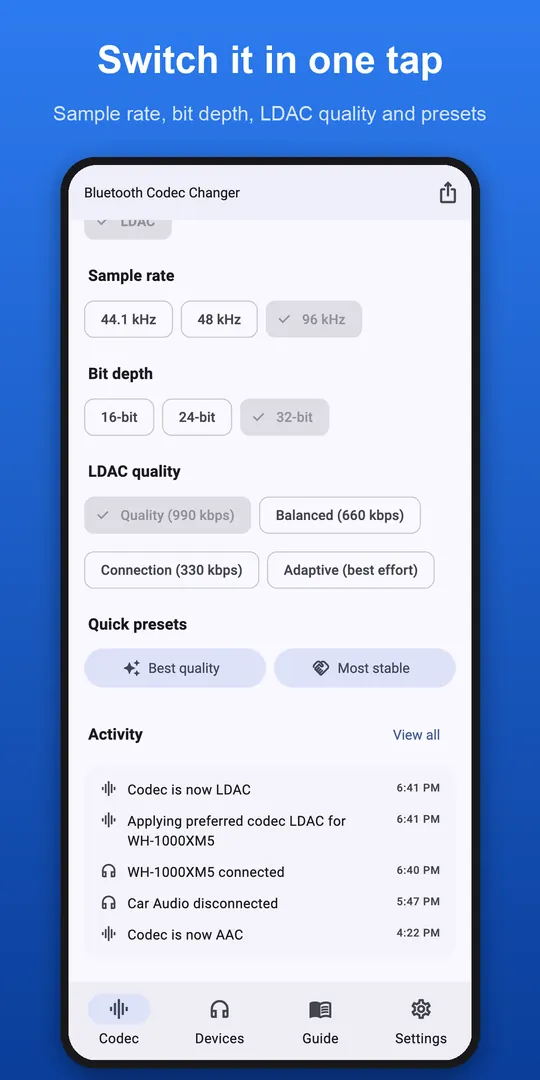
Switch codec instantly
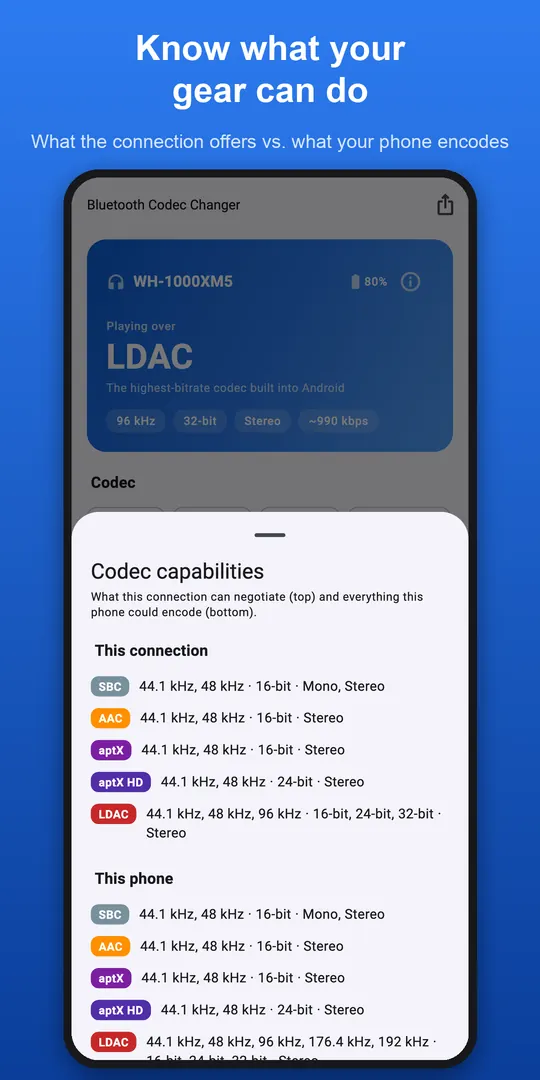
- Only the codecs both your phone and your device support are offered
- Fine-tune sample rate, bit depth and channel mode where the device allows it
- Pin LDAC quality at 990, 660 or 330 kbps, or adaptive
- One-tap presets: Best quality or Most stable
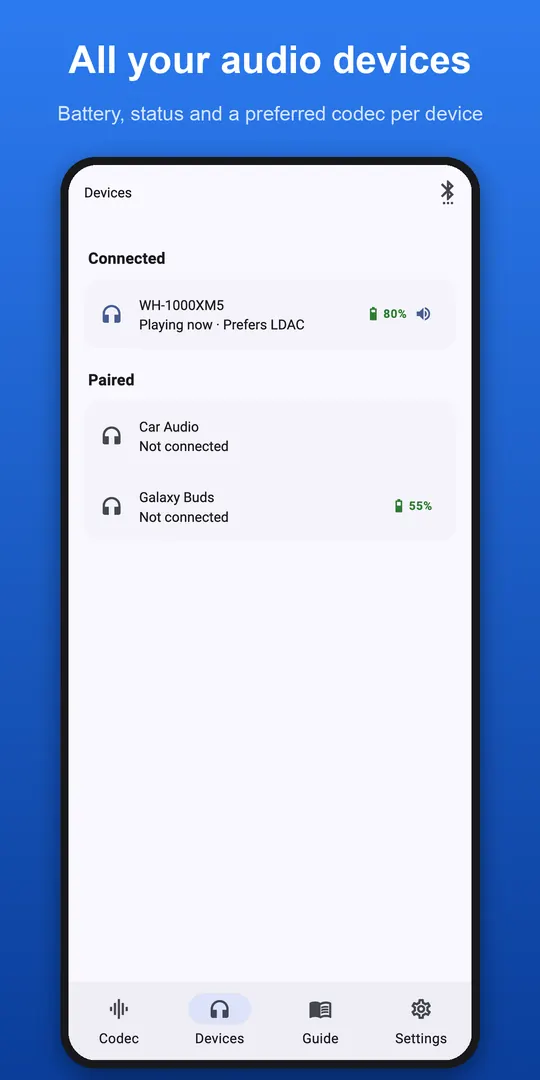
- A preferred codec per device, re-applied when that device starts playing
Know your audio devices
Connect, disconnect and choose the active audio device; see battery level and supported profiles (A2DP, AVRCP, HFP) of paired devices; and compare what the connection can do with everything your phone can encode. An activity history records connections and codec changes.
Widget, tile and guide
A Quick Settings tile and a home screen widget show the current codec, a shareable codec report helps on forums and with support, and a codec guide explains what each codec really changes, with a side-by-side table.
Honest about limits
Changing the codec is not an official Android feature for apps. Most phones accept the request, but some only accept it from system software; if yours does, the app says so and shows how to change the codec in Developer Options instead. The app needs the Nearby devices permission to read paired devices, never scans and never uses your location.
Questions
- How do I check which Bluetooth codec my phone is using?
- Open the app while your headphones are connected and playing. It shows the active codec with its sample rate, bit depth and bitrate.
- Why can't I select LDAC or aptX?
- Both ends must support a codec. The app only offers codecs that your phone and your headphones have in common.
- Why did the codec change not stick?
- Some phones only allow system software to change the codec. The app tells you when that happens and shows the Developer Options route instead.
Free on Google Play, supported by ads. Read the Bluetooth Codec Changer privacy policy. Questions or a bug? Write to support@tahatec.com.