
Ways to view
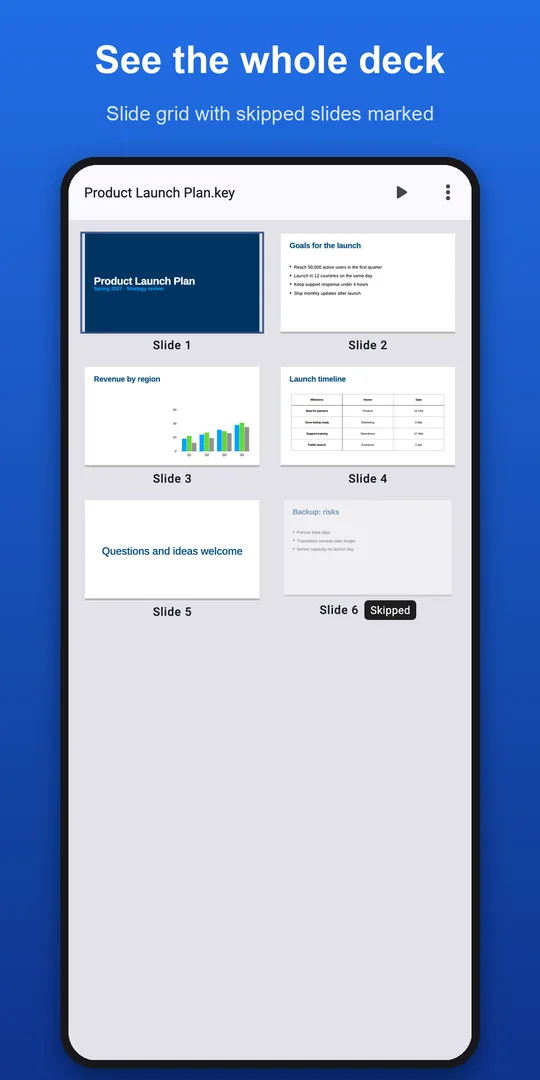
- Slide grid: see the whole deck at a glance, skipped slides clearly marked
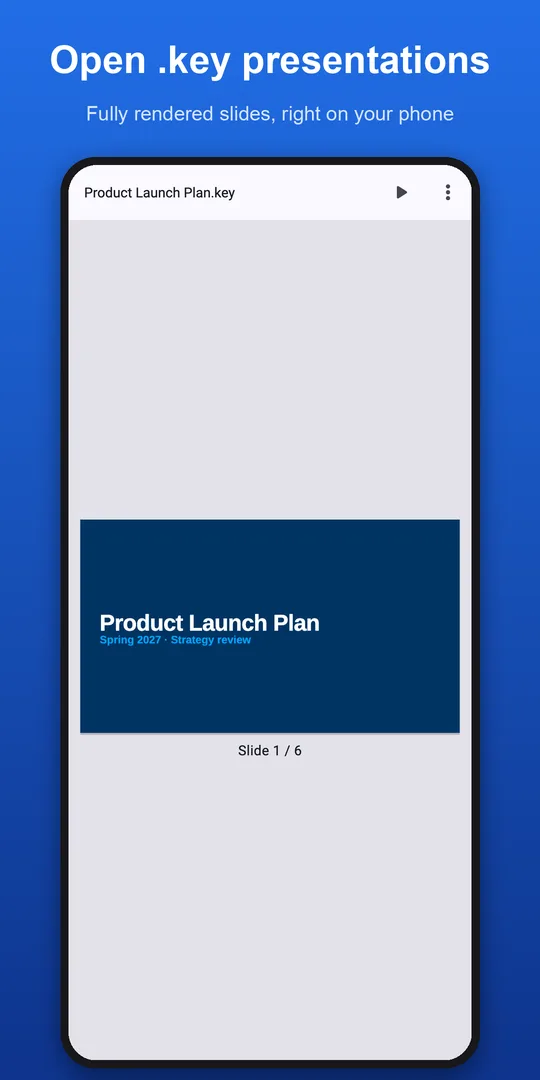
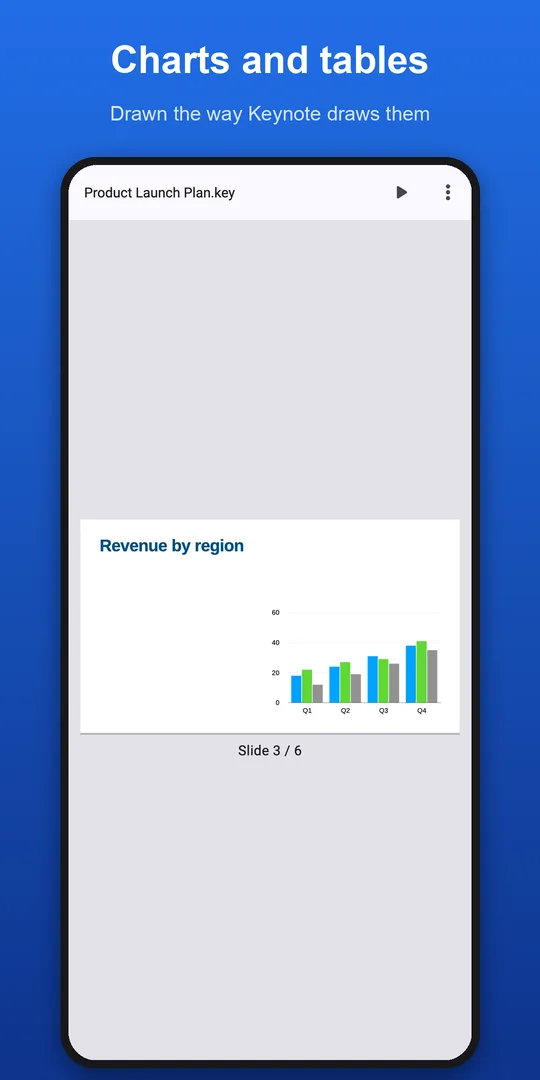
- Single slides: swipe through and pinch to zoom
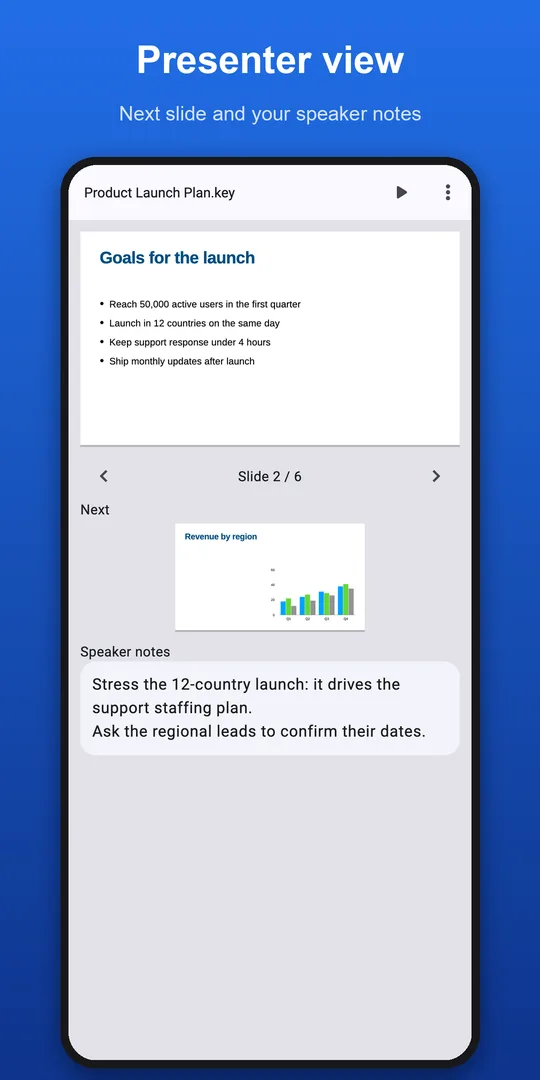
- Presenter view: current slide, next slide and your speaker notes
- Slideshow: full-screen play with simple transitions; skipped slides are left out
Save and share
- Save any slide as a PNG image
- Save the whole presentation as a PDF
Also
- Opens presentations saved by current Keynote and by Keynote '09
- Arabic, Urdu, Hebrew, Chinese, Japanese and Korean text
- "Open with" and "Share" from email, chat apps and file managers
- Nothing is uploaded: files are read on your device
Good to know: animations (builds) are shown in their final state, and fonts that only exist on a Mac are replaced by close open-source fonts. If a presentation cannot be drawn, the preview image stored in the file is shown instead.
Questions
- Can I open a .key file without a Mac?
- Yes. Keynote Viewer draws every slide on your Android phone or tablet, offline.
- Can I save a presentation as PDF?
- Yes, the whole presentation as a PDF, or any slide as a PNG image.
- Are animations shown?
- Builds are shown in their final state.
Free on Google Play, supported by ads. Read the Keynote Viewer privacy policy. Questions or a bug? Write to support@tahatec.com.