
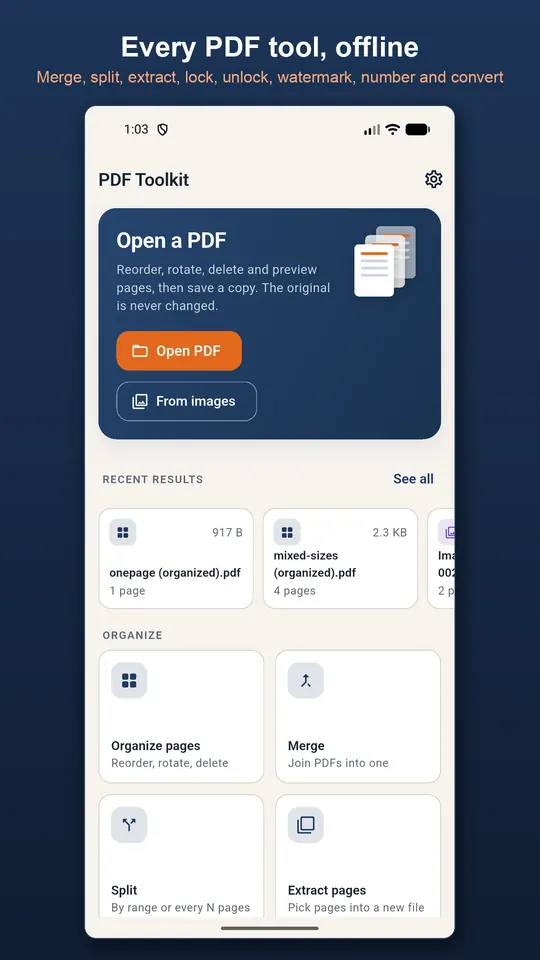
Organise pages
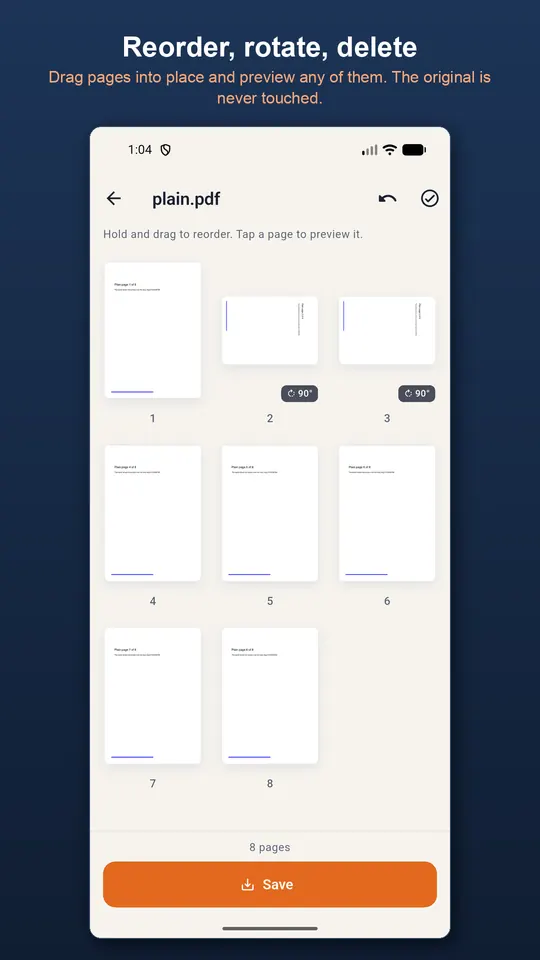
See every page as a thumbnail, drag to reorder, select pages to rotate or delete, and preview full screen with pinch to zoom. Every edit can be undone before you save.
Merge, split and convert
- Merge several PDFs in the order and with the name you choose
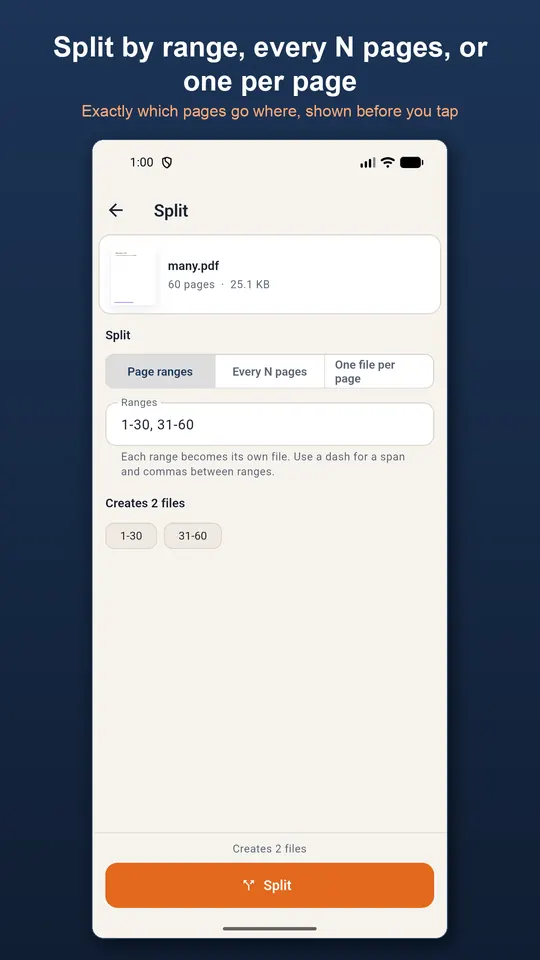
- Split by ranges like 1-3, 5, 8-10, every N pages, or one file per page, with a preview of which pages land where
- Extract pages into a new file in the order you tap them
- Images to PDF on A4, Letter or fitted pages, and PDF pages to PNG or JPEG at screen, print or high resolution
Protect and stamp
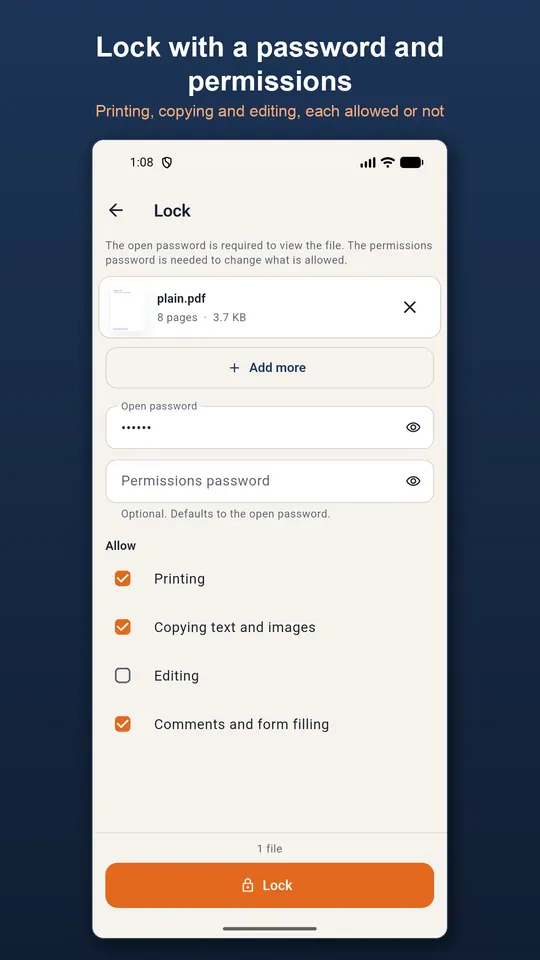
Lock a PDF with an open password and a permissions password, choosing whether printing, copying, editing and commenting are allowed, or unlock one with a password you know. Nothing is guessed or cracked. Add a text watermark with opacity, angle, size and colour, or page numbers like “Page 3 of 12”.
Private, and built for many files
Rotate, lock, unlock, watermark and page numbers work on several files at once. Files never leave your device, passwords are never stored, and on Android 10 and later the app needs no storage permission.
Questions
- Can I remove a password from a PDF?
- Yes, if you know the password. Unlock opens the file with it and saves a copy that opens without one. The app does not guess or crack passwords.
- Are my PDFs uploaded?
- No. Every operation runs on your phone, and there is no account or cloud.
- Where are the new files saved?
- In Downloads/PDF Toolkit. The original file is never modified.
Free on Google Play, supported by ads. Read the PDF Toolkit privacy policy. Questions or a bug? Write to support@tahatec.com.