Open .md files from anywhere
Tap a .md file in your file manager, email, WhatsApp, Telegram or Drive and choose the app, or share text from any app to read it as Markdown. Recent files can be pinned, and every document remembers where you stopped reading.
Beautiful reading
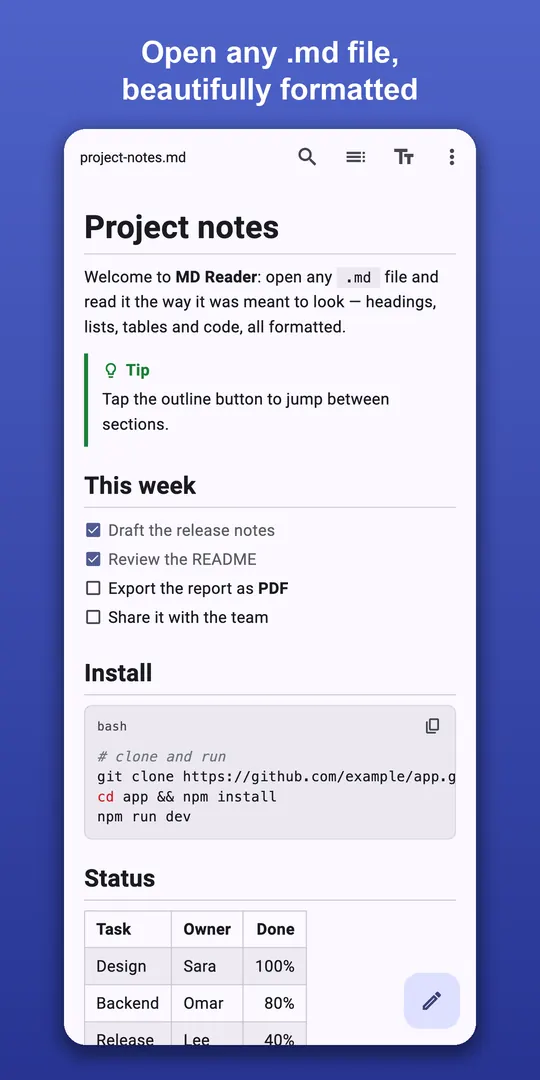
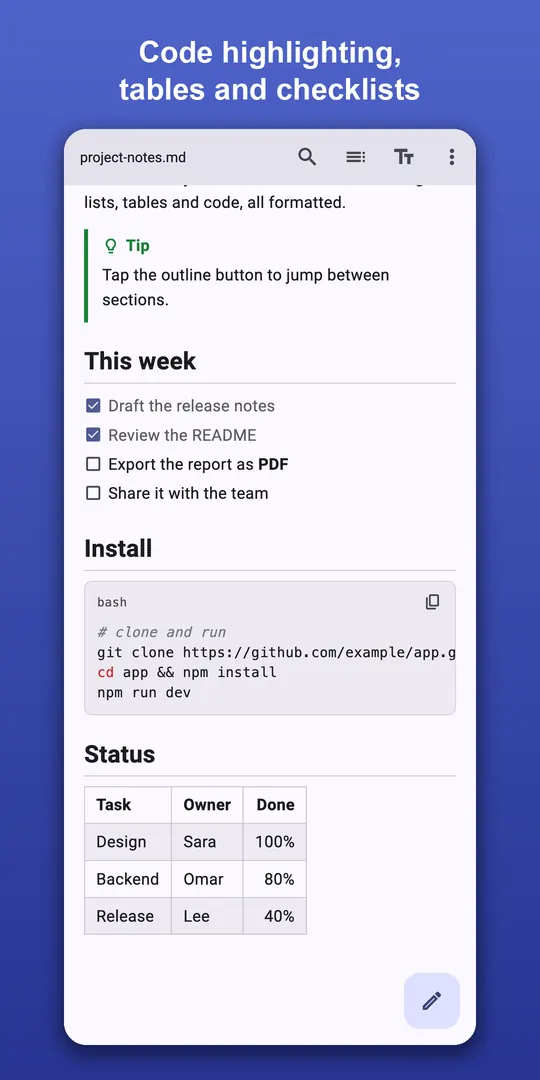
- GitHub-style Markdown with tables, task lists, footnotes and Note, Tip, Warning and Caution alerts
- Code blocks with syntax highlighting and a copy button
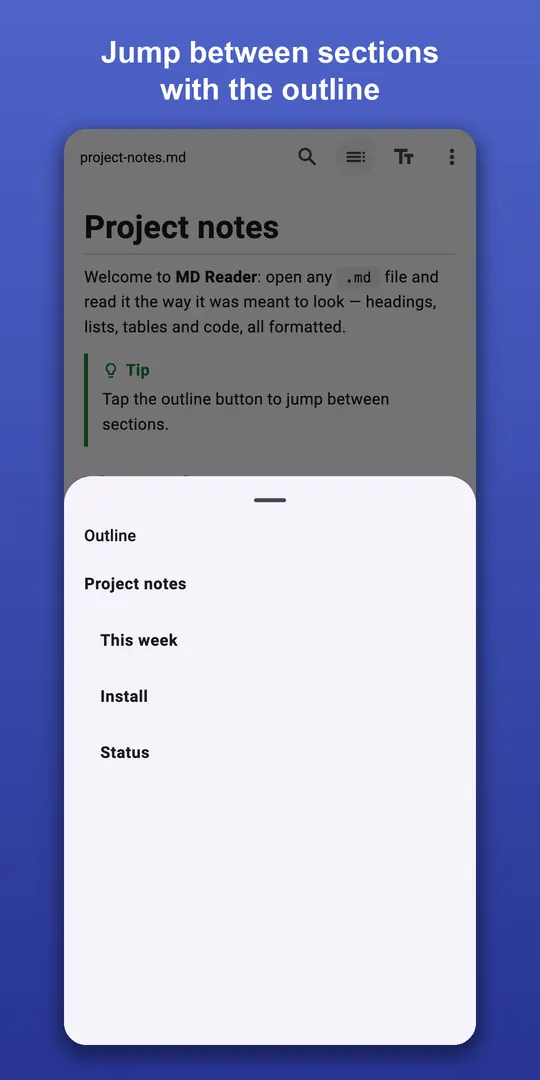
- An outline of headings and find in document
- Light, dark and sepia pages, serif or sans, adjustable size and spacing
- YAML front matter shown as a tidy properties card
Edit, save and export
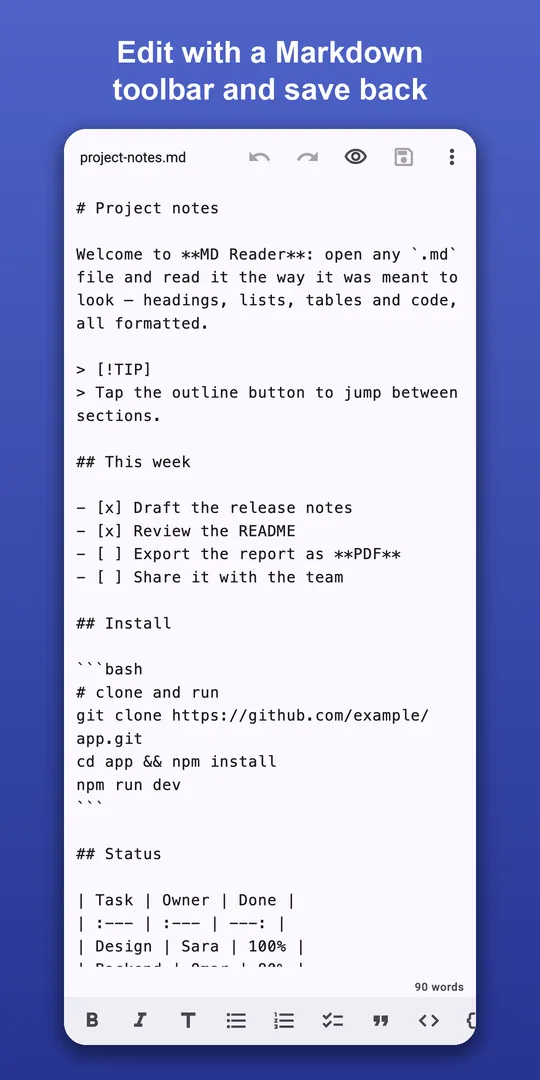
A plain-text editor with a Markdown toolbar, lists that continue when you press Enter, undo and redo, live preview and split view on tablets. Save back to the original or as a new file, export as PDF, HTML or plain text, or share the .md file.
Private by design
Documents never leave your phone, the app needs no storage permission, web images load only when you allow it so a document cannot tell anyone you opened it, and links show their real address with a warning for look-alike domains.
Questions
- How do I open a .md file on Android?
- Tap the file in your file manager or email and choose the app, or open it from the app's recent files. It is shown fully formatted.
- Can I edit Markdown and save it back?
- Yes. Edit with the Markdown toolbar and save back to the original file, or save as a new one.
- Can I convert Markdown to PDF?
- Yes. Export as PDF through Android's print dialog, or as HTML or plain text.
Free on Google Play, supported by ads. Read the Markdown Viewer privacy policy. Questions or a bug? Write to support@tahatec.com.