What you see
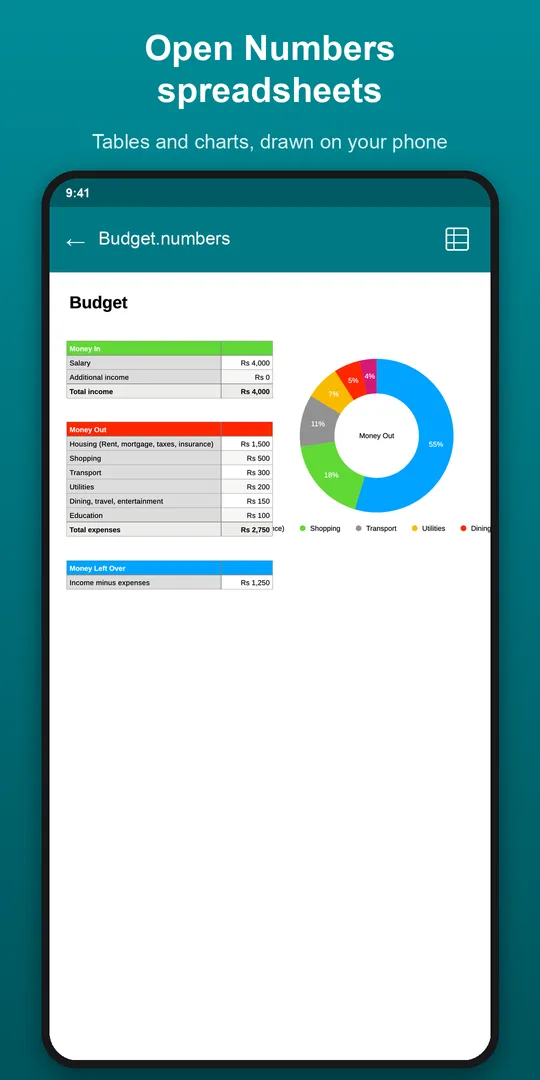
- Every sheet as a tab, with all its tables, charts, text boxes, shapes and images
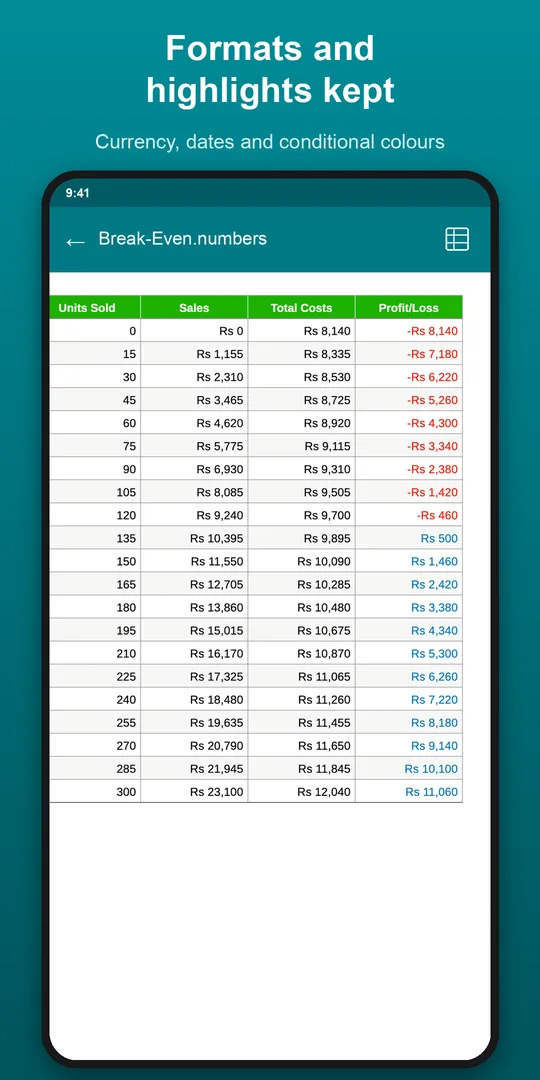
- Values exactly as Numbers saved them: currency, percentages, dates and times, durations, fractions, scientific numbers, checkboxes, star ratings, sliders and steppers
- Merged cells, cell colours, borders, fonts and conditional highlighting
- Header rows and columns, with frozen headers that stay in view as you scroll
- Grouped tables (categories) with their summary rows
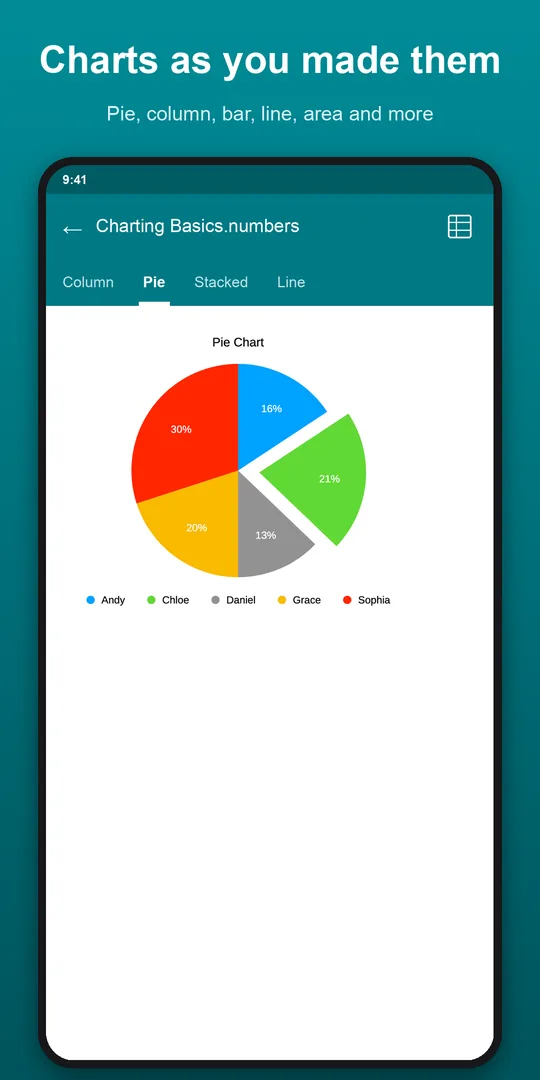
- Charts: column, bar, stacked, line, area, pie, doughnut, scatter and two-axis charts
Made for big spreadsheets
- Pinch to zoom and pan smoothly around large sheets
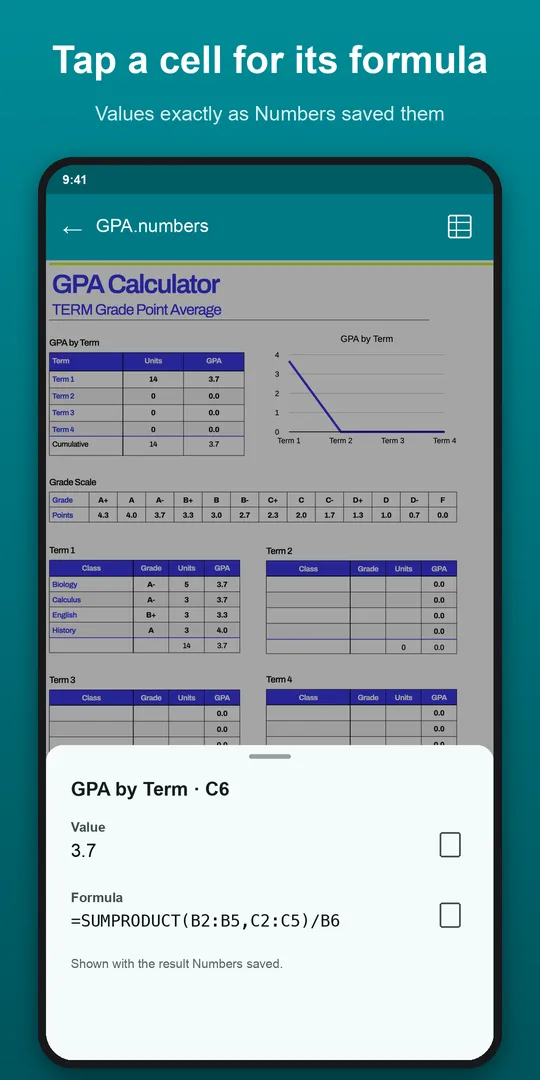
- Tap any cell to see its value, its formula and its comment, and copy them
- Formulas are shown with the result Numbers saved — nothing is recalculated or changed
Export
- Save any table as a CSV file to open in Google Sheets, Excel or any spreadsheet app
Older files
- Opens spreadsheets saved by Numbers '09 as well as current versions of Numbers
Private by design
- Your files are opened on your phone and never uploaded
- No account, no sign-in
- Open files from your file manager, from "Open with", or share them to the app from email and chat apps
Questions
- Can I open a .numbers file without a Mac?
- Yes. Numbers Viewer draws the spreadsheet the way it looks in Numbers, on your phone, without converting or uploading it.
- Can I export to Excel or Google Sheets?
- Save any table as a CSV file and open it in Google Sheets, Excel or any spreadsheet app.
- Are formulas recalculated?
- No. Formulas are shown with the result Numbers saved; nothing is recalculated or changed.
Free on Google Play, supported by ads. Read the Numbers Viewer privacy policy. Questions or a bug? Write to support@tahatec.com.