Scan anything
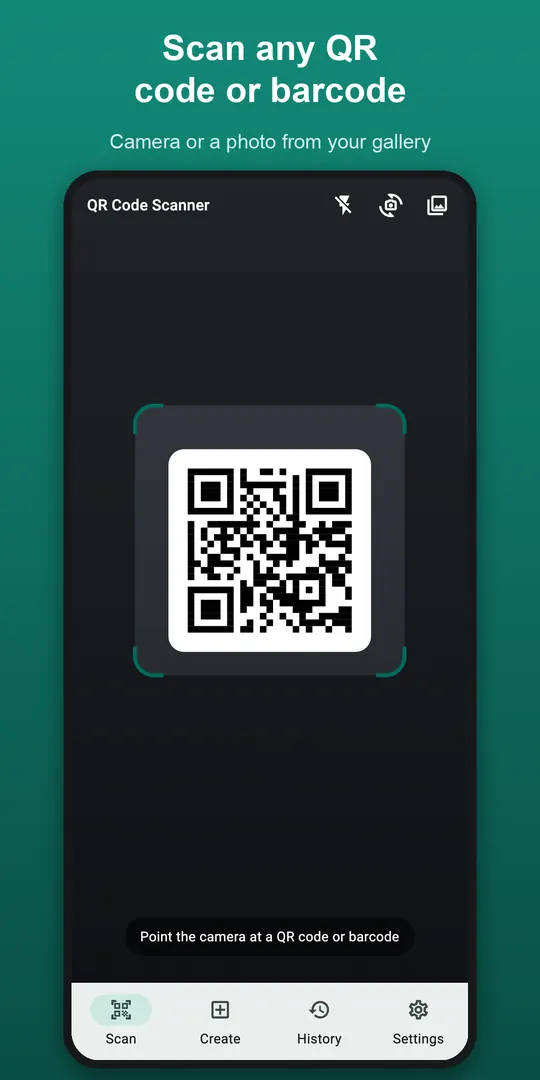
- QR, Micro QR, Data Matrix, Aztec and PDF417
- EAN-13, EAN-8, UPC-A, UPC-E, Code 128, Code 39, Code 93, Codabar, ITF and GS1 DataBar
- From the camera, or from a screenshot or photo in your gallery
- Flashlight, front or back camera, and vibration on scan
Understands what you scanned
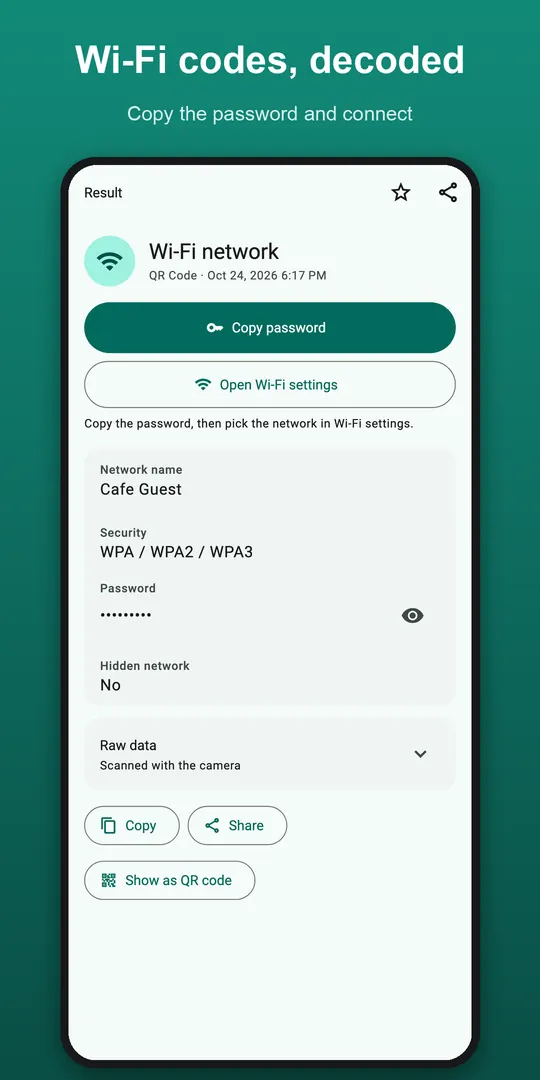
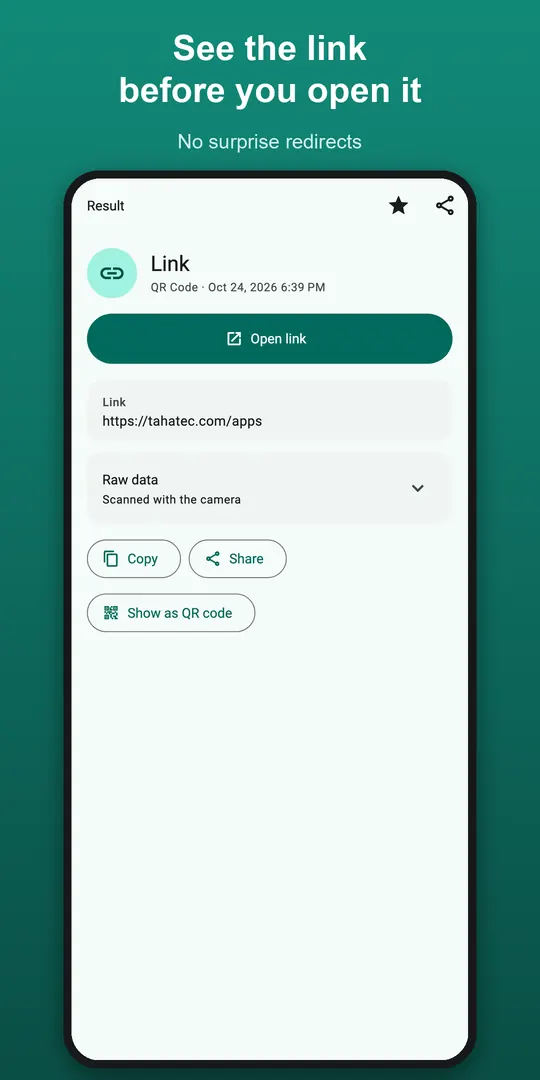
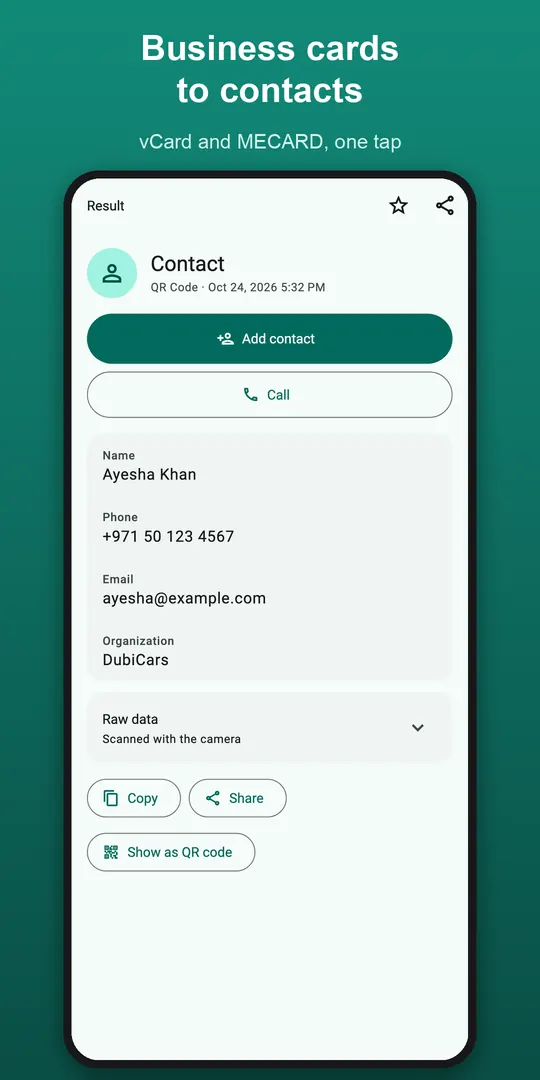
See a link's domain before you open it; copy a Wi-Fi password and jump to Wi-Fi settings; add contacts from vCard or MECARD; compose email, SMS or a call; open locations in maps; add calendar events; look up products and books; and open authenticator (OTP) codes with a warning to keep them private.
Create your own codes
Make QR codes for text, links, Wi-Fi, contacts, email, phone, SMS, locations and events, and barcodes including EAN-13, UPC-A, Code 128, ITF-14, Data Matrix, PDF417 and Aztec. Save as PNG, share, or copy the text, with adjustable QR error correction.
History and privacy
Every scan and created code is kept with favourites, search and filters, or turn history off entirely. Codes are decoded on your device, nothing you scan is uploaded, and links are never opened automatically unless you turn that on.
Questions
- Is it safe to scan a QR code?
- Scanning itself is safe; the risk is what the code opens. The app shows the link's domain first and never opens links automatically unless you choose that.
- Can I scan a QR code from a screenshot?
- Yes. Pick the screenshot or photo from your gallery and the code is read from the image.
- How do I share my Wi-Fi with a QR code?
- Create a Wi-Fi QR code with your network name and password, then save or share the image. Others scan it to connect.
Free on Google Play, supported by ads. Read the QR Code Scanner privacy policy. Questions or a bug? Write to support@tahatec.com.